Productivity
-
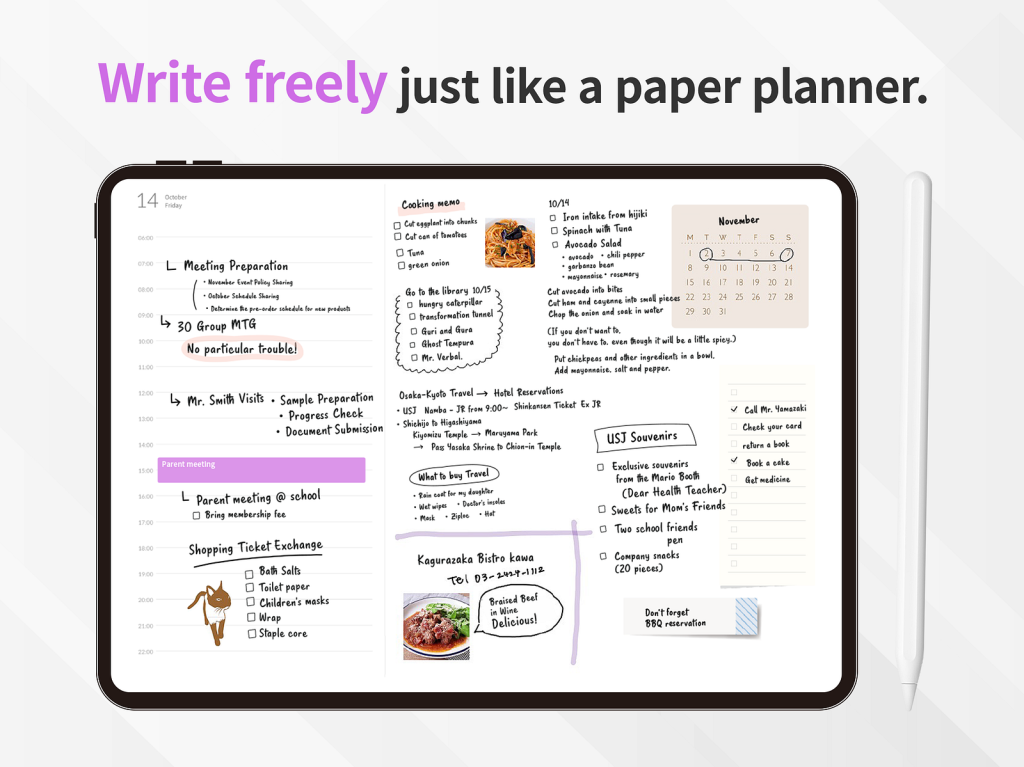
iPad Planner vs Paper Planner: An Honest 2026 Comparison
Paper has soul. iPad has search. Here’s how to figure out which one will actually keep you planning past February. Every January, the same debate flares up on Reddit, YouTube, and Instagram: should you plan on paper or on your iPad? And every January, the answers are the same recycled talking points. “Paper is better for memory!” “Digital is better for productivity!” “Hobonichi forever!” “Just use Notion!” None of it actually helps you decide. Because the real question isn’t which…
-
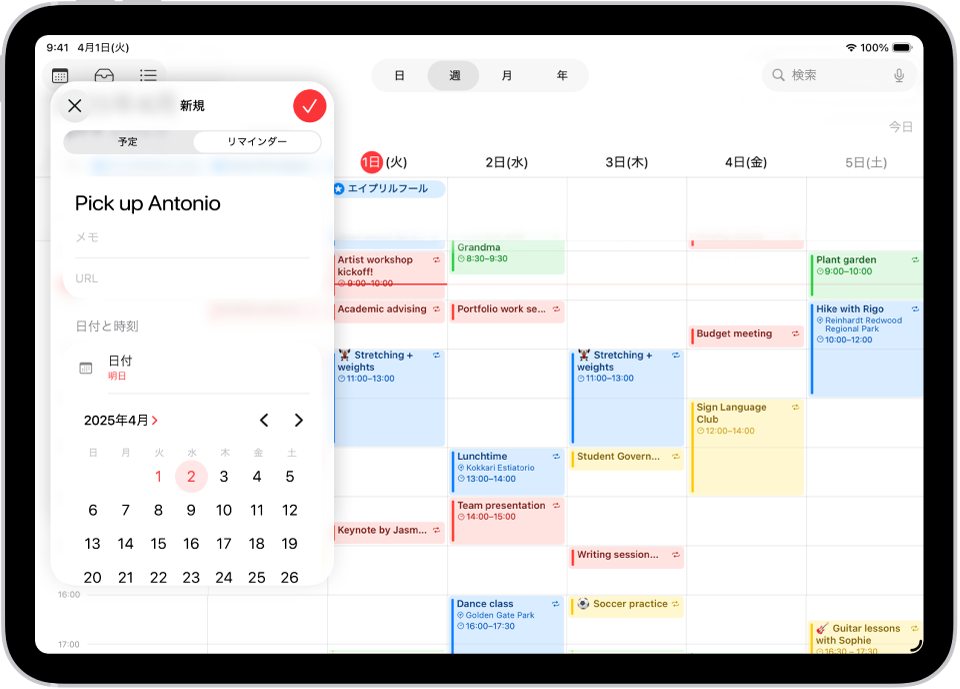
Apple Calendar on iPad: How to Actually Use It for Planning (Beyond Just Viewing Events)
Your calendar shows what’s scheduled. It doesn’t show what you’re going to do about it. Here’s how to bridge that gap on iPad — without leaving the Apple ecosystem. There’s a quiet problem with Apple Calendar that almost no one talks about. It’s beautiful. It syncs across every Apple device you own. It handles invites, reminders, time zones, recurring events, and shared family calendars without breaking a sweat. For most people, it’s the default — the calendar app you never…
-
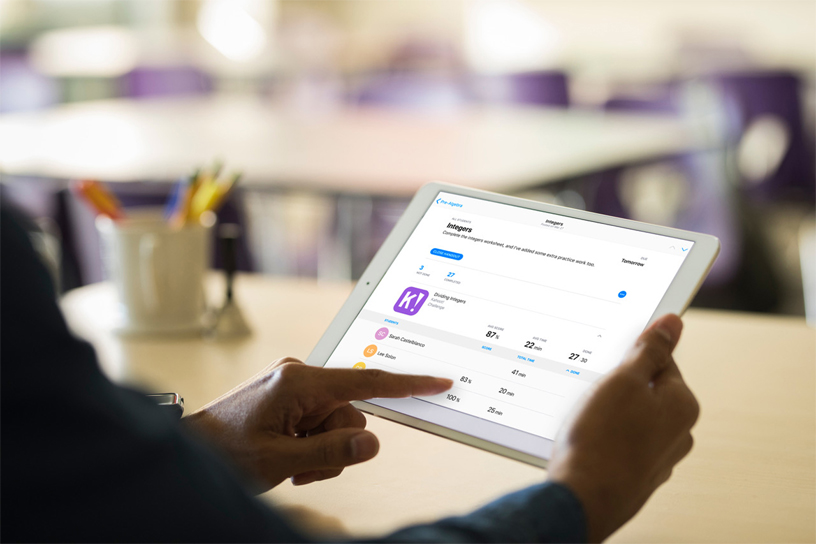
How to Use Your iPad as a Work Planner (And Why Professionals Are Making the Switch)
Your work calendar is packed. Your to-do list is everywhere. Your iPad can fix both — if you set it up the right way. Most productivity advice is written for students or side-project hobbyists. “Color-code your goals!” “Add washi tape to your weekly spread!” That’s fine if you’re decorating a bullet journal on a Sunday afternoon. But if you’re managing a real workload — back-to-back meetings, cross-functional projects, deadlines that move, people who need things from you — you need…
-
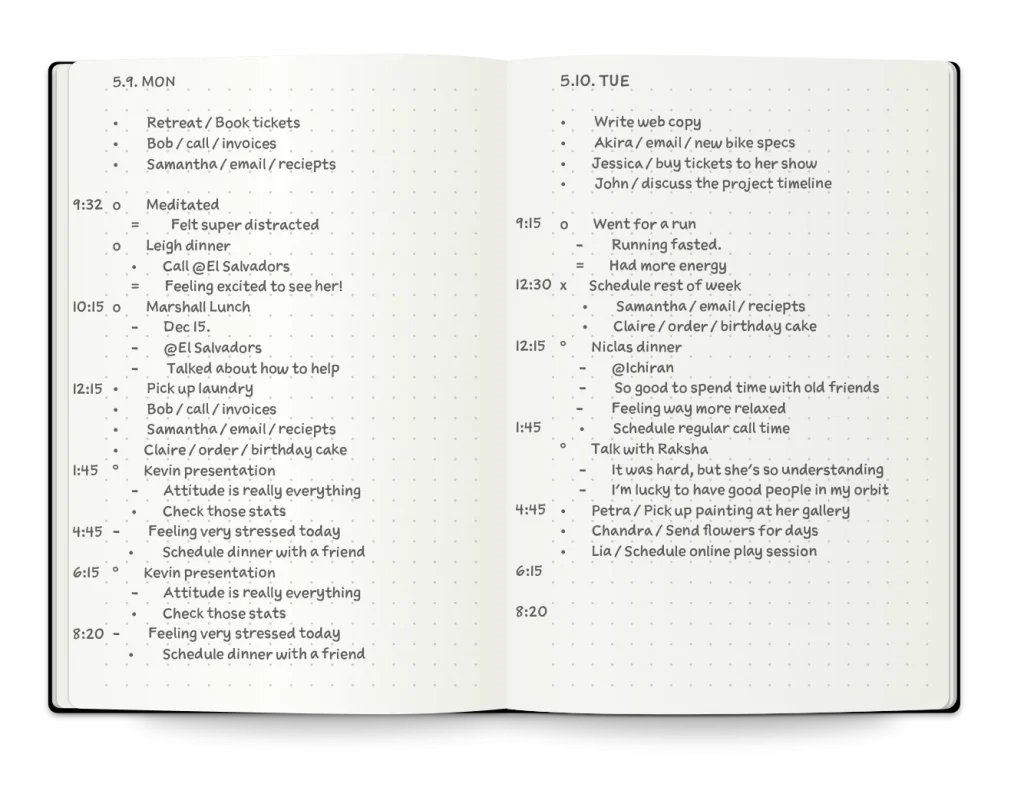
How to Use Your iPad as a Bullet Journal (Without the Setup Headache)
Your iPad can do everything a paper bullet journal does — minus the monthly redraw. Here’s how to set it up so it actually sticks. There’s a reason the bullet journal method has lasted over a decade. It works. Not because of the elaborate spreads you see on Instagram. Not because of the washi tape or the Tombow brush pens. It works because at its core, it’s just a system for writing things down — tasks, events, notes — in…
-
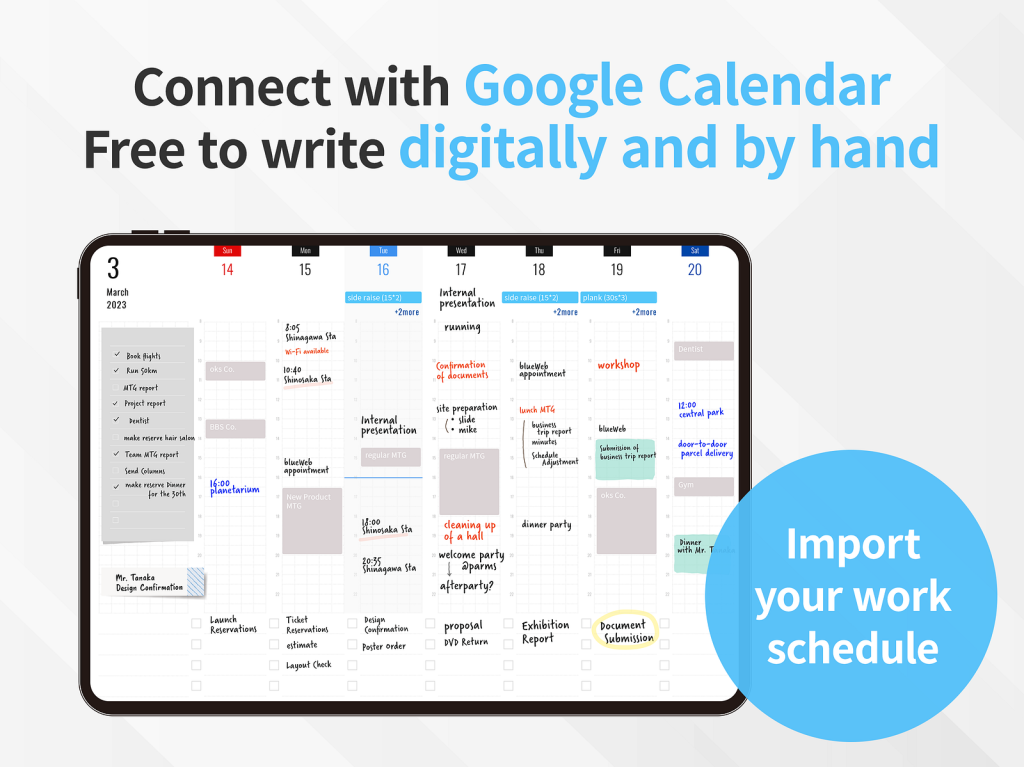
Time Blocking on iPad: A Complete Guide (2026)
Your calendar shows what’s scheduled. Time blocking shows what actually gets done. Here’s how to do it on iPad — with your Apple Pencil. Most people use their calendar wrong. They put meetings on it, maybe a dentist appointment, and leave the rest of the day as blank white space — as if “free time” means “productive time.” It doesn’t. Blank space on a calendar is where hours go to die. You check email, scroll through Slack, start three things…