August 2026
-
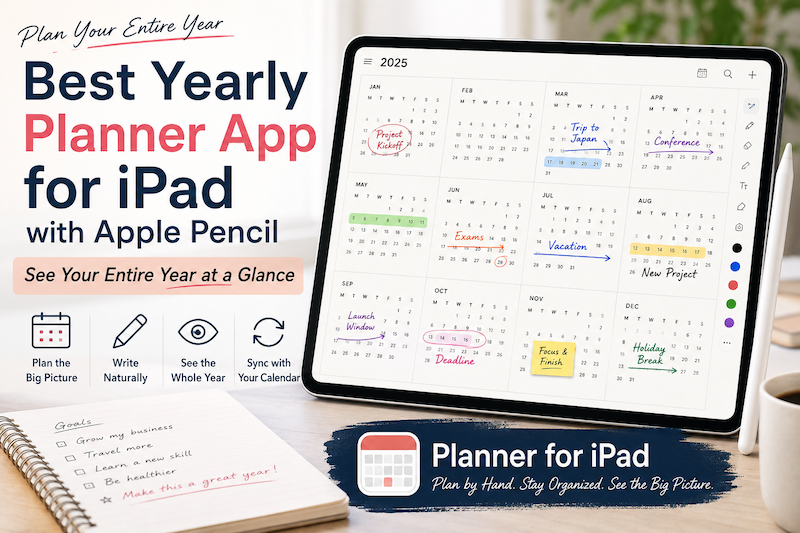
Best Yearly Planner App for iPad with Apple Pencil: See Your Entire Year at a Glance
A daily planner helps you manage today. A weekly planner helps you organize the next few days. A monthly planner helps you understand the shape of the month. But sometimes even a month is too small. When you are planning vacations, major projects, school terms, launches, busy seasons, financial goals, or simply the life you want to have over the next twelve months, you need to zoom out much further. That is where a yearly planner becomes useful. A good…
-
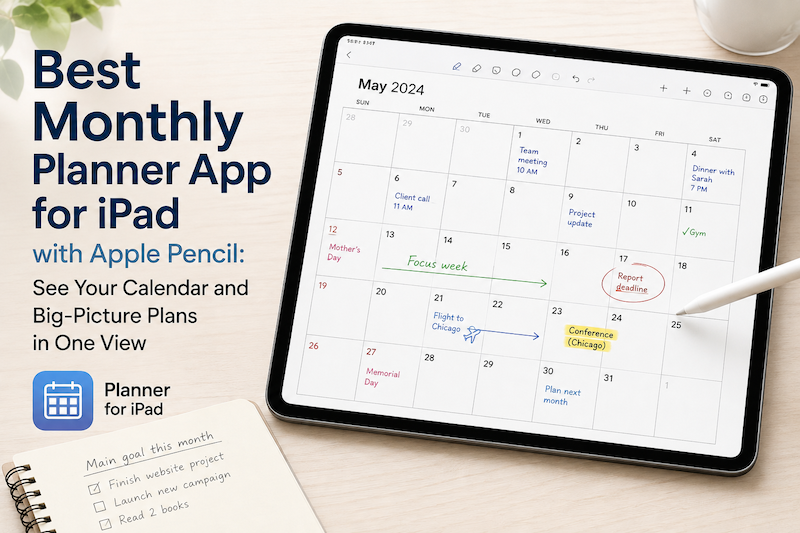
Best Monthly Planner App for iPad with Apple Pencil: See Your Calendar and Big-Picture Plans in One View
A daily planner helps you manage today. A weekly planner helps you organize the next few days. But sometimes you need to zoom out. A monthly planner gives you a different perspective. Instead of asking, “What do I need to do next?” you can ask: What does this month actually look like? On an iPad, a monthly planner can be especially useful when it combines two things that are usually separated: your real calendar schedule and the freedom to write…
-
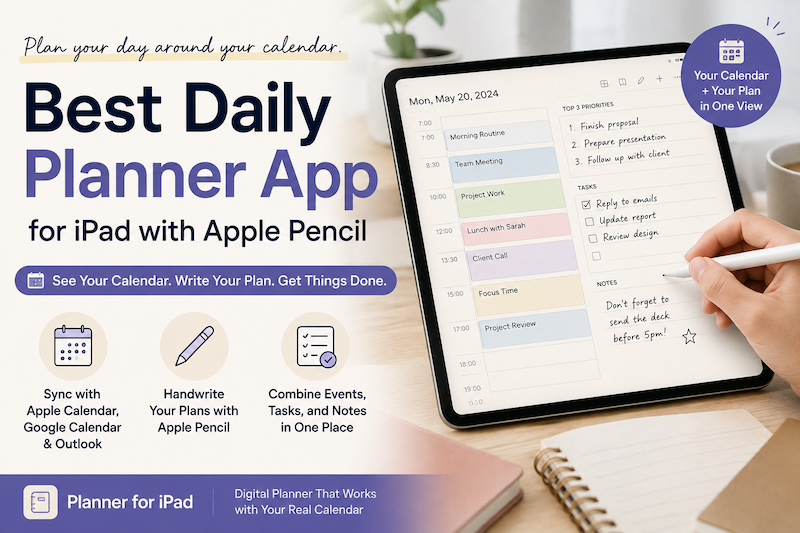
Best Daily Planner App for iPad with Apple Pencil: Plan Your Day Around Your Calendar
A calendar tells you what is scheduled. A daily planner helps you decide what to do with the rest of your day. On an iPad, these two things do not have to live in separate apps. With the right daily planner, you can see your calendar events, write plans with Apple Pencil, organize tasks, and add notes—all in one place. If you like the flexibility of a paper planner but also rely on Apple Calendar or Google Calendar, a daily…
-
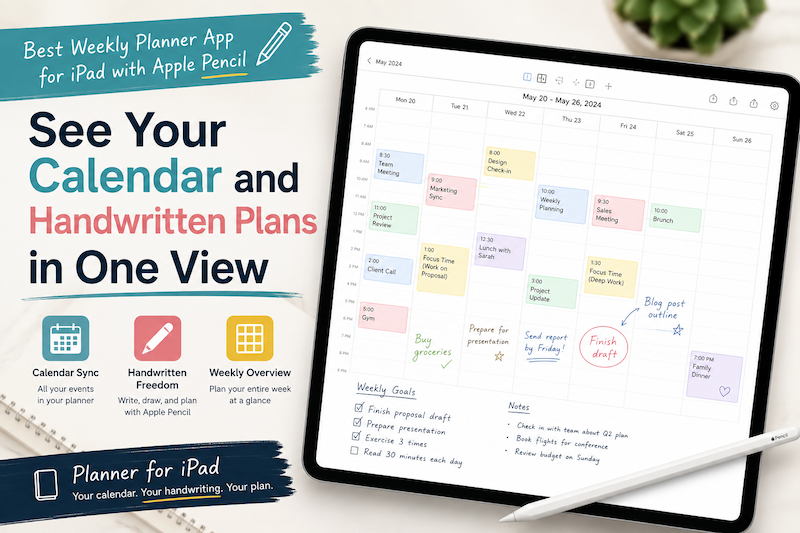
Best Weekly Planner App for iPad with Apple Pencil: See Your Calendar and Handwritten Plans in One View
Planning an entire week is difficult when your schedule and your thoughts live in different places. Your meetings may be stored in Apple Calendar. Work events may come from Google Calendar or Outlook. Tasks may be scattered across Apple Reminders, email, and handwritten notes. Then, when it is time to plan the week, you have to bring everything together manually. You open your calendar, check Monday’s appointments, switch to a digital planner, and copy them across. You repeat the process…