iPad
-
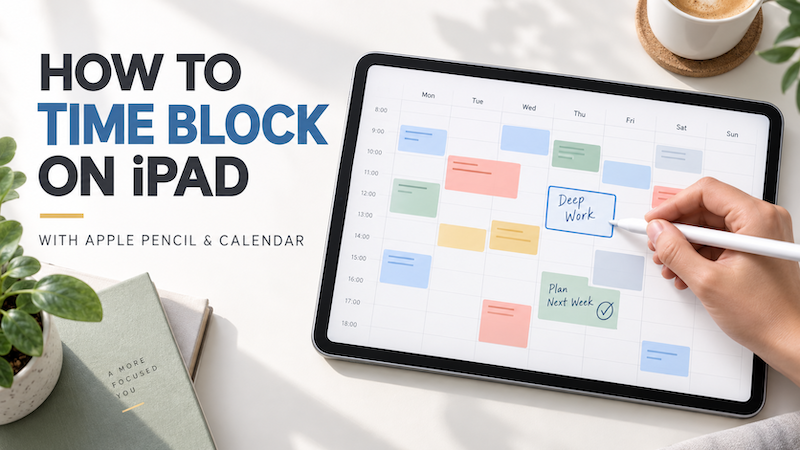
How to Time Block on iPad with Apple Pencil and Calendar
A to-do list tells you what needs to be done. It does not tell you when you will do it. That difference becomes important when your list contains ten tasks, your calendar contains four meetings, and the day still has only a limited number of usable hours. Time blocking helps solve this problem by assigning important work to specific periods of the day. Instead of repeatedly looking at a long list and deciding what to do next, you create a…
-
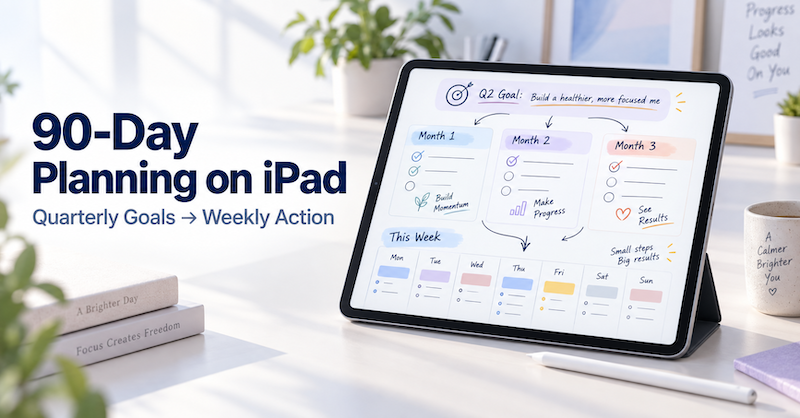
90-Day Planning on iPad: How to Turn Quarterly Goals into Weekly Action Plans
A year is long enough for a goal to remain comfortably vague. A day is short enough for urgent work to consume everything. Ninety days sits between those two extremes. It gives you enough time to complete something meaningful, but it is close enough that you cannot keep postponing the first step. That makes a 90-day plan especially useful for projects, study goals, business improvements, health routines, creative work, and personal changes. The challenge is not choosing a goal. The…
-
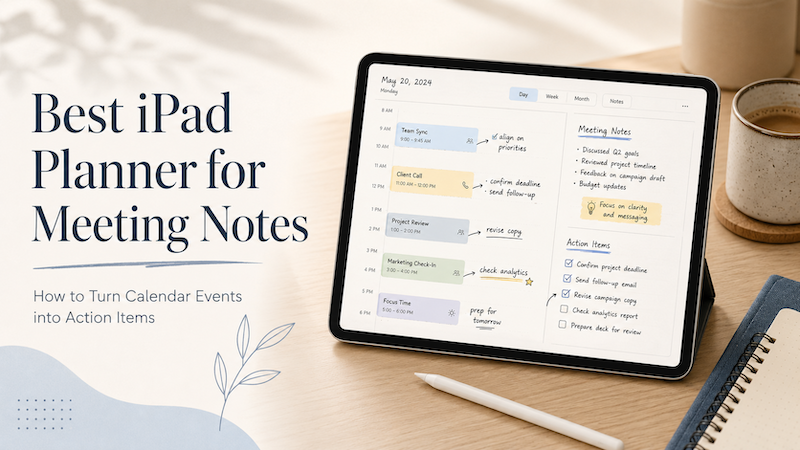
Best iPad Planner for Meeting Notes: How to Turn Calendar Events into Action Items
Meetings rarely end when the meeting ends. You leave with notes, decisions, follow-ups, small tasks, vague promises, and maybe one or two things you really should not forget. The problem is that most meeting workflows split everything apart. Your meeting time lives in your calendar.Your notes live in a notes app.Your follow-up tasks live somewhere else.Your real thoughts may still be scattered across the margins of a notebook. That is why an iPad planner can be surprisingly useful for meeting…
-
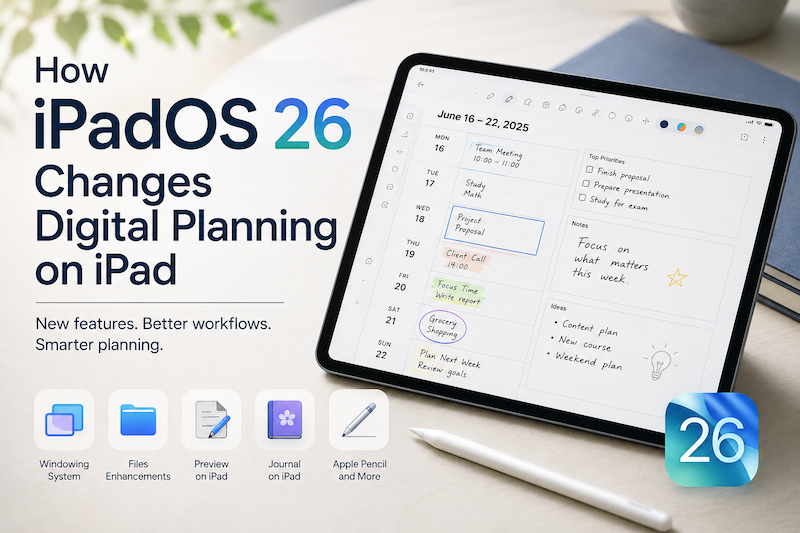
How iPadOS 26 Changes Digital Planning on iPad
iPadOS 26 makes the iPad feel more powerful, flexible, and closer to a complete workspace than ever before. With a new windowing system, improved file handling, Preview on iPad, better PDF workflows, Journal, and more Apple Pencil-friendly features, the iPad is no longer just a device for reading, watching, or light note-taking. It is becoming a serious place to work, think, organize, and plan. But there is one important thing to remember: More productivity features do not automatically make planning…
-
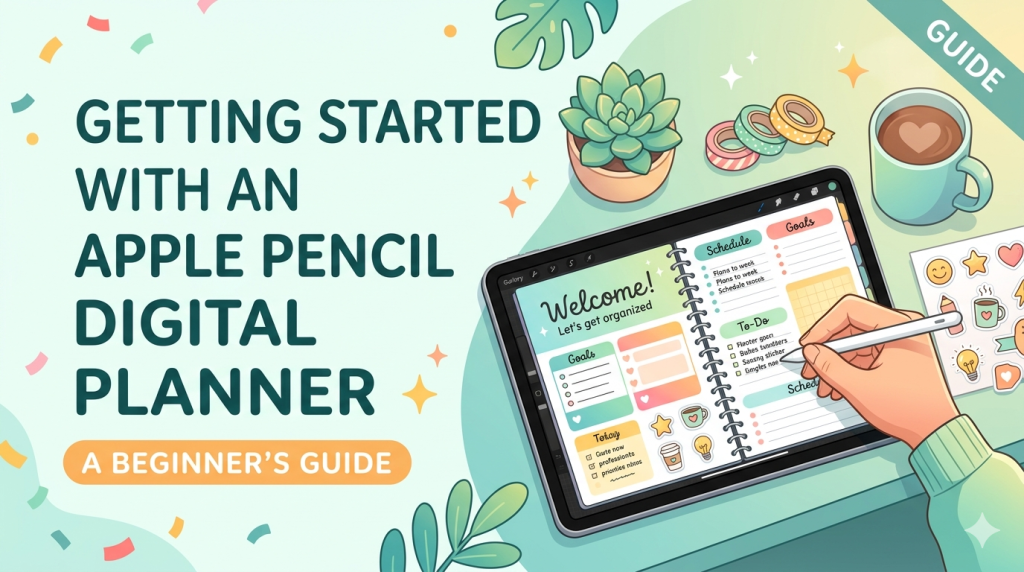
Getting Started with an Apple Pencil Digital Planner: A Beginner’s Guide
If you’ve been curious about ditching paper planners but love the feel of writing by hand, you’re in exactly the right place. The combination of an iPad and an Apple Pencil has become the closest thing we have to a paper notebook that never runs out of pages — and once you set it up properly, it’s hard to go back. I’m the developer of Planner for iPad, so I’ve spent years thinking about what makes handwritten digital planning actually…
-
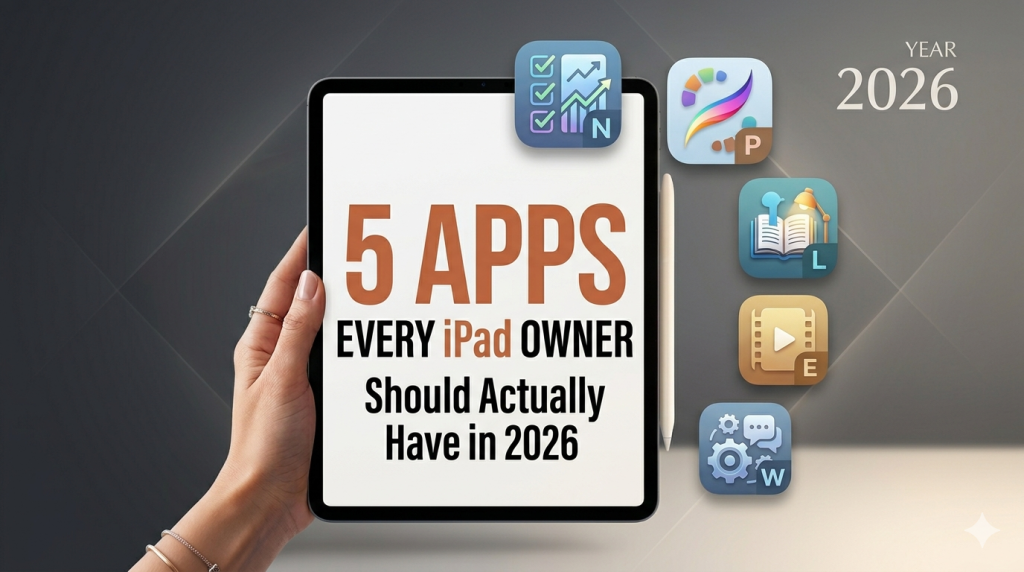
5 Apps Every iPad Owner Should Actually Have in 2026
Most “best iPad apps” lists read like a sponsored catalog. Forty apps, no opinions, every one of them a 5-star miracle. That’s not useful. Here are five apps I actually recommend — the ones that justify owning an iPad in the first place. If your iPad mostly sits on the kitchen counter playing YouTube, this is the list that gets it off the counter. Full disclosure: I make one of the apps on this list. I’ll tell you which one…
-
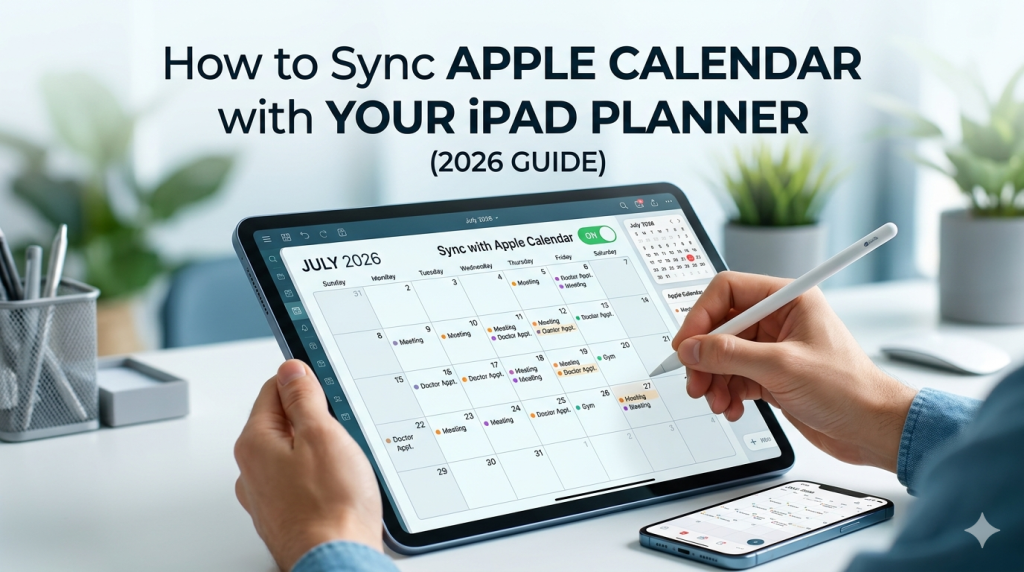
How to Sync Apple Calendar with Your iPad Planner (2026 Guide)
Your week is already in Apple Calendar. The dentist appointment, the team meeting, your kid’s recital, the flight on Friday. So when you open your iPad planner to map out the week, you have a choice: rewrite all of it by hand, or let your planner pull those events in automatically. Most people don’t realize the second option exists — or assume it only works with one specific app. The truth is more interesting. Apple Calendar sync on iPad works…
-
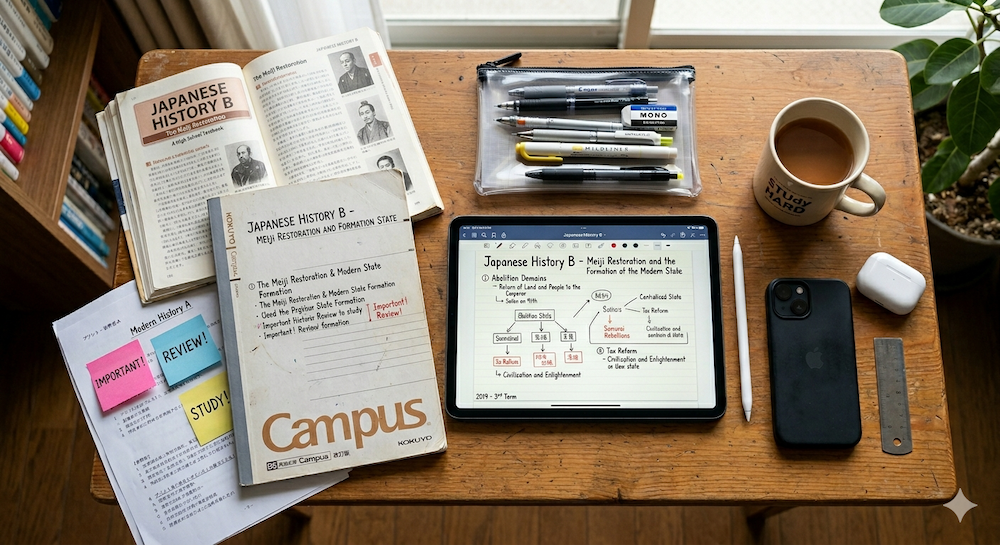
Best iPad Planner for Students in 2026 (That You’ll Actually Keep Using)
You have an iPad. You have classes, deadlines, and a social life to balance. Here’s how to find an iPad planner that survives past the first week of the semester. There’s a particular kind of optimism that hits at the start of every semester. You download a new app, set up your schedule, maybe even color-code your courses. For about four days, you’re the most organized person you know. Then week two arrives. You miss a lecture. The planner starts…
-
Has GoodNotes Lost Its Way? The Cost of Becoming an Everything App
When a beloved note-taking app tries to do everything, it risks doing nothing well. There was a time when opening GoodNotes felt like cracking open a fresh notebook. You’d pick up your Apple Pencil, and you’d write. No wizards, no AI prompts hovering at the edge of your vision, no subscription tiers to worry about. Just digital ink on digital paper. That version of GoodNotes — clean, focused, and quietly brilliant — is getting harder to find beneath the growing…
-
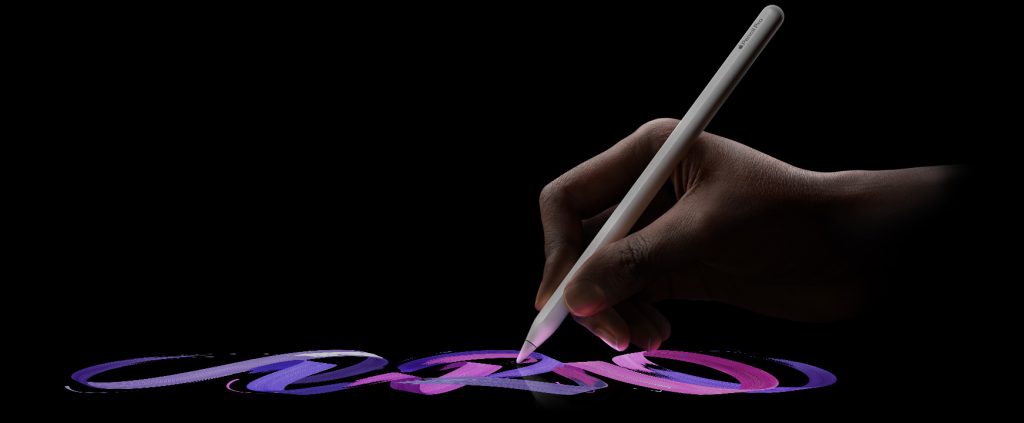
The Apple Pencil Changed How I Think About Planning — So I Built an App Around It
There’s a moment — maybe you’ve felt it — when a piece of technology stops feeling like technology. It just becomes an extension of you. For me, that moment came the first time I drew a line with the Apple Pencil on an iPad screen. It wasn’t dramatic. I wasn’t sketching a masterpiece or annotating some important document. I was just writing. A word, then a sentence, then a whole page of messy, sprawling thoughts in my own handwriting. And…