November 2026
-
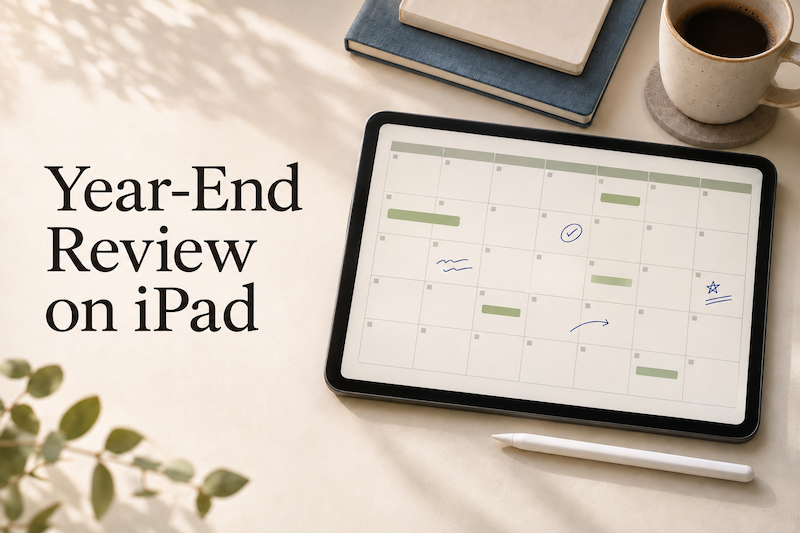
How to Do a Year-End Review on iPad with Apple Pencil and Calendar
Open your calendar to one of your busiest weeks this year. Maybe there was a trip on Tuesday and three invoices due on Friday. Then open your planner to the same week. You might find “check invoice details” written on Monday, then again on Thursday. The calendar tells you when the invoices were due. The handwritten notes show how long the work kept getting pushed back. That’s enough to make one useful change for next year. Keep the due date…
-

How to Set Up Your 2027 Digital Planner on iPad
The first week of January usually starts taking shape before the year ends. A school date is already on the family calendar. A weekly meeting may or may not resume. A few unfinished tasks from December are still sitting on a handwritten page. If you’re setting up a 2027 digital planner on iPad, start with those commitments. Open January, check which events are already there, and give a date to the unfinished tasks you still want to do. Then use…
-
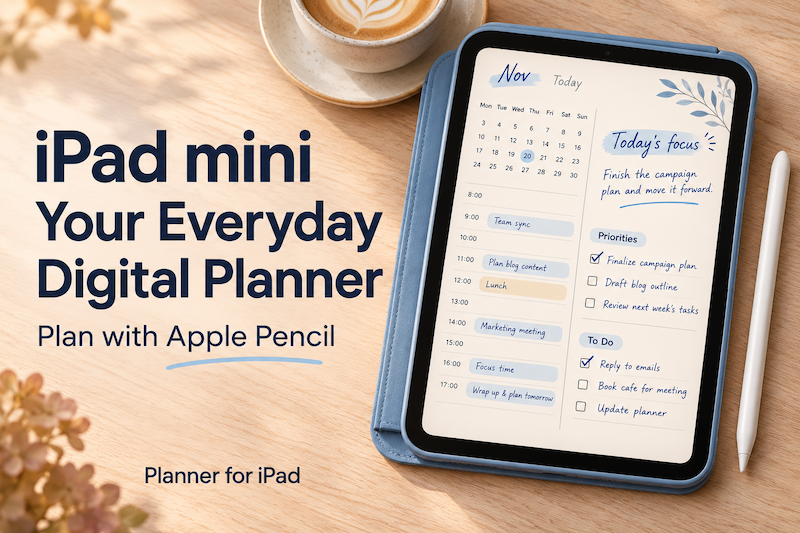
How to Use iPad mini as a Digital Planner with Apple Pencil
Apple’s new iPad mini arrived on November 6, 2026, following its October 26 announcement. A new model gives you a reason to reconsider what a small iPad can do—but one of its most useful roles is also one of the simplest: a planner you carry and open throughout the day. If you have just bought an iPad mini, try giving it a place in your morning routine before filling it with apps. Check your appointments, write down what matters today,…
-
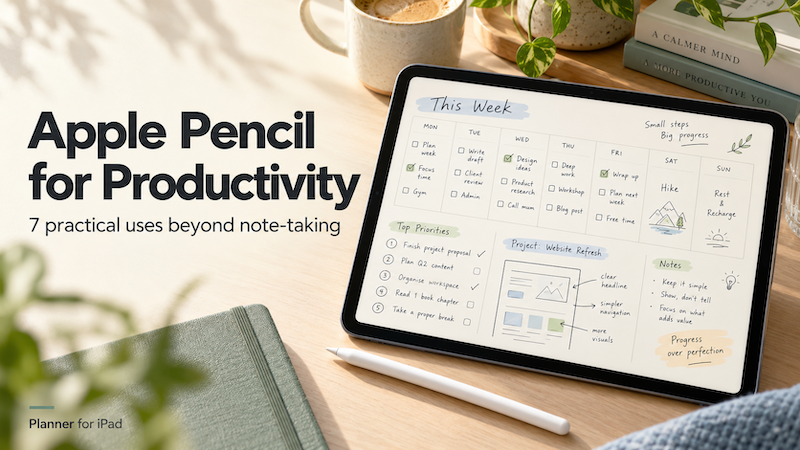
Apple Pencil for Productivity: 7 Practical Ways to Use It Beyond Note-Taking
You bought an Apple Pencil to do more with your iPad. You have taken notes, highlighted a few documents, and perhaps tried drawing. But when a busy week arrives, your Pencil often stays on the side of the tablet while you return to the same scattered lists and calendar tabs. Using Apple Pencil for productivity can be as simple as opening your schedule and writing down what you need to do around it. You can sketch a project, prepare for…