Productivity
-
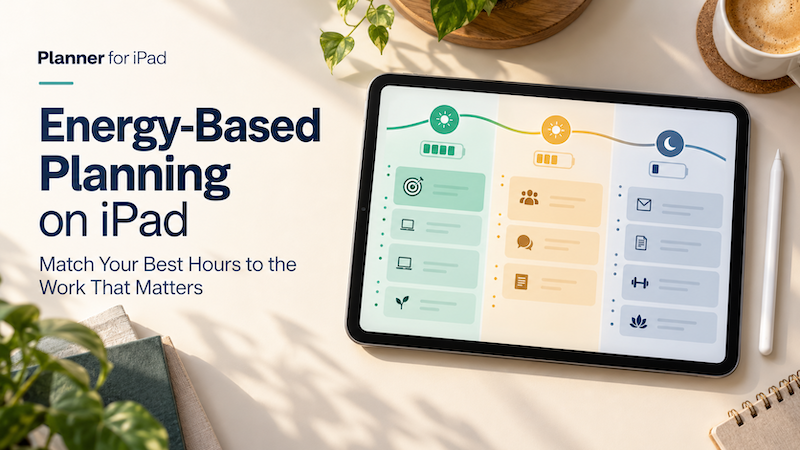
Energy-Based Planning on iPad: Match Your Best Hours to the Work That Matters
Time blocking helps you decide when a task will happen. But there is another question that matters just as much: Will you have the energy to do it then? A free hour at 9:00 a.m. may be enough to write, design, study, or solve a difficult problem. A free hour at 4:00 p.m. may technically contain the same 60 minutes, but it may be much better suited to email, scheduling, expenses, or other routine work. The problem is that most…
-
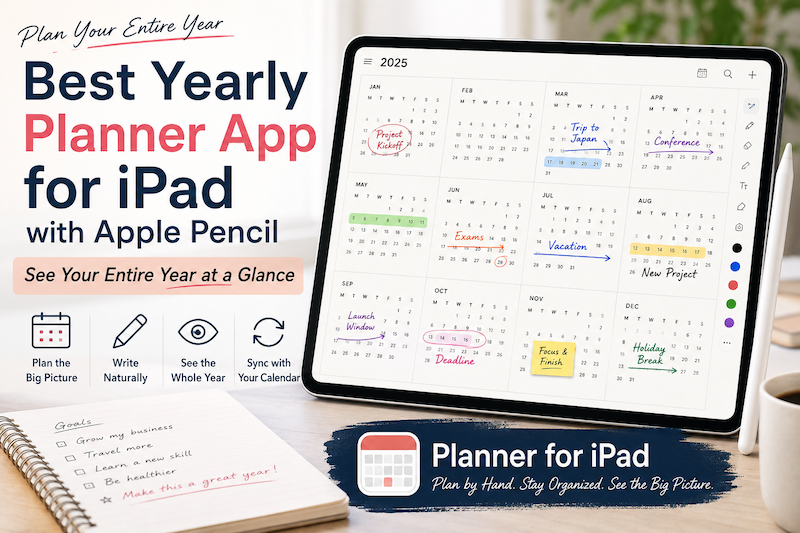
Best Yearly Planner App for iPad with Apple Pencil: See Your Entire Year at a Glance
A daily planner helps you manage today. A weekly planner helps you organize the next few days. A monthly planner helps you understand the shape of the month. But sometimes even a month is too small. When you are planning vacations, major projects, school terms, launches, busy seasons, financial goals, or simply the life you want to have over the next twelve months, you need to zoom out much further. That is where a yearly planner becomes useful. A good…
-
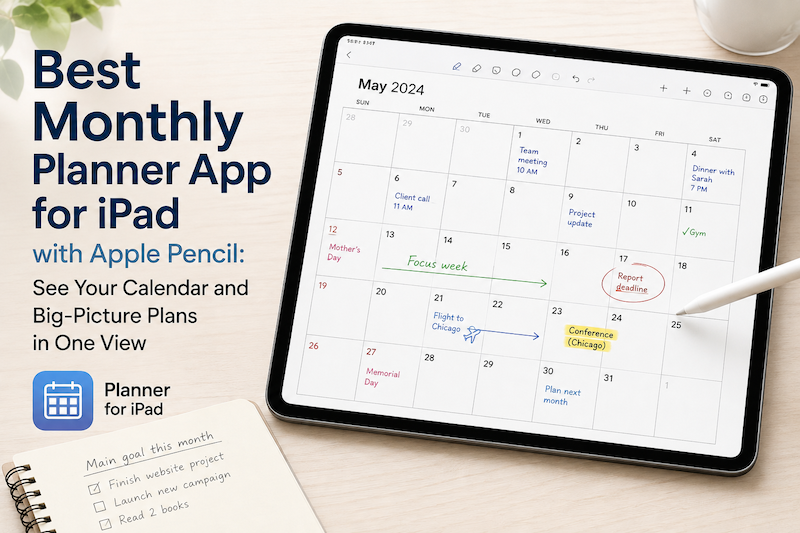
Best Monthly Planner App for iPad with Apple Pencil: See Your Calendar and Big-Picture Plans in One View
A daily planner helps you manage today. A weekly planner helps you organize the next few days. But sometimes you need to zoom out. A monthly planner gives you a different perspective. Instead of asking, “What do I need to do next?” you can ask: What does this month actually look like? On an iPad, a monthly planner can be especially useful when it combines two things that are usually separated: your real calendar schedule and the freedom to write…
-
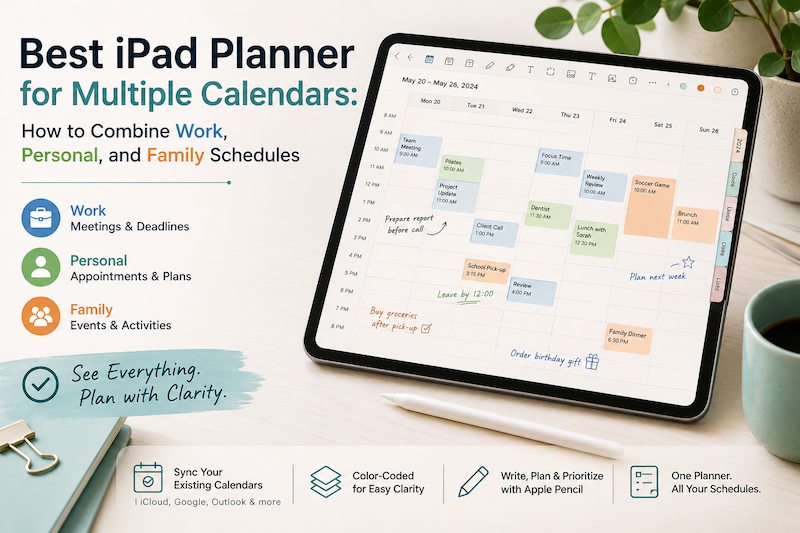
Best iPad Planner for Multiple Calendars: How to Combine Work, Personal, and Family Schedules
Your work meetings are in Outlook. Your personal appointments are in Apple Calendar. Your partner adds school events and family plans to a shared calendar. Meanwhile, birthdays, holidays, travel reservations, and recurring activities all seem to have calendars of their own. Using multiple calendars is not necessarily the problem. In fact, separating different parts of your life can make scheduling easier. The real problem begins when you have to check three or four apps before you can answer a simple…
-
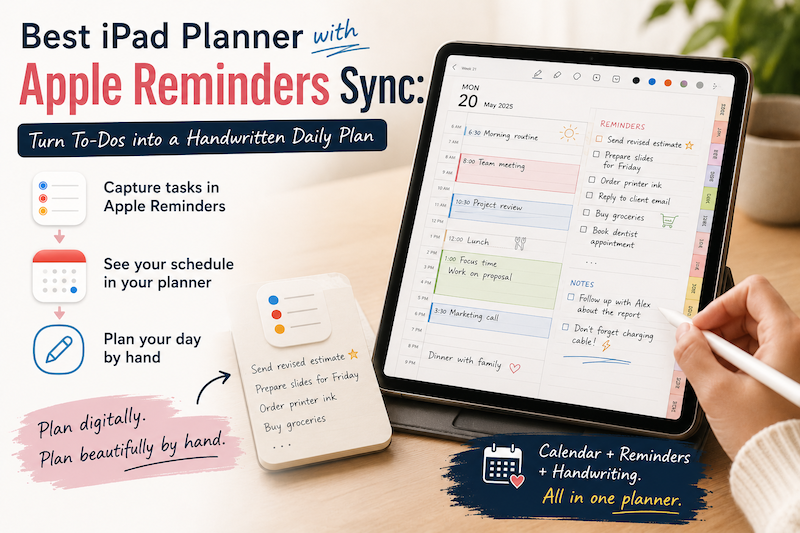
Best iPad Planner with Apple Reminders Sync: Turn To-Dos into a Handwritten Daily Plan
Apple Reminders is excellent at capturing tasks. You can add something the moment you think of it, organize it into a list, assign a due date, and receive a notification later. The problem is that collecting tasks and planning your day are not quite the same thing. A reminder such as “prepare presentation” tells you what needs to be done. It does not tell you when you will do it, how long it might take, or how it fits around…
-
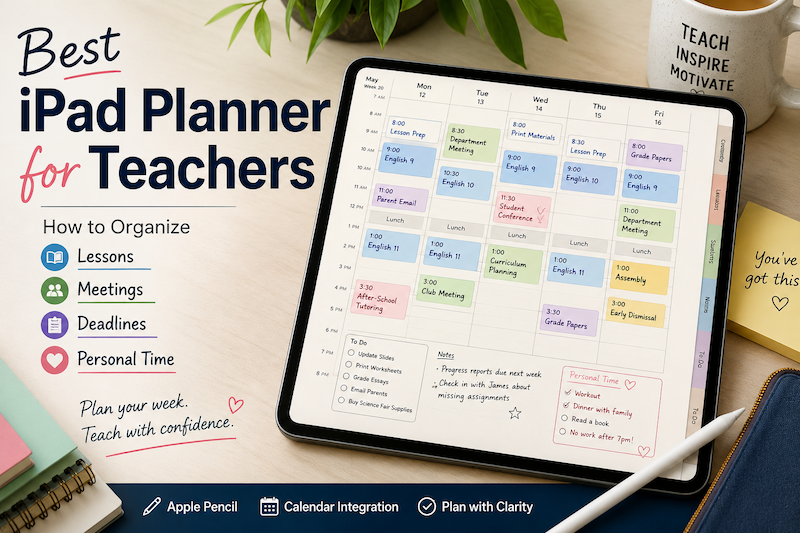
Best iPad Planner for Teachers: How to Organize Lessons, Meetings, Deadlines, and Personal Time
Teaching rarely fits neatly into a normal calendar. Your timetable may look predictable from a distance, but the actual work happens between the scheduled blocks. A lesson at 10:00 also requires preparation before class, notes afterward, materials to print, assignments to review, and follow-up for the students who need extra help. Then there are staff meetings, parent conferences, school events, professional development days, grading deadlines, emails, and administrative tasks. And somewhere beyond all of that, you still have a personal…
-
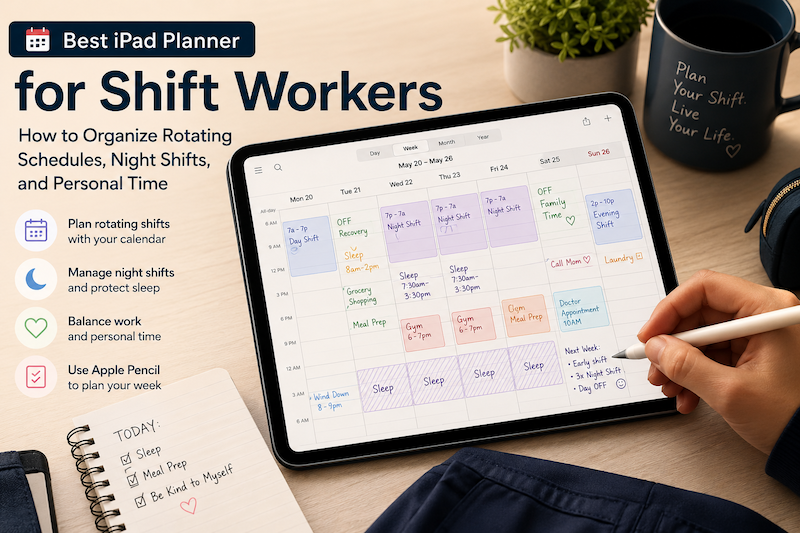
Best iPad Planner for Shift Workers: How to Organize Rotating Schedules, Night Shifts, and Personal Time
A traditional weekly planner usually assumes that life follows a predictable pattern. Work starts in the morning. Lunch happens around noon. Personal time begins in the evening. Weekends are free. For shift workers, that structure often makes little sense. Your workweek may begin on a Saturday. A “morning” routine might happen at 4:00 p.m. You may work two night shifts, have one recovery day, and then switch back to an early schedule. Even when your shifts are already stored in…
-
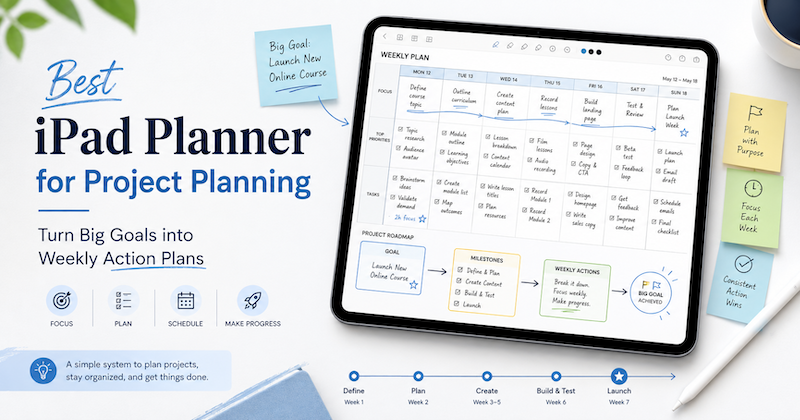
Best iPad Planner for Project Planning: How to Turn Big Goals into Weekly Action Plans
Planning a project is easy when it is still just an idea. You feel excited.You can see the result in your head.You know what you want to make, finish, launch, study, organize, or change. But then real life appears. Meetings.Appointments.Emails.Family schedules.Deadlines.Small tasks that somehow eat the whole day. This is why project planning often fails. Not because the goal is bad, but because the goal never becomes a realistic weekly plan. If you want to use your iPad for project…
-
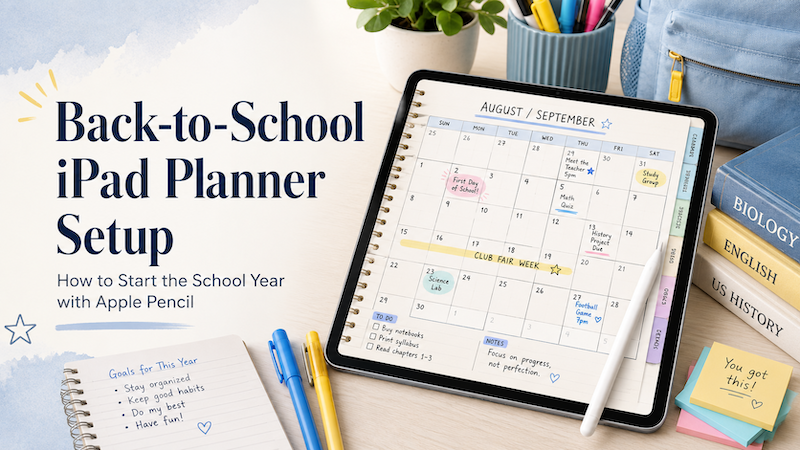
Back-to-School iPad Planner Setup: How to Start the School Year with Apple Pencil
Back-to-school season is exciting, but it can also become messy very quickly. New classes. New schedules. New assignments. New routines. New school events. Maybe a new commute, a new study rhythm, or a new family calendar to manage. At the beginning of the school year, planning matters more than usual because everything is still unstable. You do not yet know which days will feel busy, which classes will require more work, which assignments will take longer than expected, or where…
-
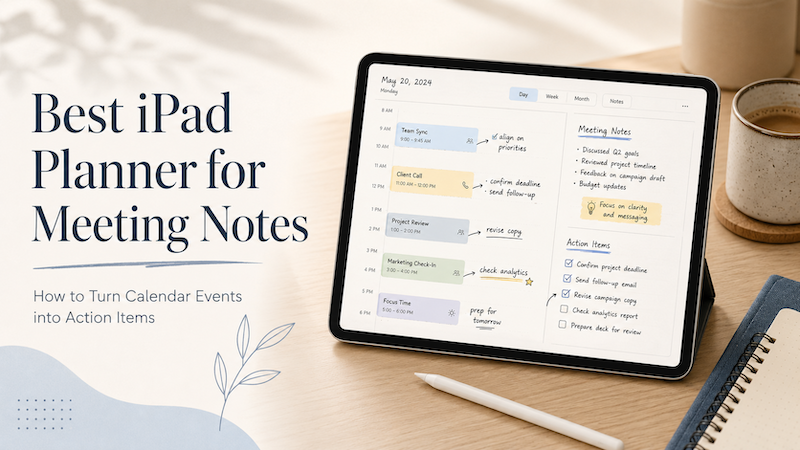
Best iPad Planner for Meeting Notes: How to Turn Calendar Events into Action Items
Meetings rarely end when the meeting ends. You leave with notes, decisions, follow-ups, small tasks, vague promises, and maybe one or two things you really should not forget. The problem is that most meeting workflows split everything apart. Your meeting time lives in your calendar.Your notes live in a notes app.Your follow-up tasks live somewhere else.Your real thoughts may still be scattered across the margins of a notebook. That is why an iPad planner can be surprisingly useful for meeting…
-
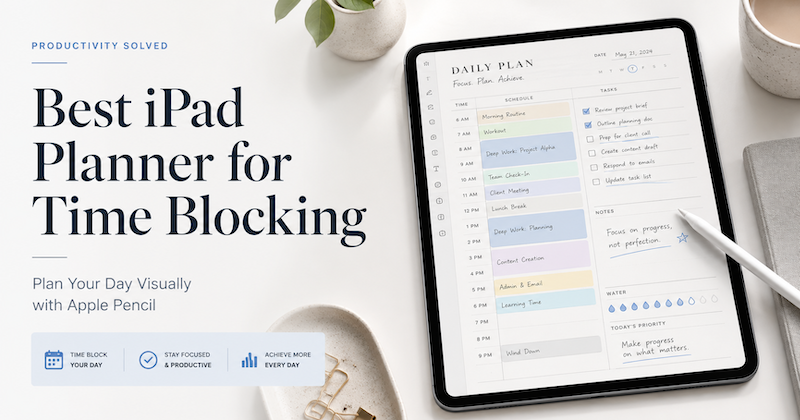
Best iPad Planner for Time Blocking: How to Plan Your Day Visually with Apple Pencil
Time blocking is one of the simplest ways to plan your day. Instead of keeping a long to-do list and hoping you will somehow get through it, you give each task a place in your schedule. Work, errands, family time, breaks, reading, exercise, deep focus — everything becomes easier to manage when you can actually see where it fits. But there is one problem. Most calendar apps are too rigid, and most digital planners are too disconnected from your real…
-
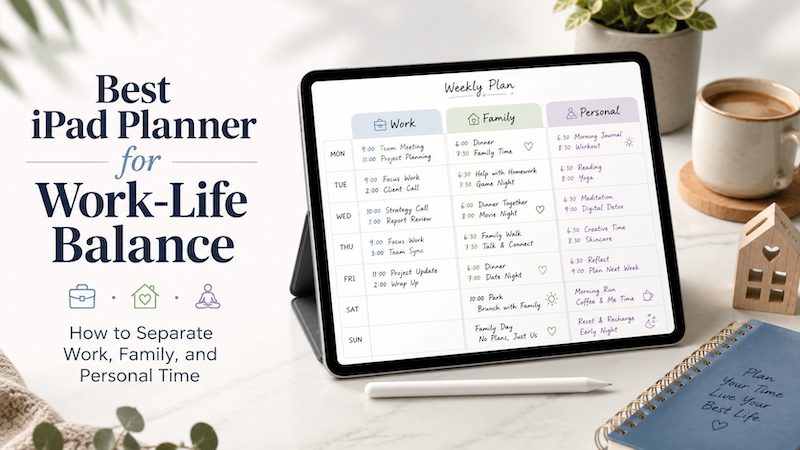
Best iPad Planner for Work-Life Balance: How to Separate Work, Family, and Personal Time
Work-life balance is not just about doing less. For many people, the real problem is that work, family, and personal plans are scattered across too many places. Work meetings live in one calendar. Family events are sent through messages or school emails. Personal goals are written in a notebook, saved in a notes app, or simply kept in your head. The result is a day that looks organized in theory, but feels chaotic in real life. An iPad planner can…