Planner for iPad
-
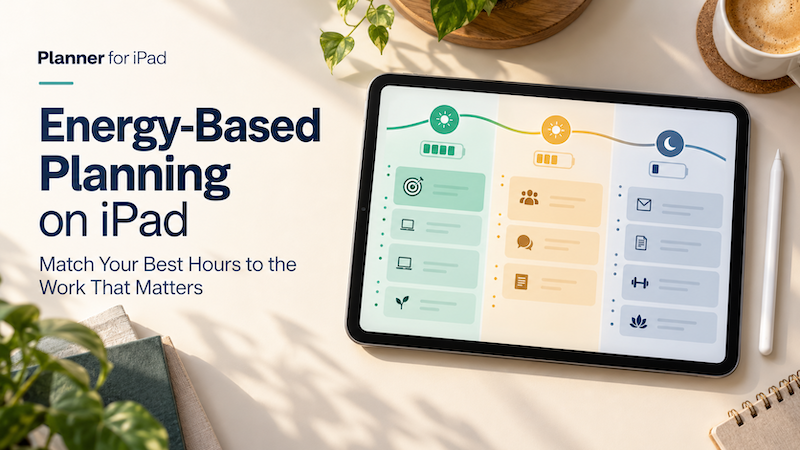
Energy-Based Planning on iPad: Match Your Best Hours to the Work That Matters
Time blocking helps you decide when a task will happen. But there is another question that matters just as much: Will you have the energy to do it then? A free hour at 9:00 a.m. may be enough to write, design, study, or solve a difficult problem. A free hour at 4:00 p.m. may technically contain the same 60 minutes, but it may be much better suited to email, scheduling, expenses, or other routine work. The problem is that most…
-
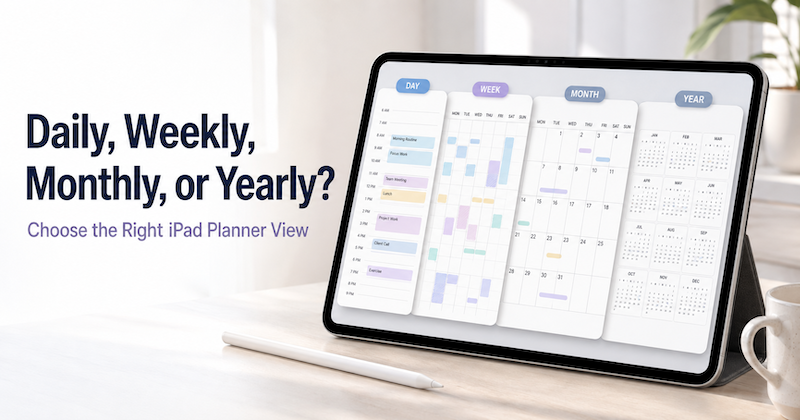
Daily, Weekly, Monthly, or Yearly? How to Choose the Right iPad Planner View
Open a planner and you are immediately asked to make a choice. Should you look at today? This week? The whole month? Or the entire year? Each view can show the same life, but it does not help you think in the same way. A daily planner is excellent for deciding what to do next. It is much less useful for noticing that three major deadlines are approaching in the same month. A yearly planner can reveal the overall shape…
-
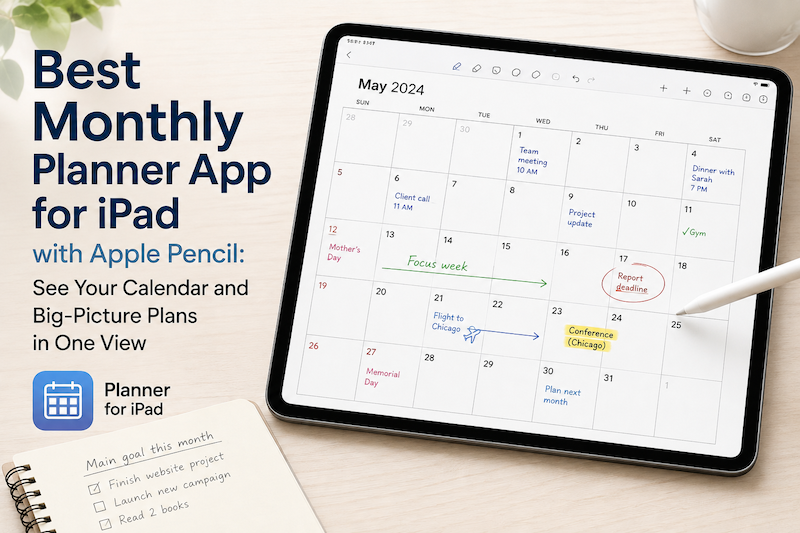
Best Monthly Planner App for iPad with Apple Pencil: See Your Calendar and Big-Picture Plans in One View
A daily planner helps you manage today. A weekly planner helps you organize the next few days. But sometimes you need to zoom out. A monthly planner gives you a different perspective. Instead of asking, “What do I need to do next?” you can ask: What does this month actually look like? On an iPad, a monthly planner can be especially useful when it combines two things that are usually separated: your real calendar schedule and the freedom to write…
-
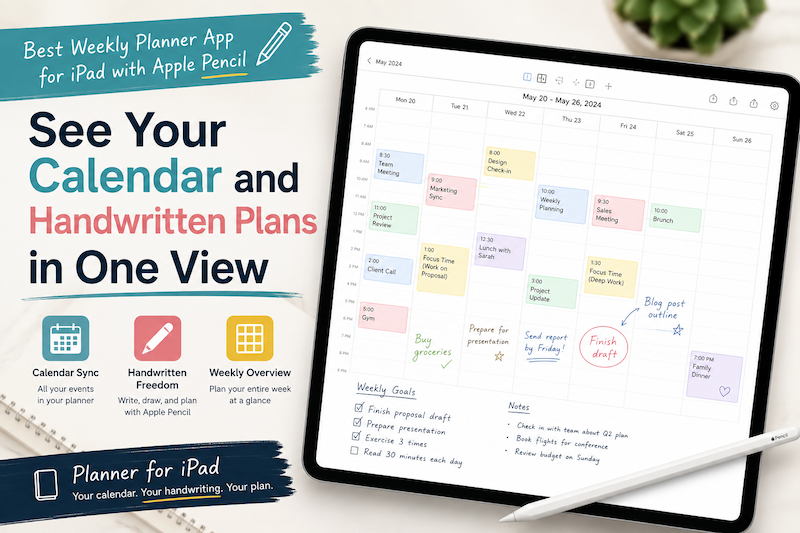
Best Weekly Planner App for iPad with Apple Pencil: See Your Calendar and Handwritten Plans in One View
Planning an entire week is difficult when your schedule and your thoughts live in different places. Your meetings may be stored in Apple Calendar. Work events may come from Google Calendar or Outlook. Tasks may be scattered across Apple Reminders, email, and handwritten notes. Then, when it is time to plan the week, you have to bring everything together manually. You open your calendar, check Monday’s appointments, switch to a digital planner, and copy them across. You repeat the process…
-
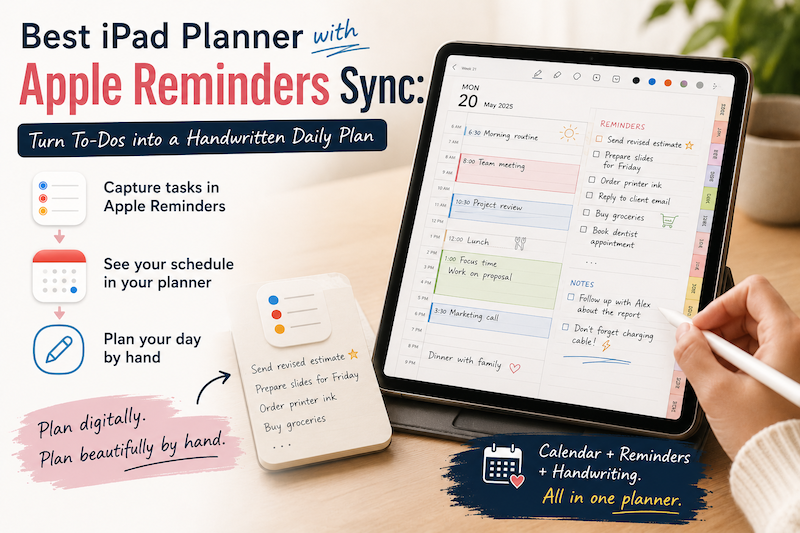
Best iPad Planner with Apple Reminders Sync: Turn To-Dos into a Handwritten Daily Plan
Apple Reminders is excellent at capturing tasks. You can add something the moment you think of it, organize it into a list, assign a due date, and receive a notification later. The problem is that collecting tasks and planning your day are not quite the same thing. A reminder such as “prepare presentation” tells you what needs to be done. It does not tell you when you will do it, how long it might take, or how it fits around…
-
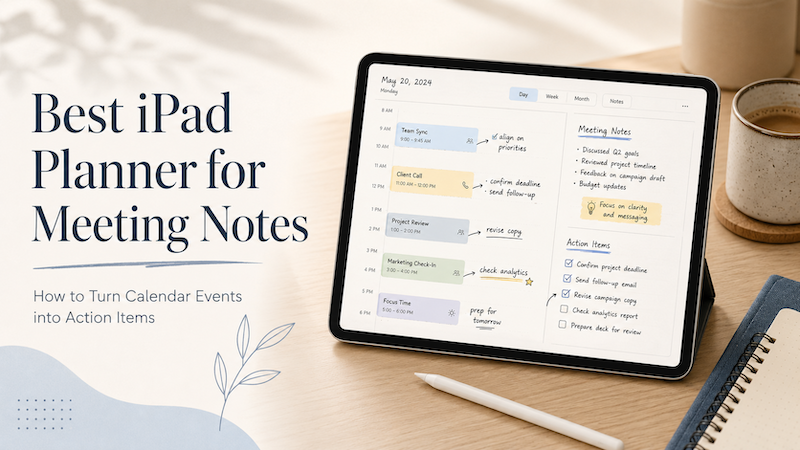
Best iPad Planner for Meeting Notes: How to Turn Calendar Events into Action Items
Meetings rarely end when the meeting ends. You leave with notes, decisions, follow-ups, small tasks, vague promises, and maybe one or two things you really should not forget. The problem is that most meeting workflows split everything apart. Your meeting time lives in your calendar.Your notes live in a notes app.Your follow-up tasks live somewhere else.Your real thoughts may still be scattered across the margins of a notebook. That is why an iPad planner can be surprisingly useful for meeting…
-
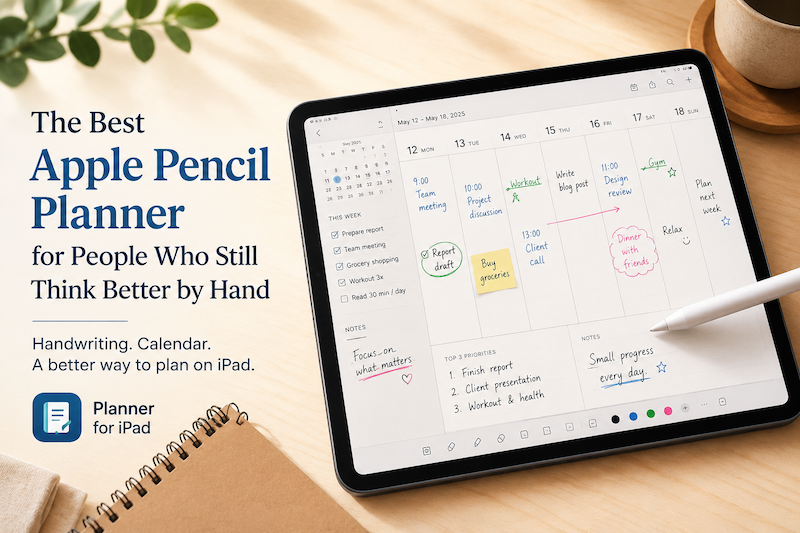
The Best Apple Pencil Planner for People Who Still Think Better by Hand
Digital planning has become complicated. There are calendar apps, task managers, note-taking apps, project management tools, habit trackers, dashboards, widgets, reminders, automations, and endless productivity systems that promise to organize your life. But sometimes, the best planning tool is still the simplest one: A page.A pen.A few honest notes about what matters today. That is why Apple Pencil planning feels so different from typing into another productivity app. With the right iPad planner, Apple Pencil can turn your iPad into…
-
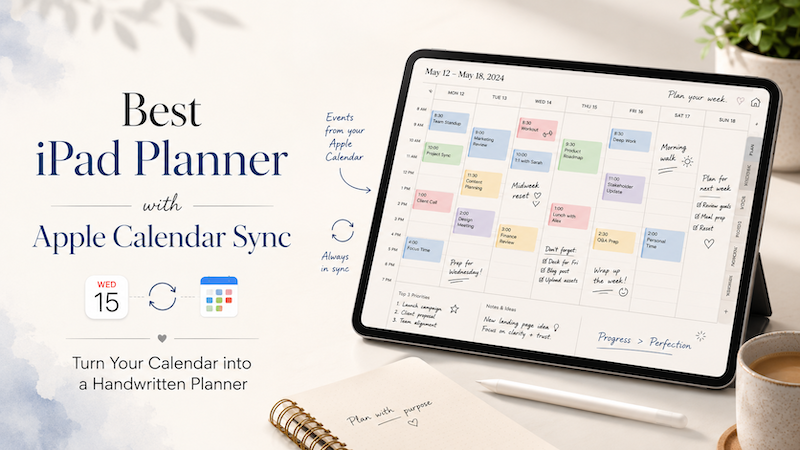
Best iPad Planner with Apple Calendar Sync: Turn Your Calendar into a Handwritten Planner
For many people, the calendar is where the day begins. Meetings, appointments, classes, deadlines, reminders — they all live inside a calendar app. But when it comes to actually planning the day, a calendar alone often feels too rigid. A calendar can tell you what is scheduled. But it does not always help you think through how you want to spend your time. That is why many iPad users still love handwritten planning. Writing with Apple Pencil feels more flexible,…
-
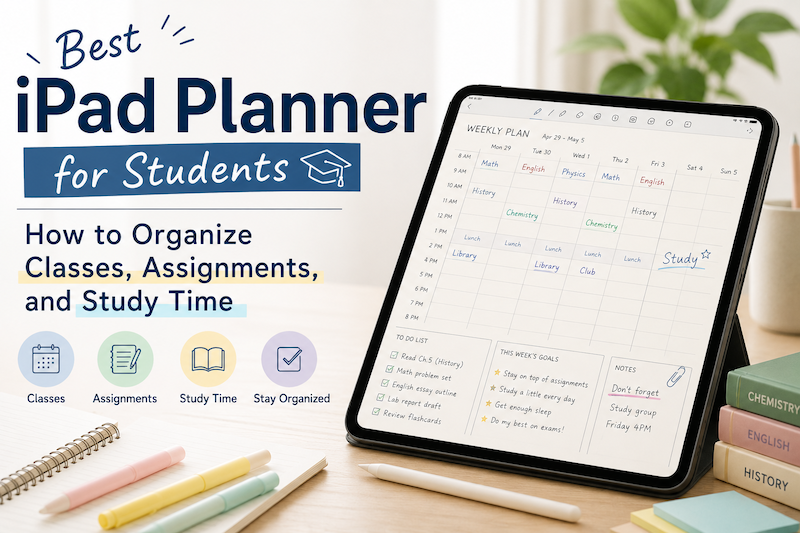
Best iPad Planner for Students: How to Organize Classes, Assignments, and Study Time
Student life can get messy fast. You have classes, assignments, exams, part-time work, club activities, personal plans, and small tasks that are easy to forget. A normal calendar app can help you remember when something happens, but it does not always help you think through your day. That is why many students still like using planners. A planner gives you space to write, organize, reflect, and adjust your schedule in a more flexible way. And when you use an iPad…
-
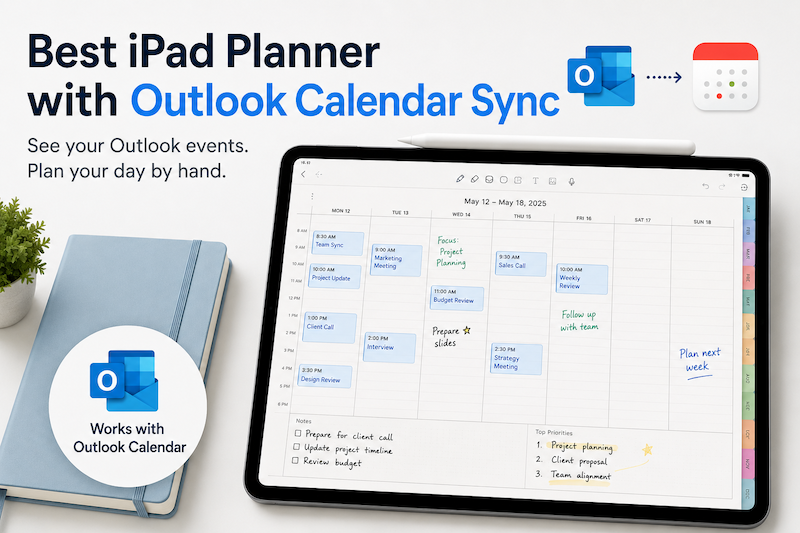
Best iPad Planner with Outlook Calendar Sync
If you use Outlook Calendar for work, school, or personal scheduling, you probably already have most of your important events in one place. Meetings, deadlines, classes, appointments, calls, reminders — Outlook is excellent for keeping track of structured events. But when it comes to planning your day visually, Outlook can feel a little too rigid. That is where an iPad planner can be useful. With the right iPad planner app, you can see your Outlook calendar events and use Apple…
-
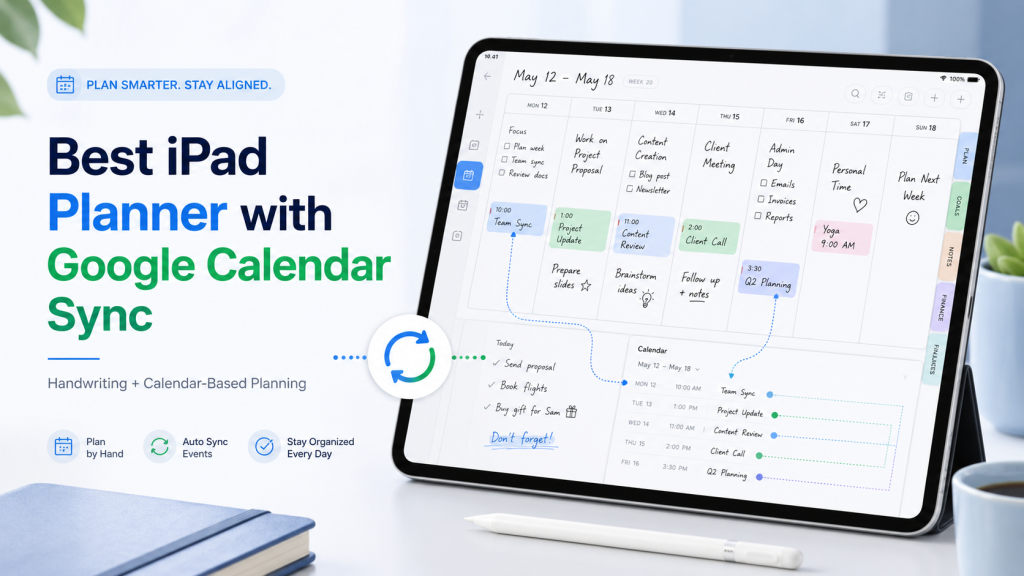
Best iPad Planner with Google Calendar Sync
Finding a good iPad planner is easy. Finding an iPad planner that works well with Google Calendar is much harder. There are hundreds of beautiful digital planners for iPad. Many of them look like paper planners. Some are sold as PDF templates for GoodNotes, Notability, or other note-taking apps. They can be great if all you want is a pretty place to write. But if you already use Google Calendar for meetings, classes, appointments, deadlines, or family schedules, a static…
-
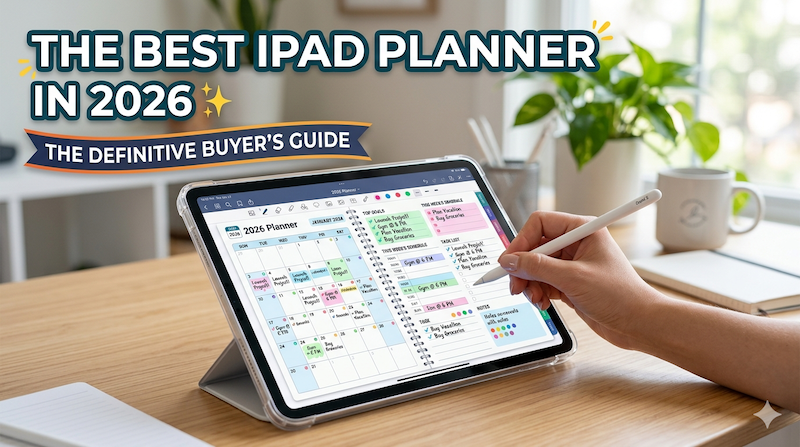
The Best iPad Planner in 2026: The Definitive Buyer’s Guide
The iPad planner market has quietly become one of the most crowded categories on the App Store. Search “planner” and you’ll get hundreds of results, half of them sponsored, most of them written by marketers who have never actually planned a week of their life on an iPad. This guide is different. I’m going to tell you, from the perspective of someone who has spent close to a decade building one of these apps, what actually matters when you’re choosing…