October 2026
-
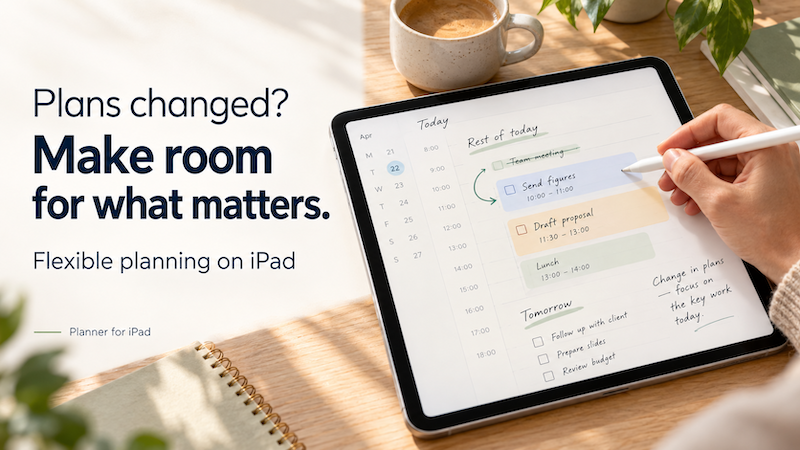
Best Planner App for iPad for Flexible Planning: How to Replan When Your Day Changes
You planned to finish a proposal before lunch. Then a meeting ran over, a client needed an answer, and the hour you had reserved disappeared. By 2 p.m., your planner still describes a day that is no longer possible. The temptation is to squeeze everything into the afternoon, work later, or stop looking at the plan altogether. A more useful response is to update it while there is still time to make a few good choices. If this happens regularly,…
-
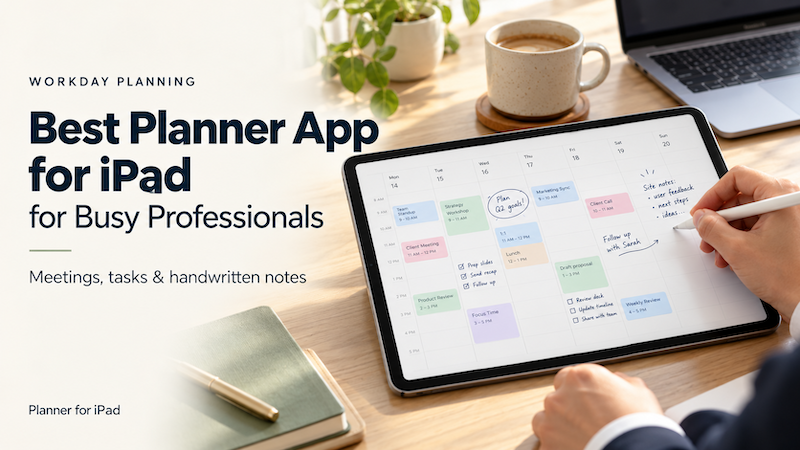
Best Planner App for iPad for Busy Professionals: Manage Meetings, Tasks, and Notes
You finish a client call with three things to do. Before you can write them down properly, the next meeting starts. By the end of the afternoon, your calendar shows where your time went, but the decisions and follow-up work are scattered across messages, documents, and your memory. A professional planner needs to help with the work around appointments: preparing for a conversation, remembering what was agreed, and making room to deliver what you promised. For people who prefer handwriting,…
-
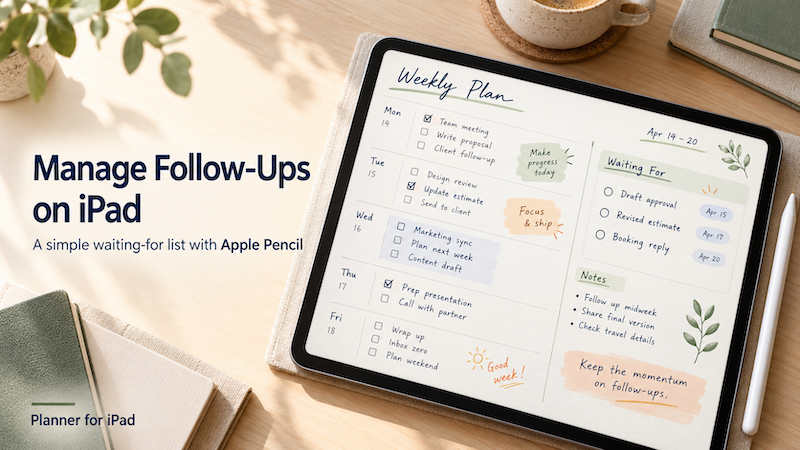
How to Manage Follow-Ups on iPad: A Simple Waiting-For List with Apple Pencil
You sent the estimate. You asked for approval. You contacted the school. For now, the next move belongs to someone else. A few days later, you remember the request—but cannot quite remember when you sent it, what response you expected, or whether you should follow up yet. These small unfinished conversations can be surprisingly difficult to manage. They are spread across email, messages, meetings, and handwritten notes. Some affect a deadline. Others simply need an occasional check. A waiting-for list…