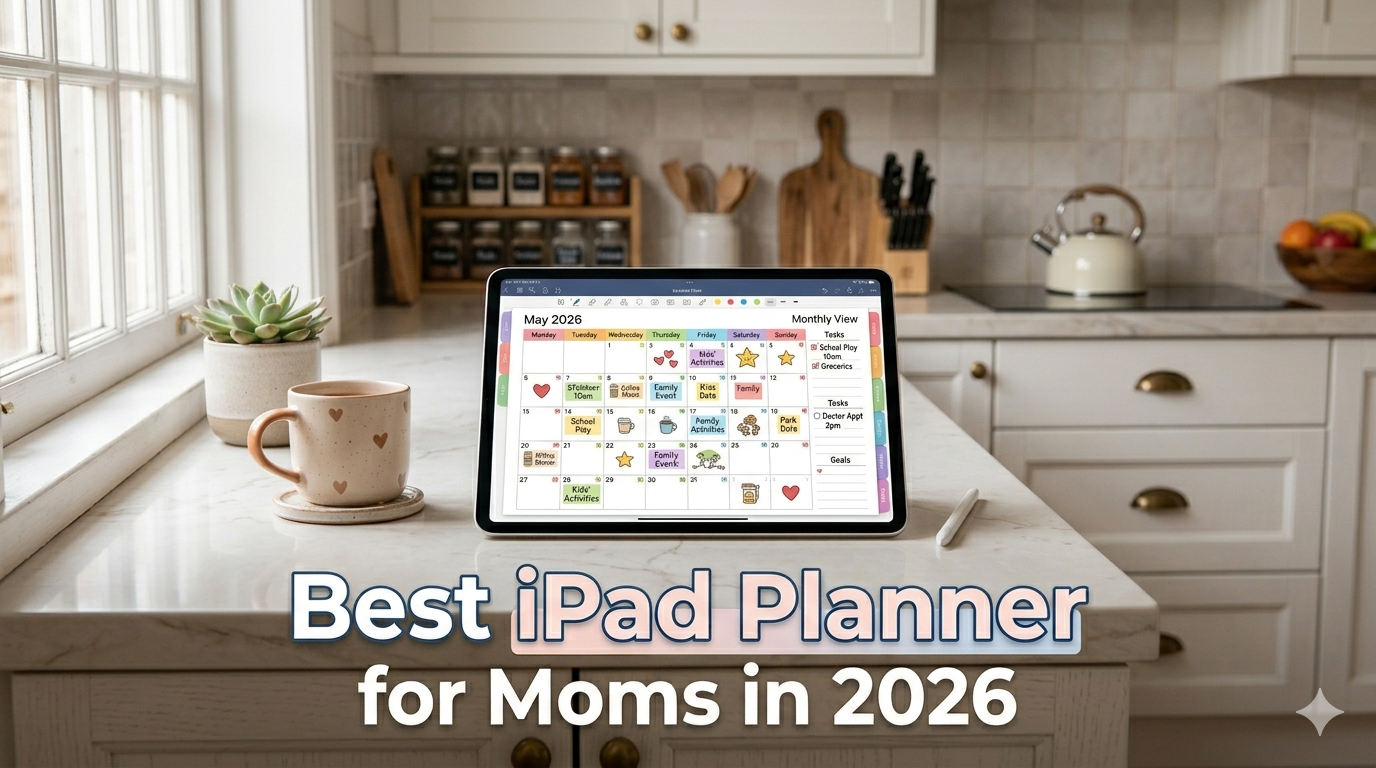
School drop-off. Doctor’s appointments. The grocery list. That thing you forgot to sign. Here’s how to pick an iPad planner that holds all of it — without becoming one more thing to manage.
There’s a particular kind of mental load that doesn’t show up in any productivity book. It’s the invisible spreadsheet running in the back of your head at all times: what’s for dinner, who needs to be where, when the permission slip is due, which kid has soccer this week, whether you have time to squeeze in a workout before pickup.
If you’ve searched for “best iPad planner for moms” recently, you’ve probably landed on the same three kinds of articles.
The first is a roundup of family calendar apps like Cozi and FamCal — useful for knowing what’s happening, but not for actually planning your day around it.
The second is a list of Etsy PDF planners with beautiful mom-specific spreads: meal planners, chore charts, kid trackers, fitness logs. They look great on Instagram. They fall apart by week three.
The third is someone telling you to set up a Notion dashboard with 14 linked databases. You close the tab.
None of them actually answer the question you were asking: what’s the planning system that survives a real mom’s life?
I can’t promise a perfect answer. But I’ve spent years building a planning app for iPad, and I’ve spent a lot of time listening to the people who use it — including moms juggling full-time jobs, moms running households as their full-time job, and everyone in between. Here’s what I’ve learned.
Why most “mom planner” apps don’t actually help you plan
Let’s start with the honest truth: most apps marketed to moms are designed for coordination, not planning.
Those are different things.
Coordination is knowing what’s happening. Cozi, FamCal, Google Family Calendar — these are all great at this. Everyone sees the same schedule. Dad knows who’s picking up from school. The sitter sees the address. Coordination is solved.
Planning is deciding what you’re going to do about what’s happening. And that part? You’re still on your own.
Here’s a typical scenario. Cozi tells you that Tuesday has: 7:30am school drop-off, 2pm dentist for the youngest, 4pm soccer practice, 6:30pm parent-teacher call. Great. The day is mapped.
But Cozi doesn’t help you figure out:
- When you’re going to work on that project due Friday
- Whether you have 20 minutes anywhere to go for a walk
- What you’re cooking with the ground beef that’s about to expire
- How to protect the small window between 1 and 2 that’s the only time you have to breathe
That’s planning. And it almost always happens somewhere else — in your head, on a Post-it, scrawled on the back of an envelope, or not at all.
An iPad planner sits in exactly that gap.
Why the iPad is actually the right tool for this
I’ll admit I was skeptical about this for a long time. Moms already have a phone, a laptop, a family calendar, and a fridge covered in paper. Adding an iPad into the mix feels like adding complexity.
But here’s what I kept hearing:
The iPad wins because of the Apple Pencil and the five-minute ritual.
Not because it has more features than your phone. Not because the screen is bigger. Because writing by hand in the morning — or at nap time, or after bedtime, or in the 15 minutes of silence before anyone else is up — creates a kind of pause that typing never does.
You slow down. You actually see the day before it runs you over.
This is what paper planners have always done well. The iPad just adds the things paper couldn’t: your calendar is right there, you can reorganize without rewriting, and you’re never out of pages.
And if you’ve ever tried to keep a paper planner through a season of sick kids, snow days, and last-minute schedule changes, you know how much that last part matters.
The four contenders most moms end up comparing
When I talk to moms about what they’ve tried, the same four approaches come up almost every time. Let me walk through them honestly.
1. Cozi (and similar family calendar apps)
Good for: Coordinating the family. Shared shopping lists. Keeping the babysitter in the loop.
Not good for: Your own planning. Cozi wasn’t built for you to sit down and sketch out your day. It’s a shared agenda, not a thinking tool.
Verdict: Keep it, if it works for your family. But you’ll still need a planning layer on top. Don’t expect Cozi to replace that.
2. GoodNotes + an Etsy PDF mom planner
Good for: The dopamine hit of a beautiful setup. The first week.
Not good for: Actually sticking with it. I’ve written a longer piece on why Etsy PDF planners crack by February, but the short version: they’re built for the person you want to become, not the person you actually are at 6am on a Tuesday.
Setup cost is high. Hyperlinks break. You lose track of which page is “this week.” And none of it talks to your actual calendar, so you’re copying events by hand — which is the fastest way to stop opening a planner entirely.
Verdict: Stunning on Instagram, brutal in real life.
3. Notion
Good for: Moms who genuinely enjoy building systems. (You know who you are.)
Not good for: Handwriting, Apple Pencil, the morning five-minute ritual. Notion is a database wearing a planner’s clothes. It wants you to type, tag, and query.
If you’ve tried to build a mom dashboard in Notion and abandoned it, you’re not failing at Notion. Notion is failing at being a planner.
Verdict: Great second brain. Wrong tool for handwritten planning.
4. A dedicated iPad planner app (like Planner for iPad)
Good for: The thing everything else is missing — a native iPad experience built around the Apple Pencil, with your actual calendar events visible on the page.
Full disclosure: I make Planner for iPad. So I’m the last person you should take at face value here. But the design principle is simple enough to evaluate for yourself: it’s an app where you open it, your day is there, your calendar events (including shared family ones from Apple Calendar) are visible, and you write your plan for the day by hand. That’s it.
No setup. No templates to buy. No hyperlinks to maintain.
Verdict: Worth trying if you’ve bounced off the other three. Free to start.
The feature that actually matters for moms: seeing the family calendar while you plan
If there’s one thing I’d point to as the specific reason an iPad planner works for moms, it’s this: being able to see your shared family calendar on the same page you’re writing your plan on.
Most moms already have the household running on Apple Calendar or Google Calendar — with shared calendars for the kids, the school, the sports team, the spouse. All of that information lives somewhere, but it usually lives in a different app than where you do your planning.
Planner for iPad displays your Apple Calendar events directly inside the planner page. (Worth being precise here: it’s read-only display — the events show up in your planner, but you still edit them in Apple Calendar itself. No write-back.) For most moms I’ve talked to, this is exactly the right tradeoff. You don’t want your planner to accidentally move a dentist appointment. You just want to see it while you’re deciding what to do between drop-off and the appointment.
If you want a deeper walkthrough of how this works, I wrote a full guide to using Apple Calendar for planning on iPad.
For Google Calendar families, there’s a simple route too: subscribe to your Google Calendar inside Apple Calendar, and the events flow into the planner the same way.
What mom-specific planning actually looks like (without the Pinterest overwhelm)
One trap of mom-targeted planners is that they assume you need a dedicated spread for every role you play: a meal planner page, a cleaning rotation page, a kid tracker page, a self-care page, a fitness page, a budget page, a gratitude page.
You don’t.
Most moms I’ve talked to plan well with just three things:
- A daily page where today’s calendar is visible and you can write a short list of what actually matters today.
- A weekly view where you can see Monday through Sunday at a glance and spot the crunch days.
- A few pages for the things that recur — a running grocery list, meal ideas, a brain-dump page for stuff you don’t want to forget.
That’s it. Everything else is decoration.
If this sounds a lot like the bullet journal method, that’s because it basically is. I wrote about using iPad as a bullet journal if you want to go deeper on that approach — it translates beautifully to a dedicated planner app.
A realistic first week for an iPad mom planner
If you’re going to try this, here’s what I’d suggest — not a 40-page onboarding, just a simple week.
Monday morning (5 minutes): Open the app. Look at today. Write down three things that have to happen, and one thing that would make today feel good if it happened. Don’t try to plan the whole week yet.
Tuesday through Friday (5 minutes each morning): Same thing. Three must-dos, one nice-to-have. Glance at tomorrow after, just so nothing sneaks up.
Sunday (15 minutes): Look at the week ahead. Note the crunch days. Rough in meals if meal planning helps you. Protect one non-negotiable block for yourself, even if it’s just a 30-minute walk.
That’s the whole system. It fits in the cracks of a mom’s day because it doesn’t ask for more cracks than exist.
If this “weekly pass” idea clicks for you, I wrote a full guide to doing a weekly review on iPad — 20 minutes on a Sunday that tends to make the whole week feel 50% less chaotic.
What about stay-at-home moms vs working moms?
People ask this a lot, and honestly the system above works for both. The shape of the day is different, but the core problem — too many moving parts, not enough quiet thinking time — is the same.
The one thing I’d adjust: stay-at-home moms often benefit more from explicit time blocks, because without an external work schedule to anchor the day, the hours blur. A rough block like “9–11 errands, 11–1 lunch + kids, 1–3 project time, 3–5 pickup + homework” can make a day feel navigable instead of endless. I wrote a deeper piece on time blocking on iPad if that resonates.
Working moms often do better with a lighter-touch version: just three priorities for the day, and the calendar visible. The day is already shaped by meetings and school times; you don’t need to rebuild the structure, just navigate it.
The honest limits
A few things no mom planner — mine included — will do for you:
- It won’t reduce the actual workload. You still have to pack the lunches.
- It won’t make your partner carry their share of the mental load. That’s a conversation, not an app.
- It won’t stick on its own. Even the best planner gets abandoned if you don’t build a small morning or evening anchor around it. Ten minutes with coffee, or ten minutes before bed, is what makes the system real.
A planner can, however, make the load visible — which is the first step toward anyone else in the household being able to share it. Sometimes showing your spouse your actual week on an iPad does more than three conversations about balance.
Where to start
If you want to try an iPad planner without committing to anything expensive:
- Download Planner for iPad (free to try).
- Connect your Apple Calendar so your family events show up inside the planner.
- For one week, do the five-minute morning ritual. Three must-dos, one nice-to-have.
- See if the week feels different.
If it does, you’ve found your system. If it doesn’t, you’ve lost a week and learned something — which is more than most planner experiments give you.
Either way, you’ll know more than you did before you started. And for a mom, that’s usually a pretty good trade.
Planner for iPad is a native iPadOS planning app built around Apple Pencil and Apple Calendar. It’s designed for people who want to plan by hand without the setup cost of PDF templates. Download on the App Store.