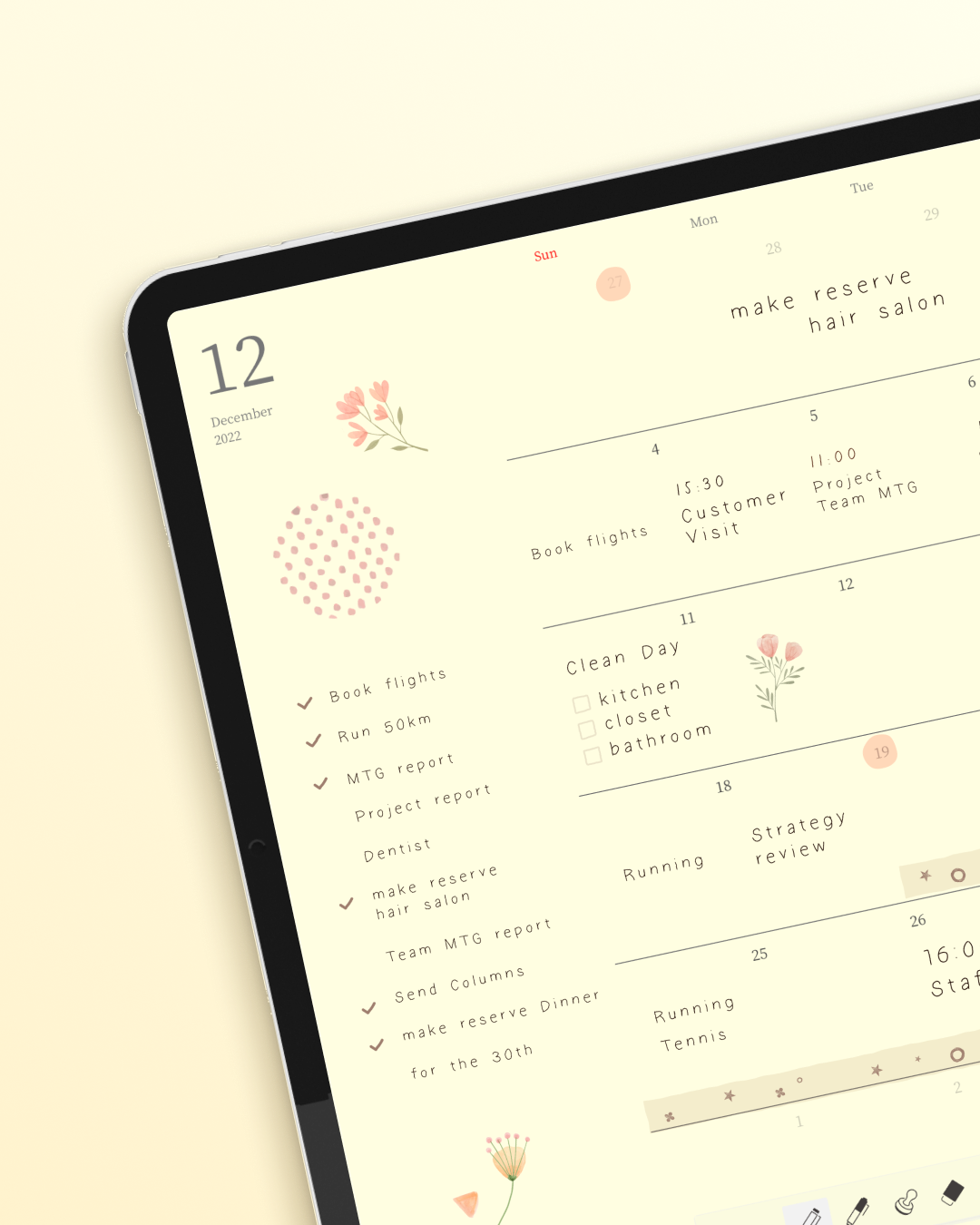
Some apps feel like tools. This one feels like a ritual.
I didn’t expect to feel anything when I opened a planning app for the first time.
Apps are supposed to be efficient. Functional. They organize your tasks, sync your calendar, and remind you to drink water. They’re not supposed to make you want to sit down with a cup of tea and spend twenty minutes just being with your schedule.
And yet, that’s what happened with Planner for iPad.
The Problem with Going Digital (That Nobody Talks About)
I kept a paper planner for years. Not because I was resistant to technology — I love my iPhone, I work on a Mac, I’m not the type to romanticize analog for its own sake. I kept a paper planner because nothing digital ever felt right.
Digital calendars are cold. They’re grids with colored blocks. You tap in an event, set a reminder, and move on. There’s no texture, no personality, no sense that you made this. It could be anyone’s calendar. It could be a spreadsheet.
But paper planners have this quality — I don’t know how else to say it — they feel inhabited. The slight curve of your handwriting. The little star you drew next to something important. The coffee stain from Tuesday morning that’s now part of the permanent record. These things make a planner yours.
I assumed that going digital meant giving that up.
I was wrong.
The Moment Everything Changed
The first time I used my Apple Pencil with Planner for iPad, I almost laughed.
Not because anything was funny — because it felt so good. There’s something genuinely surprising about writing on the iPad’s glass surface. It’s not paper. But it’s also not nothing. The resistance is just enough, the lines appear just fast enough, that your brain starts to accept it. This is writing. I am writing things down.
And unlike typing — which turns everything into the same neutral text, the same Helvetica, the same cold sameness — handwriting on Planner for iPad stays yours. Your letters lean the way they always lean. Your S still looks the way your S always looked. The planner starts to look like you.
That’s when the warmth kicks in.
Small Things That Add Up
It’s easy to list features. Read-only sync with Apple Calendar so your events show up automatically. Stamps and stickers to mark things that matter. Templates that give you structure without taking away your freedom to make it your own.
But features aren’t why Planner for iPad feels warm.
It feels warm because of what those features add up to: a planning experience that respects the ritual of planning.
There’s a particular kind of person who understands this. The person who used to spend fifteen minutes on a Sunday evening setting up their week in their paper planner — not because it took that long, but because the act of writing things down was also the act of thinking them through. Of deciding what mattered. Of giving shape to the week ahead.
Planner for iPad gives you that back. You open it, you pick up your Apple Pencil, and something in your body knows: this is the planning moment. This is when you get to think.
Why Warm, Specifically
I’ve thought about this a lot, because “warm” is a strange word to use about software.
I think it comes down to this: Planner for iPad doesn’t pretend that planning is purely a productivity problem to be solved. It doesn’t try to gamify your to-do list or turn your schedule into a dashboard. It just gives you a beautiful, open space — and lets you fill it in by hand.
That openness is respectful. It says: you know how you work best. We’re just here to hold the page.
And that page, over time, becomes yours in a way that no app made of typed text ever quite can. Your plans have your handwriting. Your months have your rhythm. Open it in six months and it will look like you — not like a system, not like a template someone else designed.
There’s something quietly profound about that. It’s not just a planner. It’s a record of how you moved through time.
One Small Invitation
If you’ve been on the fence — if you love paper planners but also love your iPad, and you’ve been looking for something that bridges those two worlds without compromising either — I’d just say: try it once with an Apple Pencil.
Don’t type anything. Just write. Write your plans the way you would in a paper notebook, a little messy, a little personal, completely yours.
I think you’ll feel it too.
That quiet warmth of a tool that fits the shape of how you actually live.