iPad
-
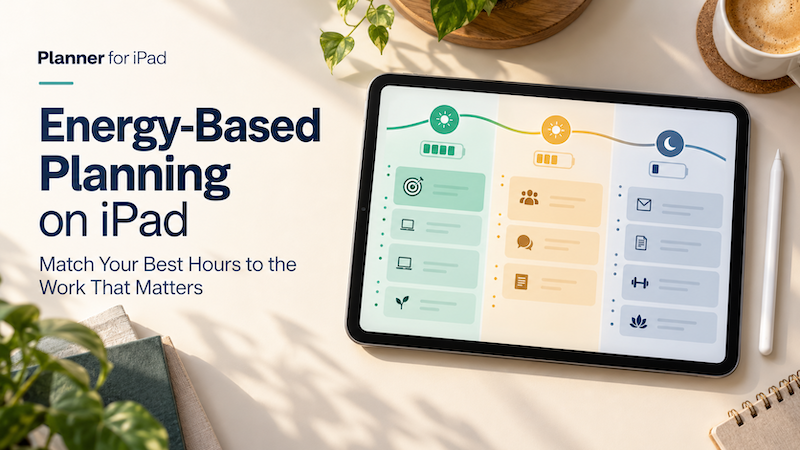
Energy-Based Planning on iPad: Match Your Best Hours to the Work That Matters
Time blocking helps you decide when a task will happen. But there is another question that matters just as much: Will you have the energy to do it then? A free hour at 9:00 a.m. may be enough to write, design, study, or solve a difficult problem. A free hour at 4:00 p.m. may technically contain the same 60 minutes, but it may be much better suited to email, scheduling, expenses, or other routine work. The problem is that most…
-
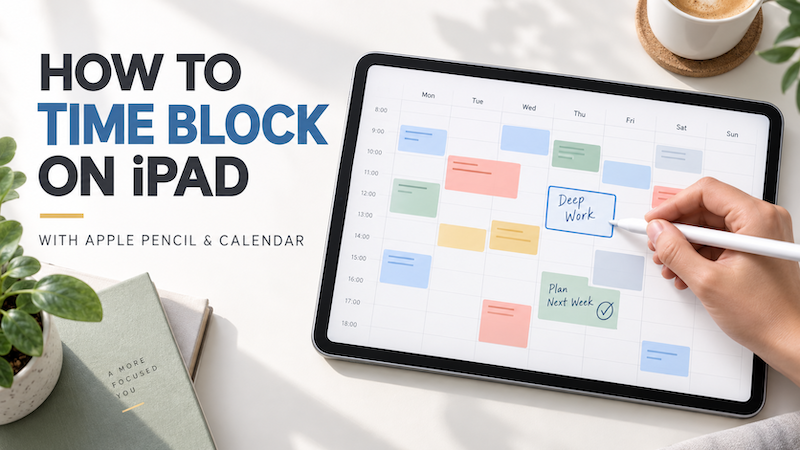
How to Time Block on iPad with Apple Pencil and Calendar
A to-do list tells you what needs to be done. It does not tell you when you will do it. That difference becomes important when your list contains ten tasks, your calendar contains four meetings, and the day still has only a limited number of usable hours. Time blocking helps solve this problem by assigning important work to specific periods of the day. Instead of repeatedly looking at a long list and deciding what to do next, you create a…
-
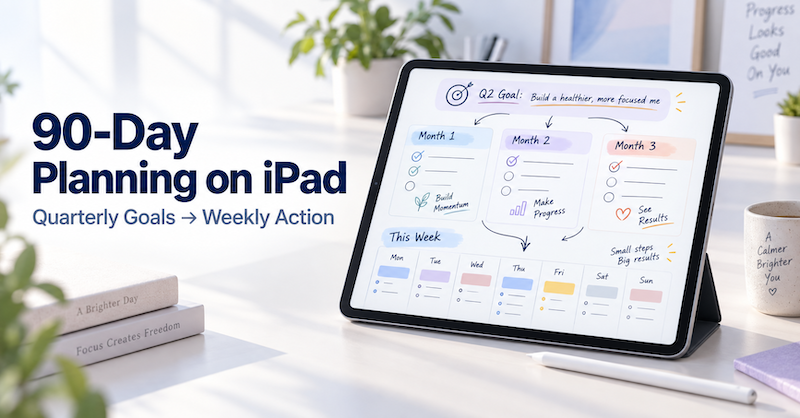
90-Day Planning on iPad: How to Turn Quarterly Goals into Weekly Action Plans
A year is long enough for a goal to remain comfortably vague. A day is short enough for urgent work to consume everything. Ninety days sits between those two extremes. It gives you enough time to complete something meaningful, but it is close enough that you cannot keep postponing the first step. That makes a 90-day plan especially useful for projects, study goals, business improvements, health routines, creative work, and personal changes. The challenge is not choosing a goal. The…
-
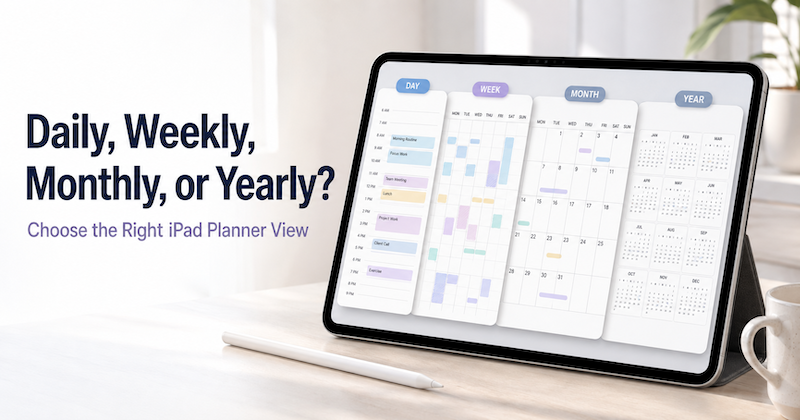
Daily, Weekly, Monthly, or Yearly? How to Choose the Right iPad Planner View
Open a planner and you are immediately asked to make a choice. Should you look at today? This week? The whole month? Or the entire year? Each view can show the same life, but it does not help you think in the same way. A daily planner is excellent for deciding what to do next. It is much less useful for noticing that three major deadlines are approaching in the same month. A yearly planner can reveal the overall shape…
-
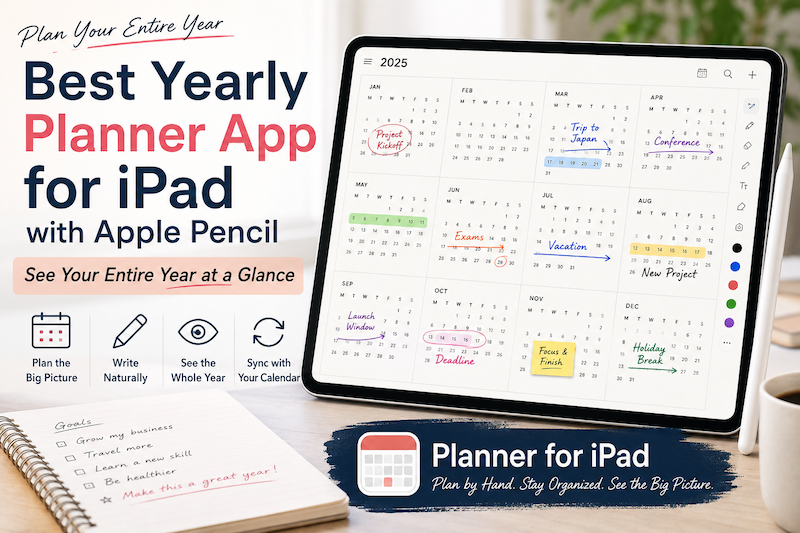
Best Yearly Planner App for iPad with Apple Pencil: See Your Entire Year at a Glance
A daily planner helps you manage today. A weekly planner helps you organize the next few days. A monthly planner helps you understand the shape of the month. But sometimes even a month is too small. When you are planning vacations, major projects, school terms, launches, busy seasons, financial goals, or simply the life you want to have over the next twelve months, you need to zoom out much further. That is where a yearly planner becomes useful. A good…
-
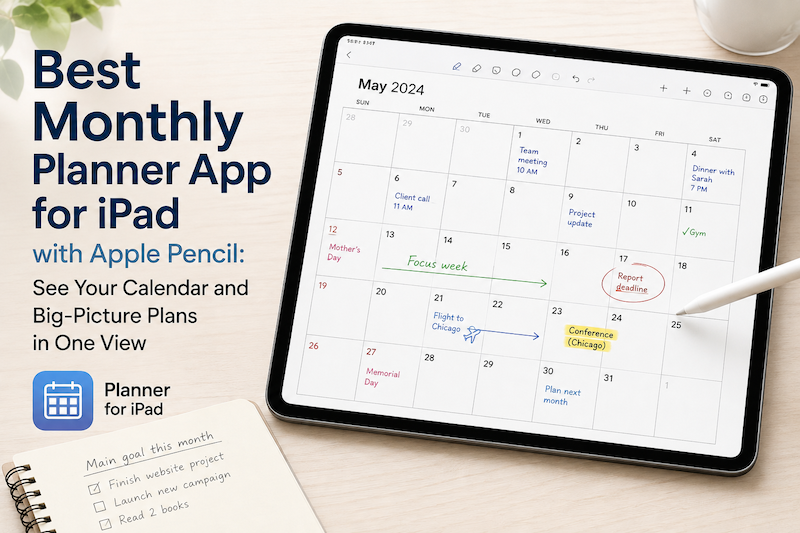
Best Monthly Planner App for iPad with Apple Pencil: See Your Calendar and Big-Picture Plans in One View
A daily planner helps you manage today. A weekly planner helps you organize the next few days. But sometimes you need to zoom out. A monthly planner gives you a different perspective. Instead of asking, “What do I need to do next?” you can ask: What does this month actually look like? On an iPad, a monthly planner can be especially useful when it combines two things that are usually separated: your real calendar schedule and the freedom to write…
-
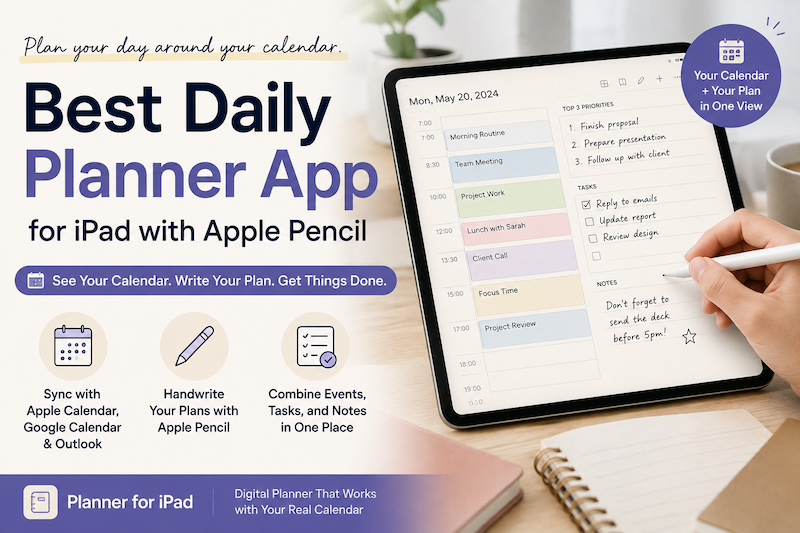
Best Daily Planner App for iPad with Apple Pencil: Plan Your Day Around Your Calendar
A calendar tells you what is scheduled. A daily planner helps you decide what to do with the rest of your day. On an iPad, these two things do not have to live in separate apps. With the right daily planner, you can see your calendar events, write plans with Apple Pencil, organize tasks, and add notes—all in one place. If you like the flexibility of a paper planner but also rely on Apple Calendar or Google Calendar, a daily…
-
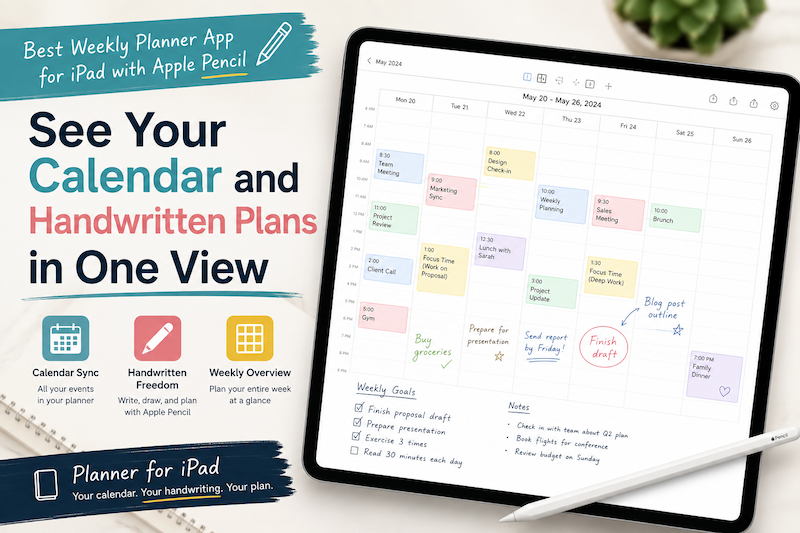
Best Weekly Planner App for iPad with Apple Pencil: See Your Calendar and Handwritten Plans in One View
Planning an entire week is difficult when your schedule and your thoughts live in different places. Your meetings may be stored in Apple Calendar. Work events may come from Google Calendar or Outlook. Tasks may be scattered across Apple Reminders, email, and handwritten notes. Then, when it is time to plan the week, you have to bring everything together manually. You open your calendar, check Monday’s appointments, switch to a digital planner, and copy them across. You repeat the process…
-
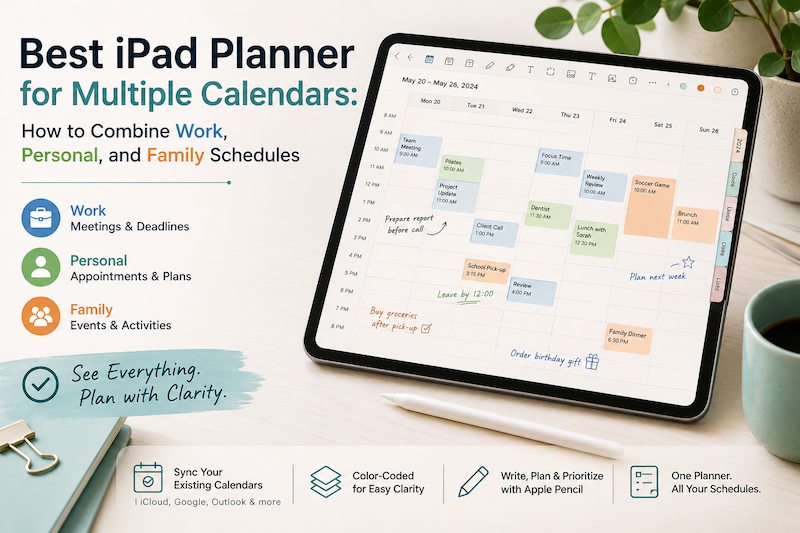
Best iPad Planner for Multiple Calendars: How to Combine Work, Personal, and Family Schedules
Your work meetings are in Outlook. Your personal appointments are in Apple Calendar. Your partner adds school events and family plans to a shared calendar. Meanwhile, birthdays, holidays, travel reservations, and recurring activities all seem to have calendars of their own. Using multiple calendars is not necessarily the problem. In fact, separating different parts of your life can make scheduling easier. The real problem begins when you have to check three or four apps before you can answer a simple…
-
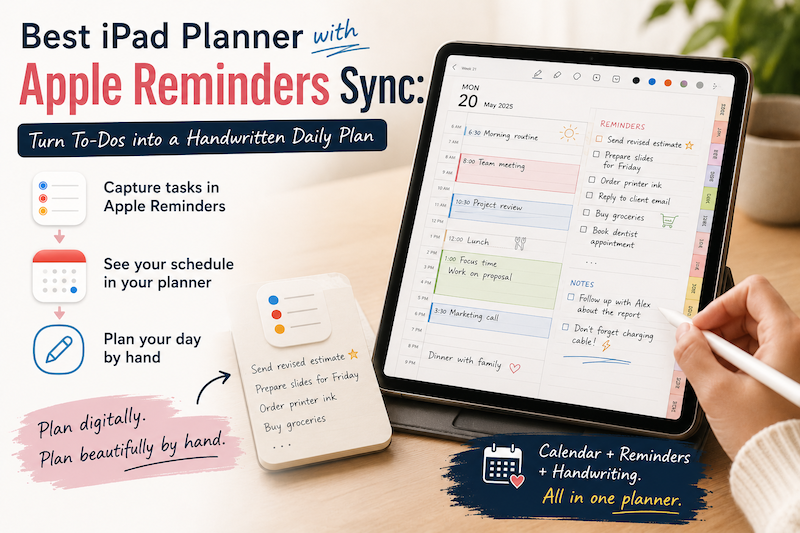
Best iPad Planner with Apple Reminders Sync: Turn To-Dos into a Handwritten Daily Plan
Apple Reminders is excellent at capturing tasks. You can add something the moment you think of it, organize it into a list, assign a due date, and receive a notification later. The problem is that collecting tasks and planning your day are not quite the same thing. A reminder such as “prepare presentation” tells you what needs to be done. It does not tell you when you will do it, how long it might take, or how it fits around…
-
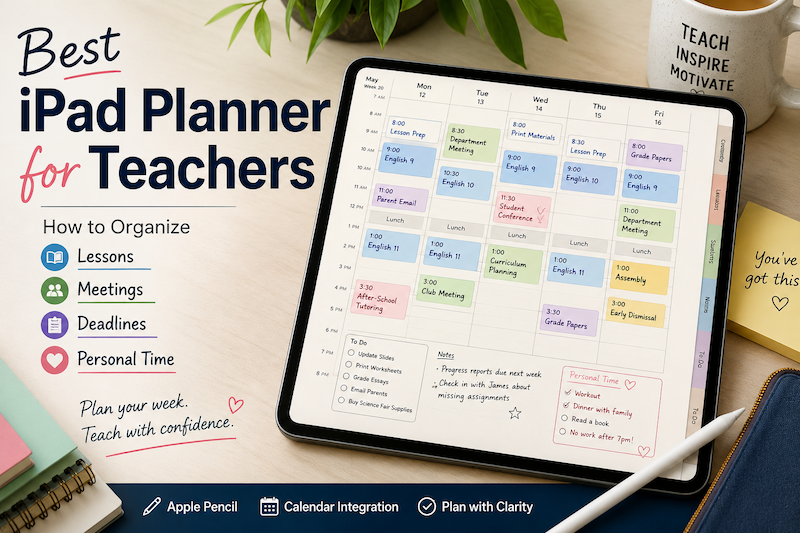
Best iPad Planner for Teachers: How to Organize Lessons, Meetings, Deadlines, and Personal Time
Teaching rarely fits neatly into a normal calendar. Your timetable may look predictable from a distance, but the actual work happens between the scheduled blocks. A lesson at 10:00 also requires preparation before class, notes afterward, materials to print, assignments to review, and follow-up for the students who need extra help. Then there are staff meetings, parent conferences, school events, professional development days, grading deadlines, emails, and administrative tasks. And somewhere beyond all of that, you still have a personal…
-
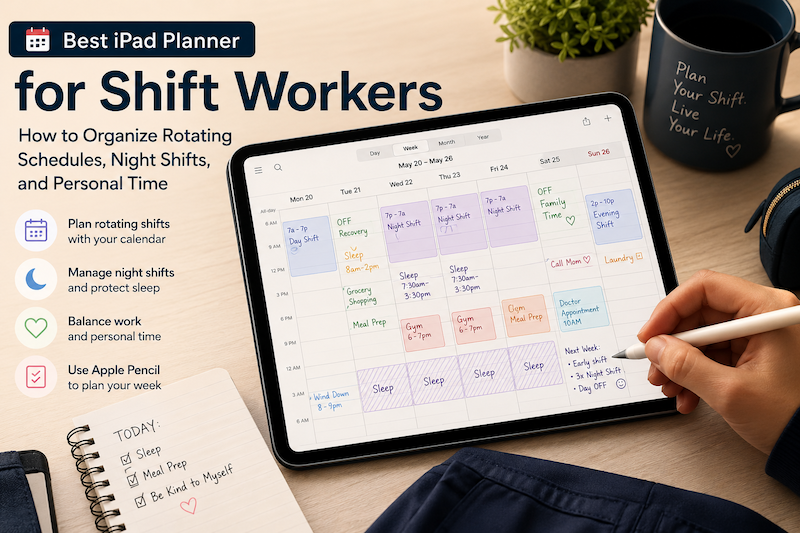
Best iPad Planner for Shift Workers: How to Organize Rotating Schedules, Night Shifts, and Personal Time
A traditional weekly planner usually assumes that life follows a predictable pattern. Work starts in the morning. Lunch happens around noon. Personal time begins in the evening. Weekends are free. For shift workers, that structure often makes little sense. Your workweek may begin on a Saturday. A “morning” routine might happen at 4:00 p.m. You may work two night shifts, have one recovery day, and then switch back to an early schedule. Even when your shifts are already stored in…