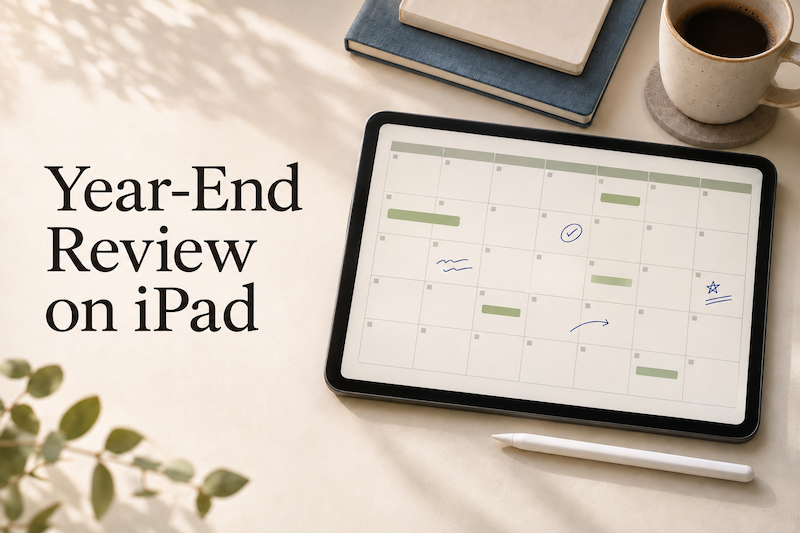
Open your calendar to one of your busiest weeks this year. Maybe there was a trip on Tuesday and three invoices due on Friday. Then open your planner to the same week. You might find “check invoice details” written on Monday, then again on Thursday. The calendar tells you when the invoices were due. The handwritten notes show how long the work kept getting pushed back.
That’s enough to make one useful change for next year. Keep the due date where it is and put a 30-minute review on the calendar a few days before it. You can do this kind of year-end review in about 20 minutes with your iPad, your calendar, and a few handwritten notes.
1. Scan your monthly calendar and pick two weeks
Flip through the past year in month view. Look for work trips, deadlines, family appointments, or stretches when several commitments landed at once. Pick one week when things piled up and one when similar commitments felt manageable.
Say both weeks ended with invoices due on Friday. In one, you were out of the office for two days. In the other, you had time to check the numbers on Tuesday morning. Open each week and look at what was scheduled around the deadline. If travel or school pickup made an apparently free afternoon unusable, jot that down too.
2. Read the handwritten notes for those weeks
Look for tasks you wrote more than once, plans you kept moving, and routines you managed to keep even when you were busy. In Planner for iPad, you can see events from calendars connected to your iPad and write next to them with Apple Pencil. That makes it easy to see a Friday due date alongside a reminder you wrote to yourself on Tuesday. Using Apple Calendar with Planner for iPad
In the invoice example, the useful question is whether you had time to check the details before submission day. If the work went smoothly in a week when you set aside time on Tuesday morning, you have something specific to try again.
Some weeks will have very few notes. Write down one thing the calendar helps you remember, such as “I got home too late to study on evenings with a client meeting,” and move on.
3. Make one change to next year’s calendar
Choose something likely to come up again and put a specific change on your calendar.
| What you noticed this year | What to try next year |
|---|---|
| Checking and submitting invoices both fell to the last day of the month. | Block 30 minutes to review invoices around the 25th. Move the block to the previous business day when it falls on a day off. |
| An errand before school pickup left you scrambling to get out the door. | Work back from the time you need to leave and keep a buffer before it. |
| You kept up with studying on busy weeks when you did it in the morning. | Try a 20-minute block on Tuesday mornings in January and see how it fits. |
For the invoice example, put “Review invoices · 30 min” on the calendar. On the planner page, write what you’ll do in that block, such as check line items and look for anything that hasn’t come in yet. The following month, check whether the block gave you enough time and adjust it if you need to.
Put it on the calendar now
Start with one week when you remember wishing you’d made time for something sooner. Look at the appointments and handwritten notes for that week, then set aside time for the next time it comes up. If it belongs in January, use the next guide to fit it around the commitments you already have. How to Set Up Your 2027 Digital Planner on iPad