2026
-

The Best iPad Planner for Business Professionals Who Actually Care About Productivity
Most productivity apps are designed for people who like productivity apps. They reward you for setting up the system, not for getting work done. You spend an hour configuring tags, color codes, and database views — and at the end of it, you’ve planned nothing and built a museum exhibit about how organized you could be. Business professionals don’t have time for this. You have meetings stacked back-to-back, deliverables with real consequences, and a calendar that fills up faster than…
-
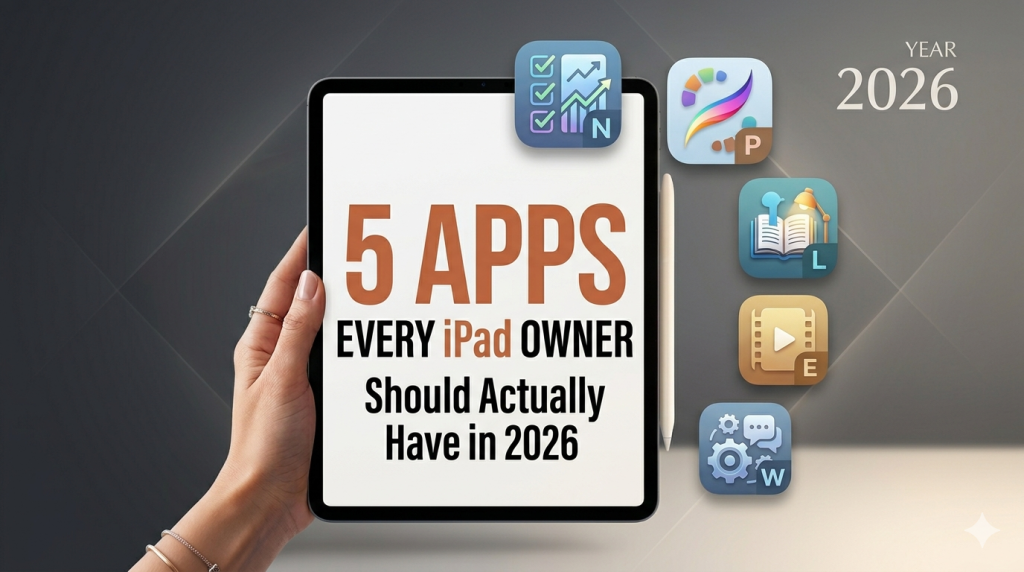
5 Apps Every iPad Owner Should Actually Have in 2026
Most “best iPad apps” lists read like a sponsored catalog. Forty apps, no opinions, every one of them a 5-star miracle. That’s not useful. Here are five apps I actually recommend — the ones that justify owning an iPad in the first place. If your iPad mostly sits on the kitchen counter playing YouTube, this is the list that gets it off the counter. Full disclosure: I make one of the apps on this list. I’ll tell you which one…
-
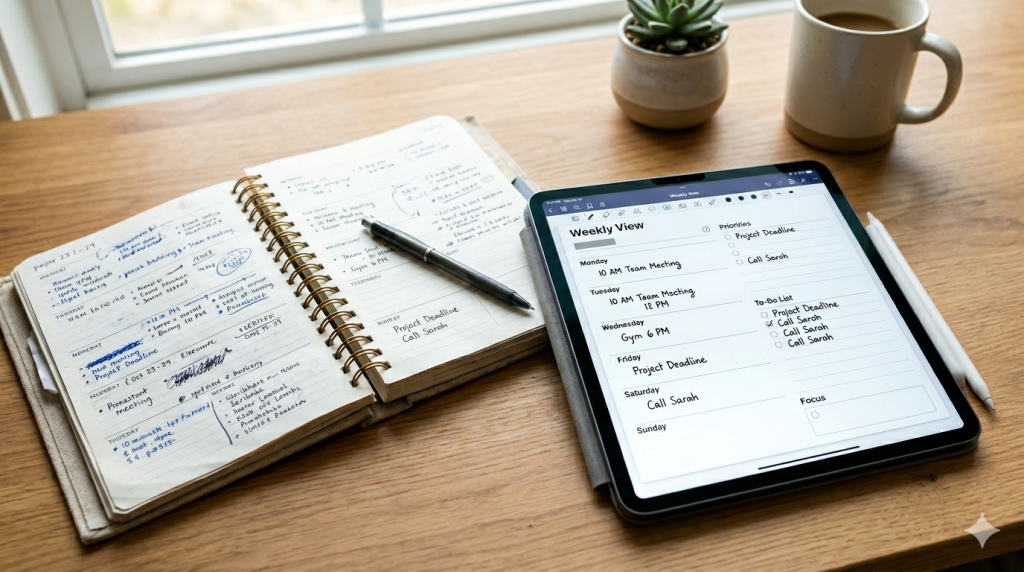
Are Handwritten Planners Bad for Productivity? Try Planner for iPad Before You Decide
There’s a quiet argument that’s been circulating for years: handwritten planners are inefficient. They’re slow. They don’t sync. You can’t search them. You can’t back them up. If you drop one in a puddle, your entire third quarter is gone. Apps, the argument goes, are simply better tools for getting things done. If you’ve ever stood in a stationery aisle holding a beautiful Hobonichi or Moleskine and felt a small wave of guilt — like you were about to choose…
-
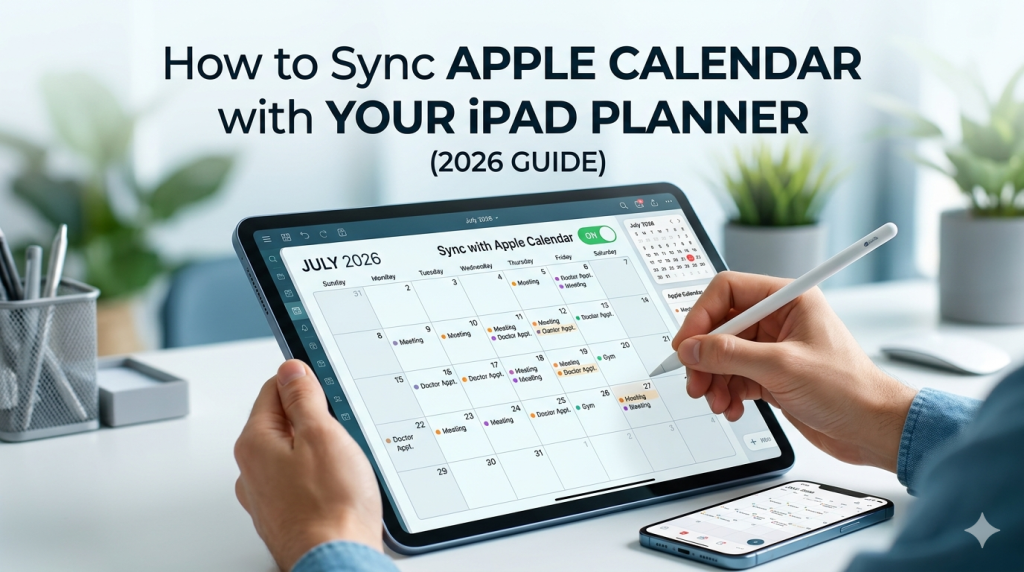
How to Sync Apple Calendar with Your iPad Planner (2026 Guide)
Your week is already in Apple Calendar. The dentist appointment, the team meeting, your kid’s recital, the flight on Friday. So when you open your iPad planner to map out the week, you have a choice: rewrite all of it by hand, or let your planner pull those events in automatically. Most people don’t realize the second option exists — or assume it only works with one specific app. The truth is more interesting. Apple Calendar sync on iPad works…
-
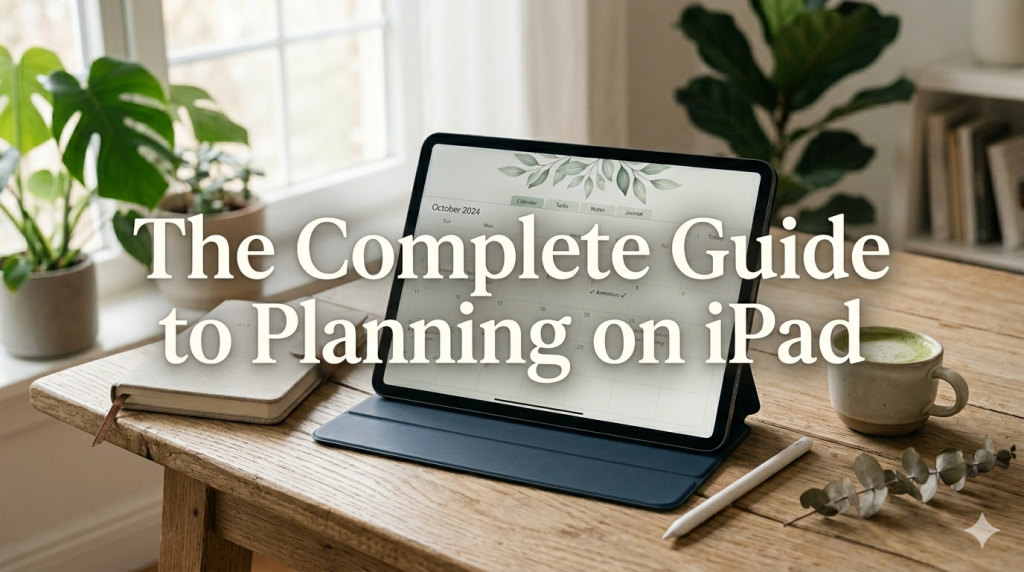
The Complete Guide to Planning on iPad (2026): How to Actually Make It Work
Last updated: April 2026 Most articles about iPad planning are written by people who don’t plan on iPad. They’re written by content marketers who downloaded GoodNotes once, took three screenshots, and called it a guide. This isn’t that. I’m Takeya. I make Planner for iPad. I’ve spent close to a decade thinking about what makes digital planning actually stick — not as a productivity flex, but as a daily practice that survives Mondays, deadlines, kids, sickness, and the slow erosion…
-
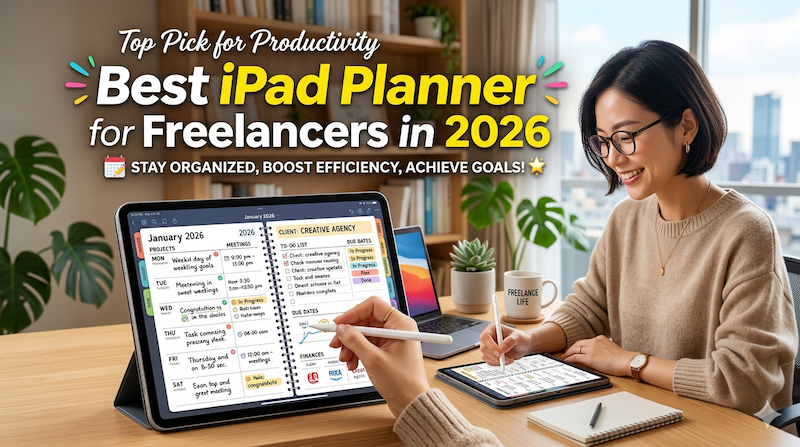
Best iPad Planner for Freelancers in 2026 (From a Freelancer Who Builds One)
Client deadlines. Invoices. The project you keep meaning to start. The admin you keep putting off. Here’s how to pick an iPad planner that holds the whole reality of freelance life — not just the work part. Full disclosure: I’m Takeya. I make Planner for iPad. I’m also a solo operator — I run my own products, I market them myself, and I know what it feels like to open a planner on a Monday morning and realize you’re not…
-
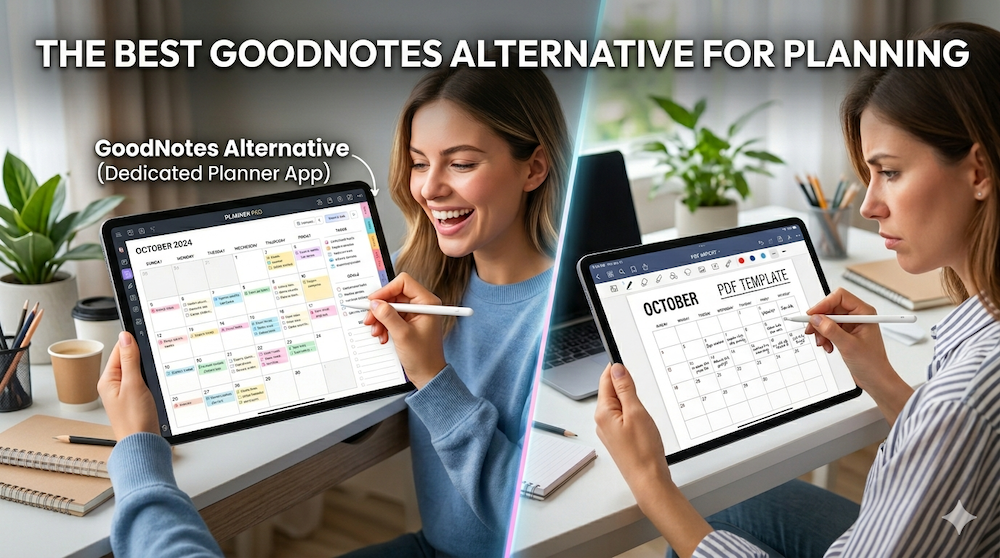
The Best GoodNotes Alternative for Planning: Why a Dedicated Planner App Beats Note-Taking + PDF Templates
Last updated: April 2026 If you’ve ever searched for “GoodNotes alternative for planning,” you’ve probably already tried the GoodNotes + PDF planner template combination — and discovered that it doesn’t quite work the way you hoped. Maybe your hyperlinks broke after a year. Maybe importing a new template every December feels like a tax on your productivity. Maybe you finally realized you’ve been paying for stickers and sticker packs and yet another planner PDF, only to scroll through twelve months…
-
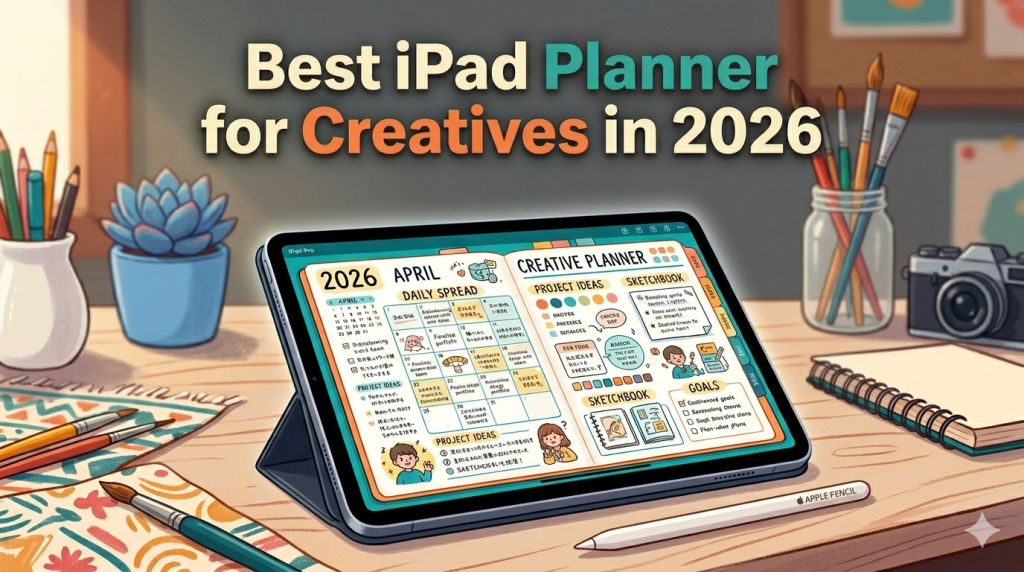
Best iPad Planner for Creatives in 2026 (From a Developer Who Builds for the Apple Pencil)
Designers, illustrators, writers, photographers, filmmakers — your work doesn’t fit neatly into a to-do list. Here’s how to pick an iPad planner that respects how creatives actually think. Most “best iPad planner” articles are written for people who plan in checkboxes. Wake up, drink water, finish report, send email. Done. That’s not how creative work happens. If you’re a designer, illustrator, writer, photographer, filmmaker, art director, or anyone whose output is supposed to be original, your week doesn’t break down…
-

Germany’s Planner Culture: Why Filofax Never Died in a Country Obsessed with Ordnung
In most of the world, Filofax is a nostalgic 1980s artifact. In Germany, it’s still on the shelf. There’s a reason — and it tells you something about how the Germans plan. Walk into a Thalia bookstore in Berlin, a Müller in Munich, or a Manufactum anywhere, and go straight to the stationery section. You’ll find things that have quietly disappeared from most other countries: leather ring-bound organizers, refillable calendar inserts for next year already stacked in October, fountain-pen-friendly notebooks…
-
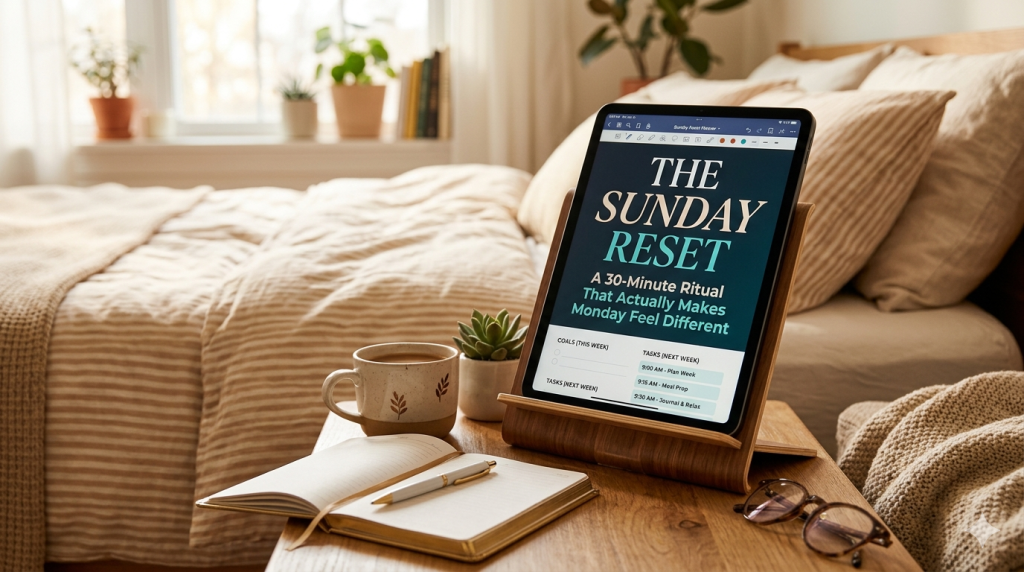
The Sunday Reset on iPad: A 30-Minute Ritual That Actually Makes Monday Feel Different
There’s a reason #sundayreset has billions of views on TikTok. It’s not about productivity. It’s about the relief of starting a week not already behind. There’s a specific kind of Sunday night anxiety that shows up around 8pm. The weekend is ending. Monday is coming. And somewhere underneath the dread, there’s a quieter feeling — a nagging sense that you haven’t prepared for the week, even though you’re not entirely sure what preparing would look like. If that feeling is…
-
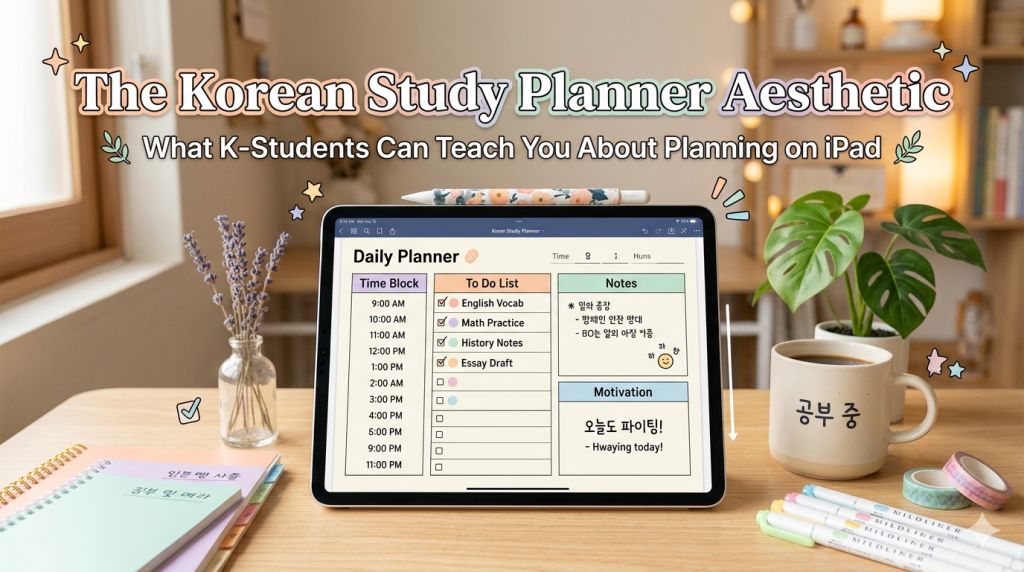
The Korean Study Planner Aesthetic: What K-Students Can Teach You About Planning on iPad
In Korea, planning isn’t decoration. It’s survival — and somehow, that pressure produced the most beautiful study aesthetic in the world. If you’ve spent any time on YouTube, TikTok, or studygram in the last few years, you’ve seen it. A clean desk shot. A stopwatch in the corner of the screen ticking past the hour mark. A planner open to a grid filled out in precise, color-coded handwriting. Muted background music, maybe rain sounds. No face, no talking — just…
-
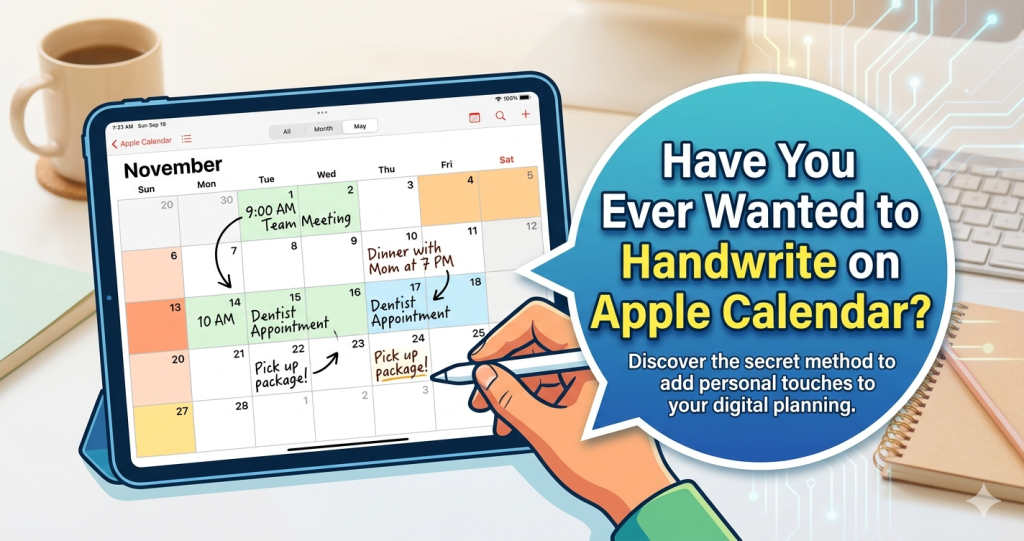
Have You Ever Wanted to Handwrite on Apple Calendar?
Apple Calendar is great at showing you when things happen. But what if you could pick up your Apple Pencil and actually write on it? You’re looking at your week in Apple Calendar. The color-coded blocks are all there — meetings, deadlines, the dentist appointment you keep rescheduling. It does exactly what a digital calendar should do: it shows you what’s coming. But something’s missing. You want to scribble a quick note next to Tuesday’s meeting. You want to circle…