planner
-
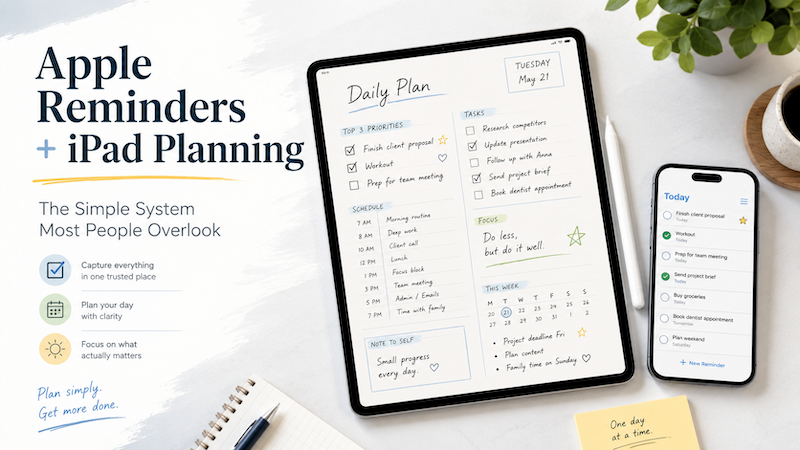
Apple Reminders and iPad Planning: The Simple System Most People Overlook
Apple Reminders is one of the most underrated productivity tools on the iPad. It is simple, fast, already installed, and works naturally across iPhone, iPad, Mac, Apple Watch, and Siri. You can capture a task the moment it appears in your head. You can set dates, repeat tasks, organize lists, and get notifications. And yet, for many people, Apple Reminders alone is not enough. The problem is not that Apple Reminders is bad. The problem is that a reminder is…
-
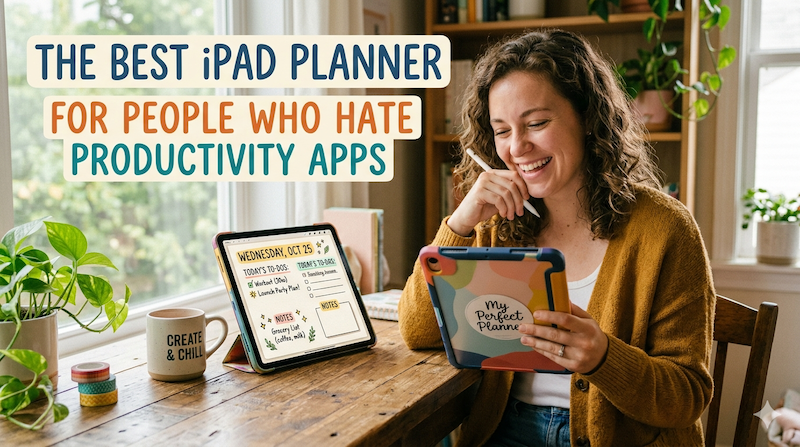
The Best iPad Planner for People Who Hate Productivity Apps
Productivity apps are supposed to make life easier. But somehow, many of them end up doing the opposite. You open one app to check your tasks. Another app for your calendar. Another one for notes. Another for habit tracking. Then there are tags, databases, dashboards, automations, templates, widgets, integrations, and weekly review systems that somehow require their own weekly review. At some point, you are no longer planning your day. You are maintaining a productivity machine. And honestly? Not everyone…
-
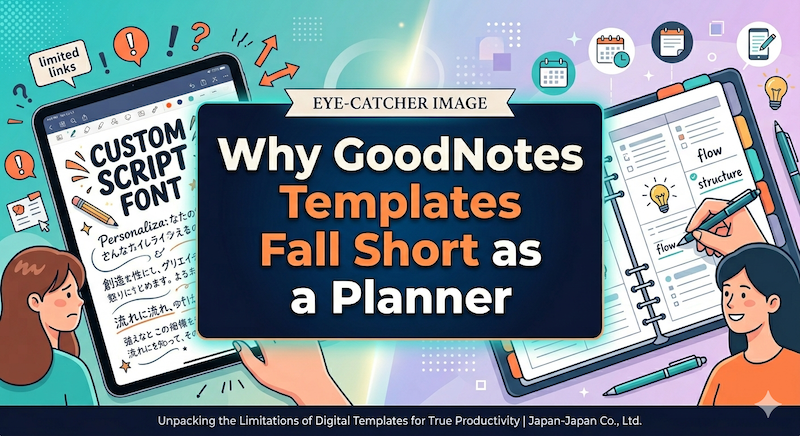
Why GoodNotes Templates Fall Short as a Planner
GoodNotes is a great note-taking app. A PDF planner inside GoodNotes is something else — a workaround that asks you to do work the software should be doing. Here’s where the template approach quietly breaks down, and why it matters more than the Etsy previews suggest. Full disclosure before we begin: I’m Takeya. I make Planner for iPad, so I have an obvious stake in this comparison. I’m going to try to be fair anyway, because the honest version of…
-
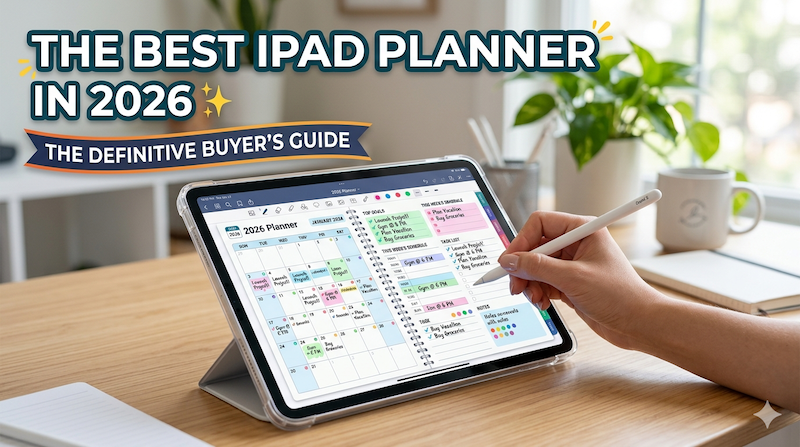
The Best iPad Planner in 2026: The Definitive Buyer’s Guide
The iPad planner market has quietly become one of the most crowded categories on the App Store. Search “planner” and you’ll get hundreds of results, half of them sponsored, most of them written by marketers who have never actually planned a week of their life on an iPad. This guide is different. I’m going to tell you, from the perspective of someone who has spent close to a decade building one of these apps, what actually matters when you’re choosing…
-
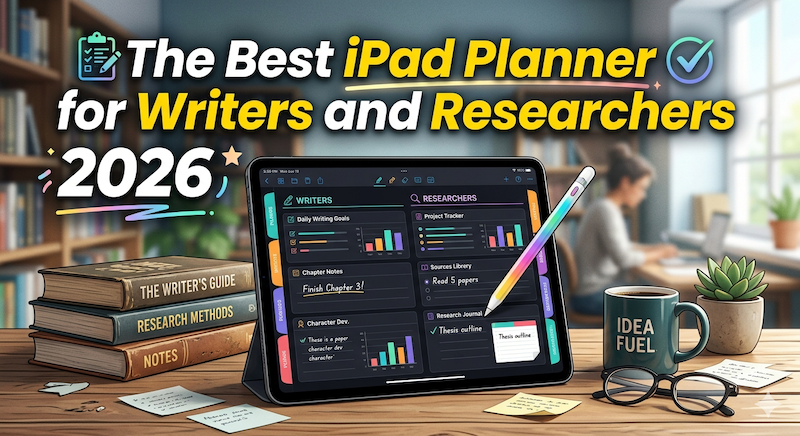
The Best iPad Planner for Writers and Researchers in 2026 (From a Developer Who Plans Long Projects for a Living)
A novel takes years. A dissertation takes longer. Here’s how to pick an iPad planner that actually holds the shape of long, slow work — and why most productivity apps were never designed for it. I’m Takeya. I make Planner for iPad. I’m not a novelist and I’m not finishing a PhD, but I’ve spent the better part of a decade on a single product, and I know the specific texture of work that doesn’t pay off for years. That…
-
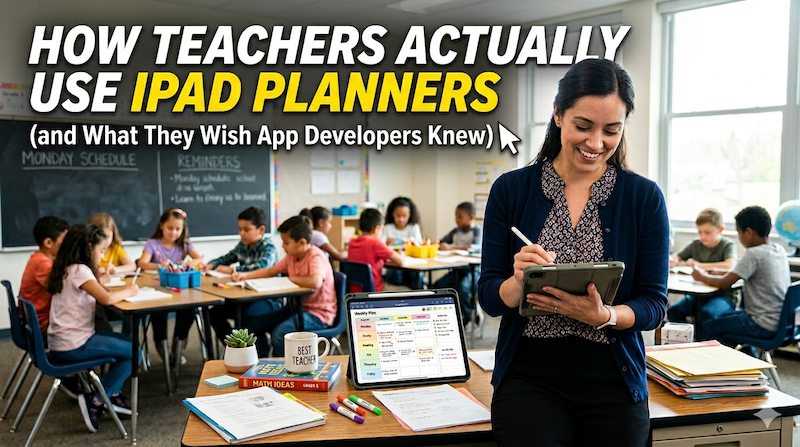
How Teachers Actually Use iPad Planners (and What They Wish App Developers Knew)
I’m not a teacher. I make a planner app, and over the years I’ve heard from a lot of them. Here’s what I’ve learned about the gap between how teachers actually work and how planner apps are designed — and what the best ones in the world still get wrong. Full disclosure before we begin: I’m Takeya. I make Planner for iPad. I am not a teacher, and I’m not going to pretend to be one in this article. What…
-
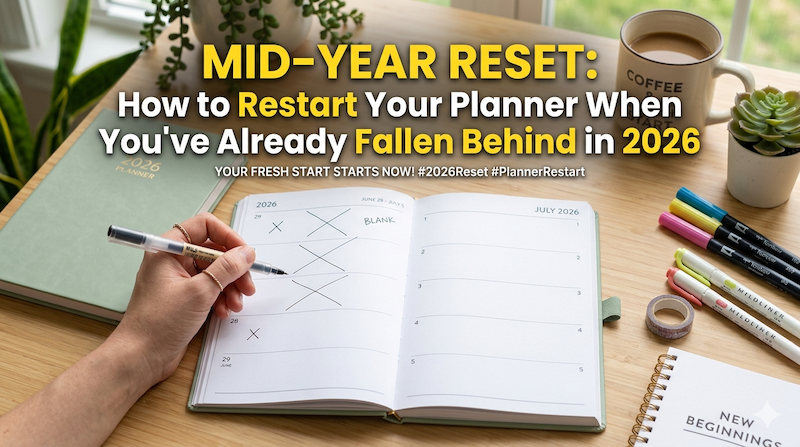
Mid-Year Reset: How to Restart Your Planner When You’ve Already Fallen Behind in 2026
It’s May. The planner you started in January has a few good weeks at the front, a slow fade in February, and a clean white silence after that. Here’s how to actually start again — without the guilt, the fresh-start fantasy, or the productivity sermon. There’s a specific kind of stillness inside a planner that’s been abandoned in February. You open it in May, hoping for some flicker of recognition, and what you find is a stranger’s handwriting. January’s goals…
-

France’s Agenda Culture: Why the French Still Carry Quo Vadis
In a country obsessed with the philosophy of time, paper never quite lost the argument. Walk into a Parisian bookstore in late August — La Hune in Saint-Germain, the labyrinthine Gibert Joseph on Boulevard Saint-Michel, the elegant stationery floor at Le Bon Marché — and you’ll notice something the rest of the world quietly stopped doing about a decade ago. The front tables are stacked with paper agendas. Not as a nostalgic flourish or a hipster reissue, but as a…
-
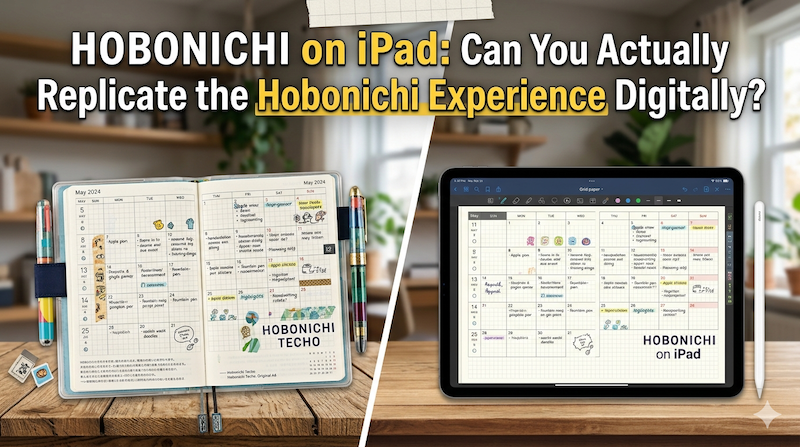
Hobonichi on iPad: Can You Actually Replicate the Hobonichi Experience Digitally?
Tomoe River paper. A page a day. The smell of new ink in October. The Hobonichi Techo isn’t just a planner — it’s a ritual. So can an iPad really do what it does? I’m a Japanese developer who makes a planning app, and I’ll tell you the honest answer. Every September, something quietly happens in Japan. Stationery sections of department stores rearrange themselves. Loft, Tokyu Hands, Maruzen — they all clear out a wall, and overnight it fills with…
-
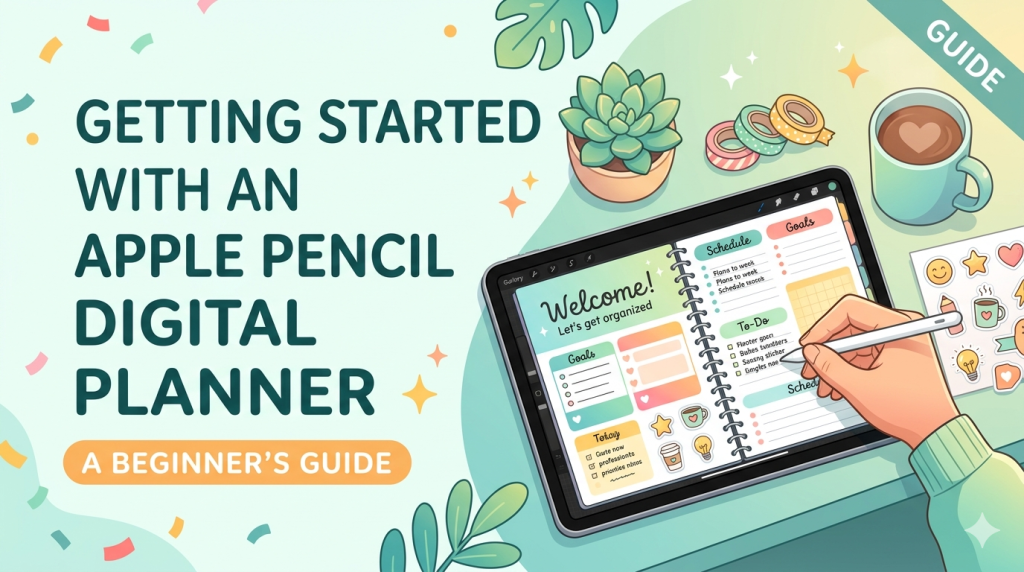
Getting Started with an Apple Pencil Digital Planner: A Beginner’s Guide
If you’ve been curious about ditching paper planners but love the feel of writing by hand, you’re in exactly the right place. The combination of an iPad and an Apple Pencil has become the closest thing we have to a paper notebook that never runs out of pages — and once you set it up properly, it’s hard to go back. I’m the developer of Planner for iPad, so I’ve spent years thinking about what makes handwritten digital planning actually…
-
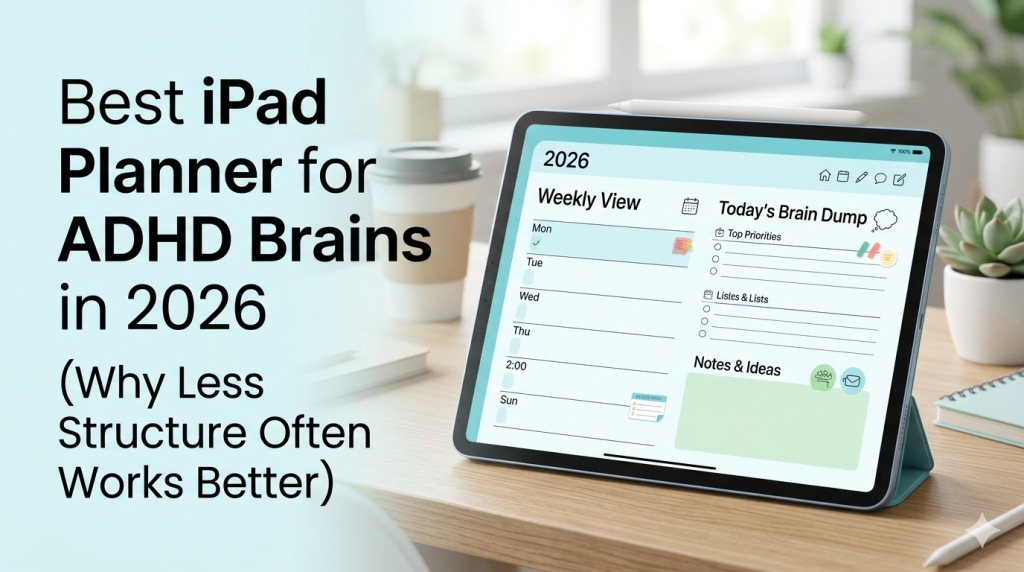
Best iPad Planner for ADHD Brains in 2026 (Why Less Structure Often Works Better)
You’ve tried the apps. Probably more than you’d like to admit. Here’s why most of them failed — and what an iPad planner actually needs to do for an ADHD brain. If you have ADHD and you’re reading this, there’s a very specific kind of fatigue you already know. It’s the fatigue of having tried — really tried — to use Notion, Todoist, TickTick, GoodNotes with a 47-page PDF planner, that one ADHD-specific app a YouTuber swore by, the bullet…
-
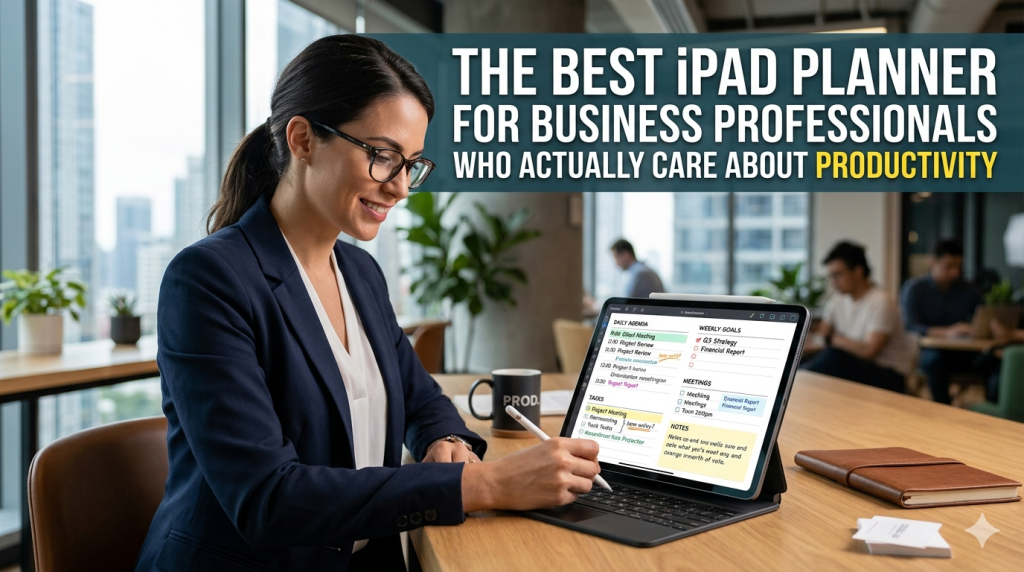
The Best iPad Planner for Business Professionals Who Actually Care About Productivity
Most productivity apps are designed for people who like productivity apps. They reward you for setting up the system, not for getting work done. You spend an hour configuring tags, color codes, and database views — and at the end of it, you’ve planned nothing and built a museum exhibit about how organized you could be. Business professionals don’t have time for this. You have meetings stacked back-to-back, deliverables with real consequences, and a calendar that fills up faster than…