calendar
-
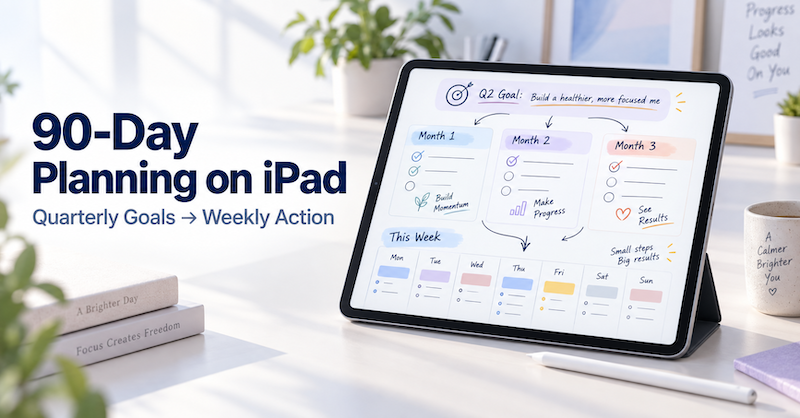
90-Day Planning on iPad: How to Turn Quarterly Goals into Weekly Action Plans
A year is long enough for a goal to remain comfortably vague. A day is short enough for urgent work to consume everything. Ninety days sits between those two extremes. It gives you enough time to complete something meaningful, but it is close enough that you cannot keep postponing the first step. That makes a 90-day plan especially useful for projects, study goals, business improvements, health routines, creative work, and personal changes. The challenge is not choosing a goal. The…
-
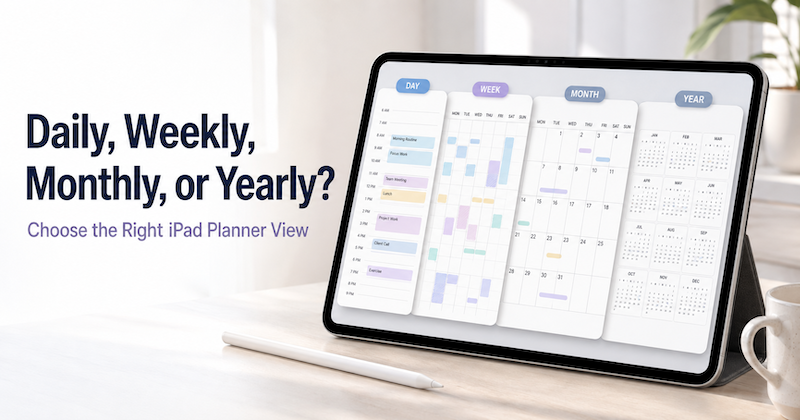
Daily, Weekly, Monthly, or Yearly? How to Choose the Right iPad Planner View
Open a planner and you are immediately asked to make a choice. Should you look at today? This week? The whole month? Or the entire year? Each view can show the same life, but it does not help you think in the same way. A daily planner is excellent for deciding what to do next. It is much less useful for noticing that three major deadlines are approaching in the same month. A yearly planner can reveal the overall shape…
-
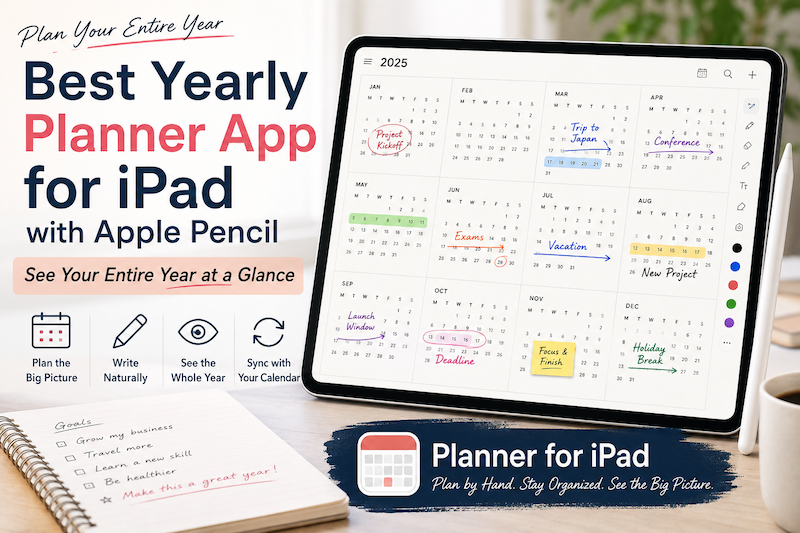
Best Yearly Planner App for iPad with Apple Pencil: See Your Entire Year at a Glance
A daily planner helps you manage today. A weekly planner helps you organize the next few days. A monthly planner helps you understand the shape of the month. But sometimes even a month is too small. When you are planning vacations, major projects, school terms, launches, busy seasons, financial goals, or simply the life you want to have over the next twelve months, you need to zoom out much further. That is where a yearly planner becomes useful. A good…
-
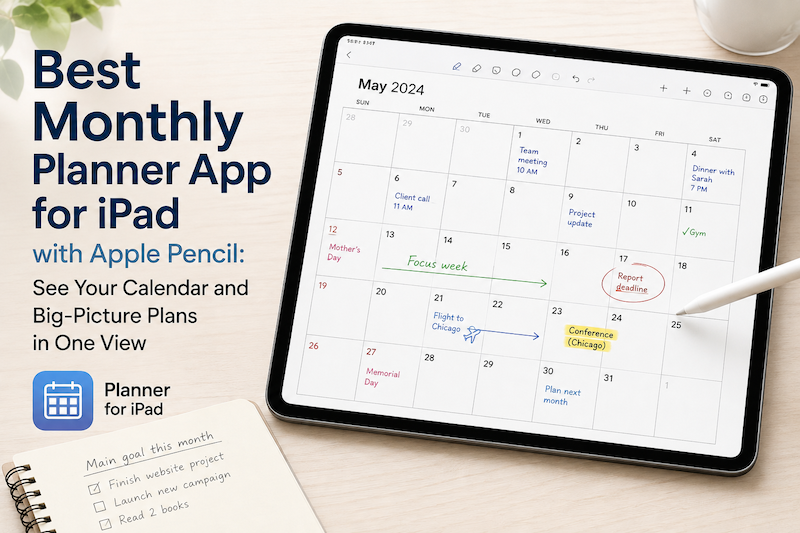
Best Monthly Planner App for iPad with Apple Pencil: See Your Calendar and Big-Picture Plans in One View
A daily planner helps you manage today. A weekly planner helps you organize the next few days. But sometimes you need to zoom out. A monthly planner gives you a different perspective. Instead of asking, “What do I need to do next?” you can ask: What does this month actually look like? On an iPad, a monthly planner can be especially useful when it combines two things that are usually separated: your real calendar schedule and the freedom to write…
-
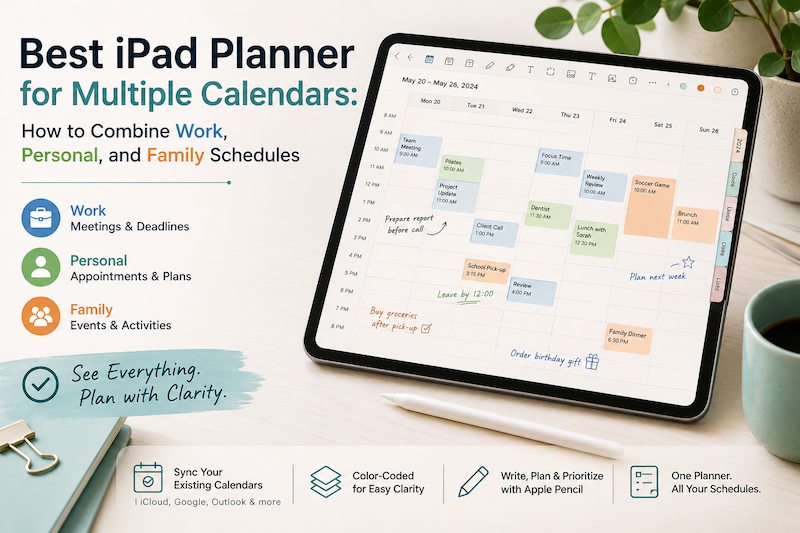
Best iPad Planner for Multiple Calendars: How to Combine Work, Personal, and Family Schedules
Your work meetings are in Outlook. Your personal appointments are in Apple Calendar. Your partner adds school events and family plans to a shared calendar. Meanwhile, birthdays, holidays, travel reservations, and recurring activities all seem to have calendars of their own. Using multiple calendars is not necessarily the problem. In fact, separating different parts of your life can make scheduling easier. The real problem begins when you have to check three or four apps before you can answer a simple…
-
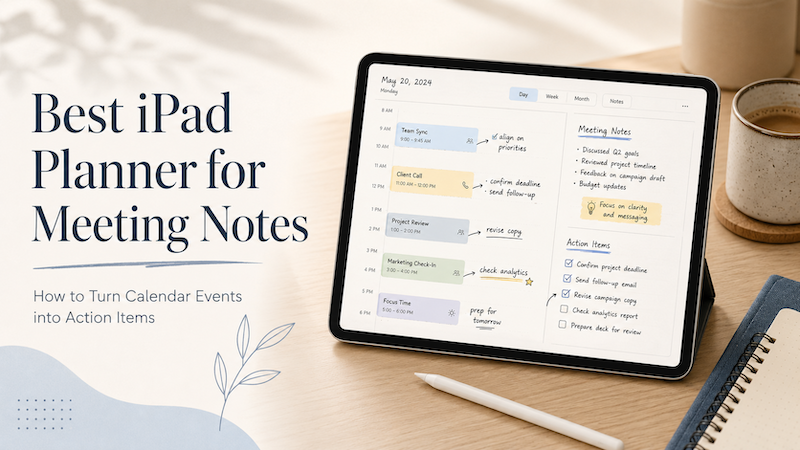
Best iPad Planner for Meeting Notes: How to Turn Calendar Events into Action Items
Meetings rarely end when the meeting ends. You leave with notes, decisions, follow-ups, small tasks, vague promises, and maybe one or two things you really should not forget. The problem is that most meeting workflows split everything apart. Your meeting time lives in your calendar.Your notes live in a notes app.Your follow-up tasks live somewhere else.Your real thoughts may still be scattered across the margins of a notebook. That is why an iPad planner can be surprisingly useful for meeting…
-
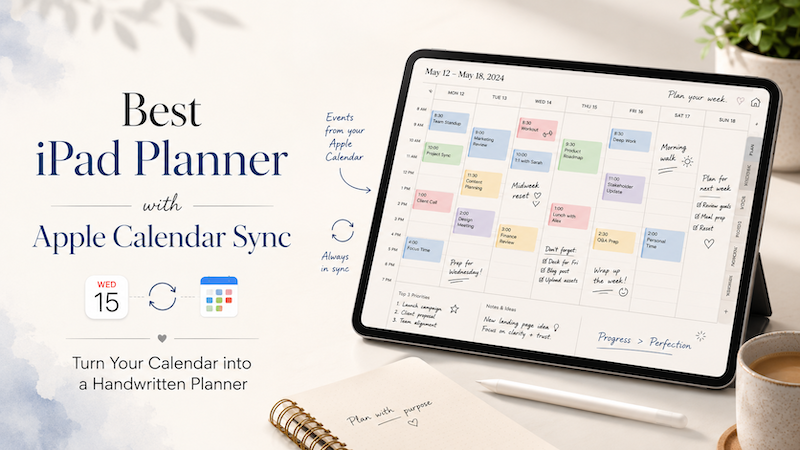
Best iPad Planner with Apple Calendar Sync: Turn Your Calendar into a Handwritten Planner
For many people, the calendar is where the day begins. Meetings, appointments, classes, deadlines, reminders — they all live inside a calendar app. But when it comes to actually planning the day, a calendar alone often feels too rigid. A calendar can tell you what is scheduled. But it does not always help you think through how you want to spend your time. That is why many iPad users still love handwritten planning. Writing with Apple Pencil feels more flexible,…
-
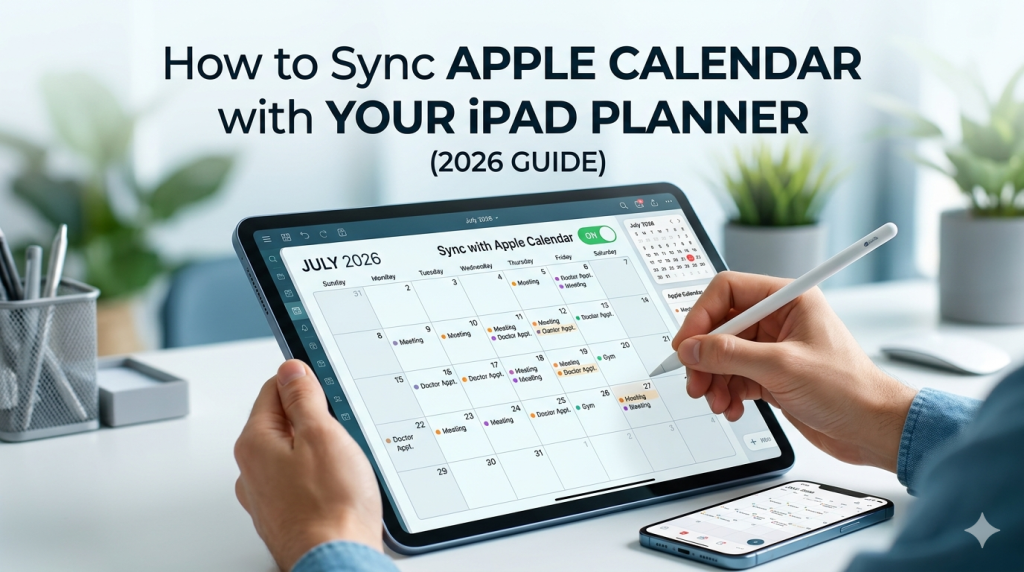
How to Sync Apple Calendar with Your iPad Planner (2026 Guide)
Your week is already in Apple Calendar. The dentist appointment, the team meeting, your kid’s recital, the flight on Friday. So when you open your iPad planner to map out the week, you have a choice: rewrite all of it by hand, or let your planner pull those events in automatically. Most people don’t realize the second option exists — or assume it only works with one specific app. The truth is more interesting. Apple Calendar sync on iPad works…
-
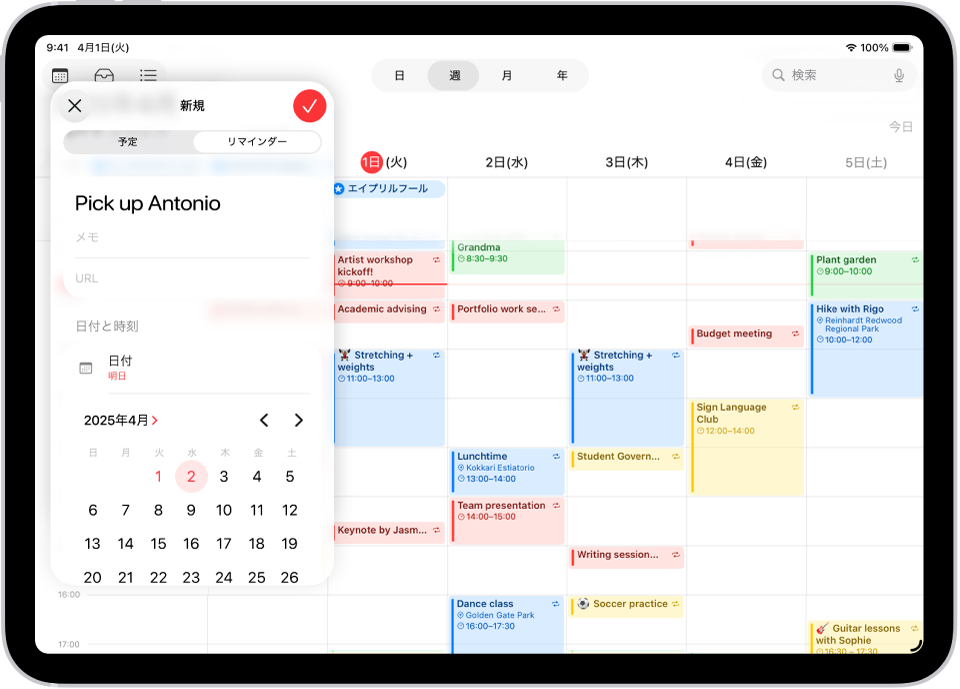
Apple Calendar on iPad: How to Actually Use It for Planning (Beyond Just Viewing Events)
Your calendar shows what’s scheduled. It doesn’t show what you’re going to do about it. Here’s how to bridge that gap on iPad — without leaving the Apple ecosystem. There’s a quiet problem with Apple Calendar that almost no one talks about. It’s beautiful. It syncs across every Apple device you own. It handles invites, reminders, time zones, recurring events, and shared family calendars without breaking a sweat. For most people, it’s the default — the calendar app you never…