Planner for iPad
-
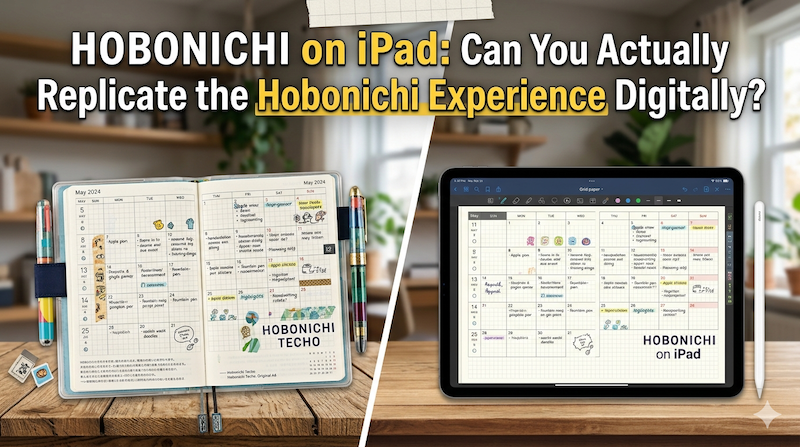
Hobonichi on iPad: Can You Actually Replicate the Hobonichi Experience Digitally?
Tomoe River paper. A page a day. The smell of new ink in October. The Hobonichi Techo isn’t just a planner — it’s a ritual. So can an iPad really do what it does? I’m a Japanese developer who makes a planning app, and I’ll tell you the honest answer. Every September, something quietly happens in Japan. Stationery sections of department stores rearrange themselves. Loft, Tokyu Hands, Maruzen — they all clear out a wall, and overnight it fills with…
-
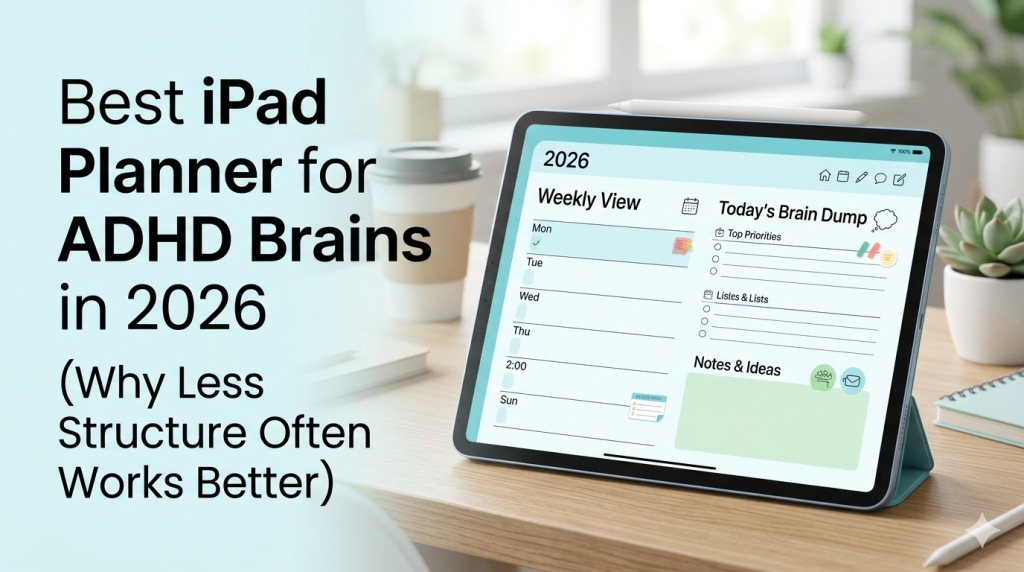
Best iPad Planner for ADHD Brains in 2026 (Why Less Structure Often Works Better)
You’ve tried the apps. Probably more than you’d like to admit. Here’s why most of them failed — and what an iPad planner actually needs to do for an ADHD brain. If you have ADHD and you’re reading this, there’s a very specific kind of fatigue you already know. It’s the fatigue of having tried — really tried — to use Notion, Todoist, TickTick, GoodNotes with a 47-page PDF planner, that one ADHD-specific app a YouTuber swore by, the bullet…
-
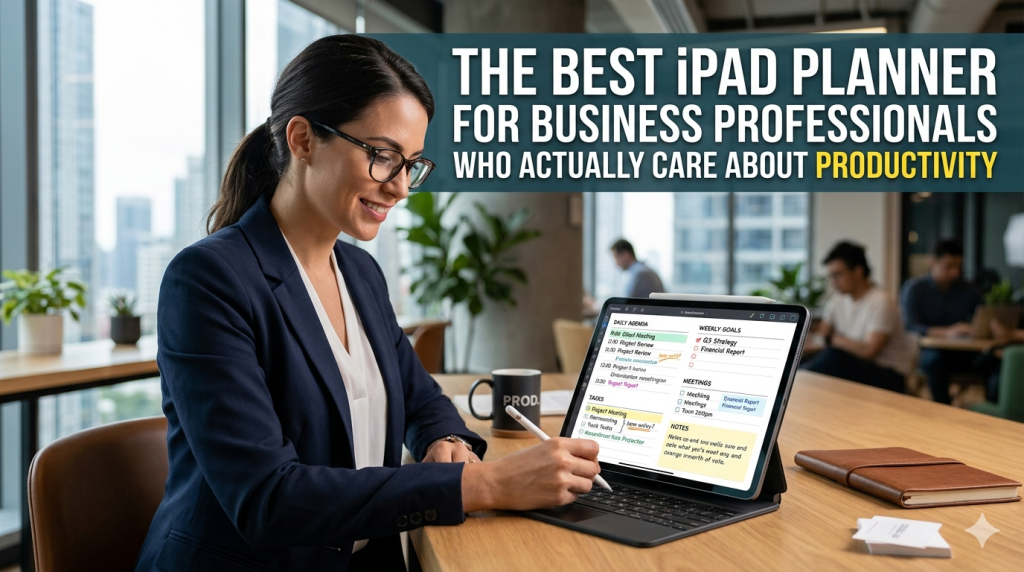
The Best iPad Planner for Business Professionals Who Actually Care About Productivity
Most productivity apps are designed for people who like productivity apps. They reward you for setting up the system, not for getting work done. You spend an hour configuring tags, color codes, and database views — and at the end of it, you’ve planned nothing and built a museum exhibit about how organized you could be. Business professionals don’t have time for this. You have meetings stacked back-to-back, deliverables with real consequences, and a calendar that fills up faster than…
-
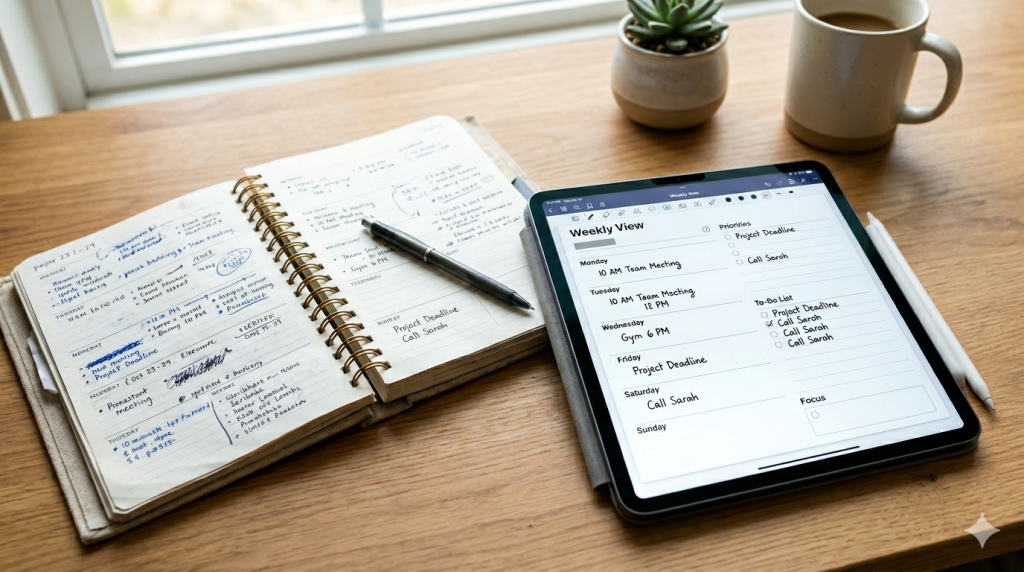
Are Handwritten Planners Bad for Productivity? Try Planner for iPad Before You Decide
There’s a quiet argument that’s been circulating for years: handwritten planners are inefficient. They’re slow. They don’t sync. You can’t search them. You can’t back them up. If you drop one in a puddle, your entire third quarter is gone. Apps, the argument goes, are simply better tools for getting things done. If you’ve ever stood in a stationery aisle holding a beautiful Hobonichi or Moleskine and felt a small wave of guilt — like you were about to choose…
-
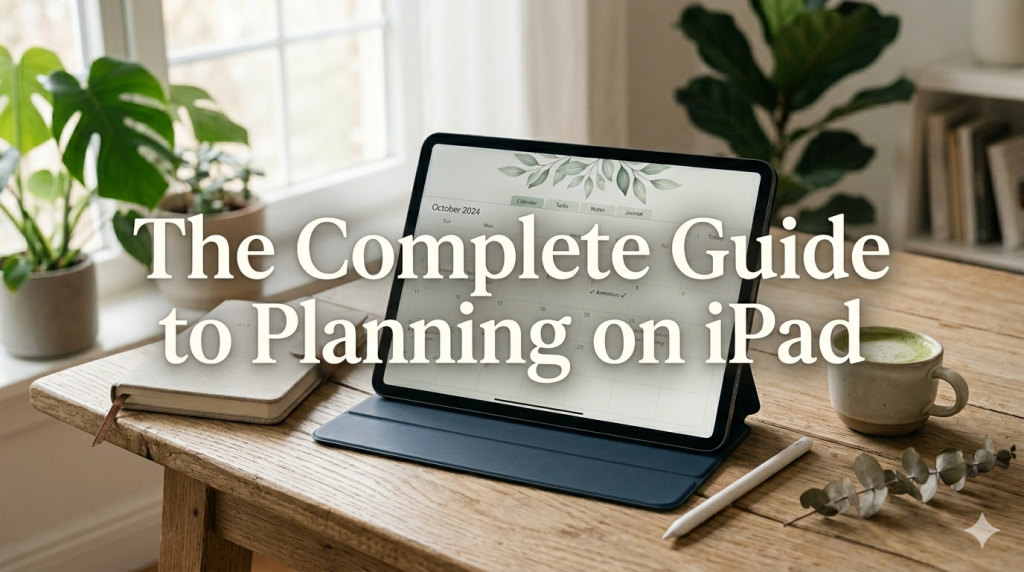
The Complete Guide to Planning on iPad (2026): How to Actually Make It Work
Last updated: April 2026 Most articles about iPad planning are written by people who don’t plan on iPad. They’re written by content marketers who downloaded GoodNotes once, took three screenshots, and called it a guide. This isn’t that. I’m Takeya. I make Planner for iPad. I’ve spent close to a decade thinking about what makes digital planning actually stick — not as a productivity flex, but as a daily practice that survives Mondays, deadlines, kids, sickness, and the slow erosion…
-
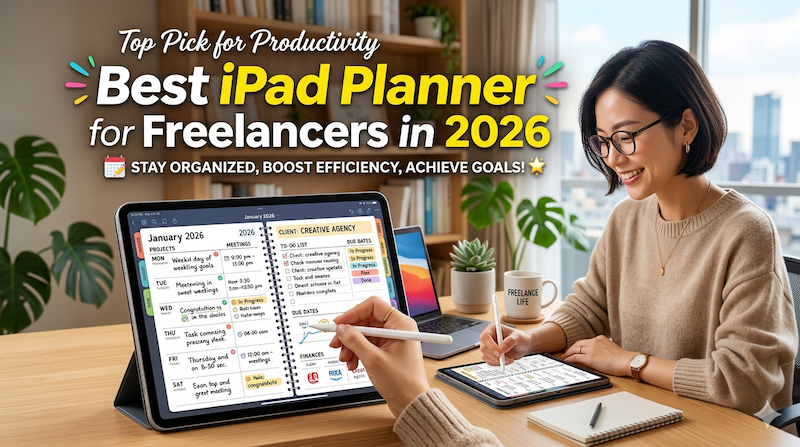
Best iPad Planner for Freelancers in 2026 (From a Freelancer Who Builds One)
Client deadlines. Invoices. The project you keep meaning to start. The admin you keep putting off. Here’s how to pick an iPad planner that holds the whole reality of freelance life — not just the work part. Full disclosure: I’m Takeya. I make Planner for iPad. I’m also a solo operator — I run my own products, I market them myself, and I know what it feels like to open a planner on a Monday morning and realize you’re not…
-
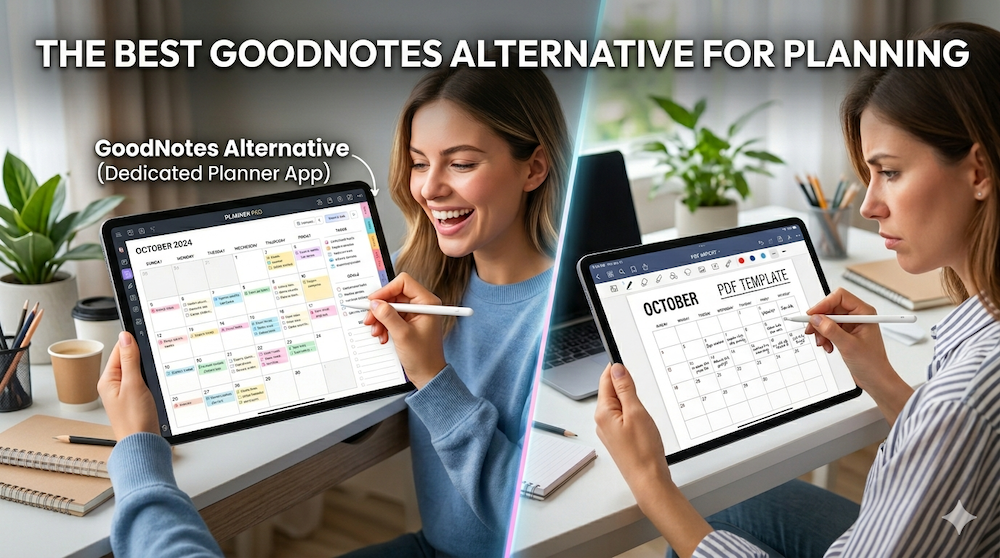
The Best GoodNotes Alternative for Planning: Why a Dedicated Planner App Beats Note-Taking + PDF Templates
Last updated: April 2026 If you’ve ever searched for “GoodNotes alternative for planning,” you’ve probably already tried the GoodNotes + PDF planner template combination — and discovered that it doesn’t quite work the way you hoped. Maybe your hyperlinks broke after a year. Maybe importing a new template every December feels like a tax on your productivity. Maybe you finally realized you’ve been paying for stickers and sticker packs and yet another planner PDF, only to scroll through twelve months…
-
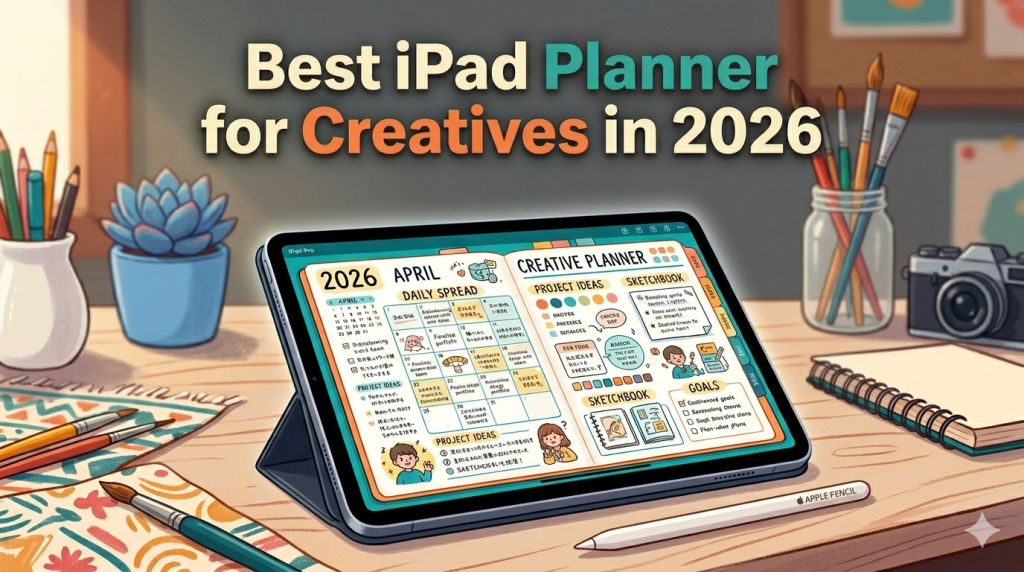
Best iPad Planner for Creatives in 2026 (From a Developer Who Builds for the Apple Pencil)
Designers, illustrators, writers, photographers, filmmakers — your work doesn’t fit neatly into a to-do list. Here’s how to pick an iPad planner that respects how creatives actually think. Most “best iPad planner” articles are written for people who plan in checkboxes. Wake up, drink water, finish report, send email. Done. That’s not how creative work happens. If you’re a designer, illustrator, writer, photographer, filmmaker, art director, or anyone whose output is supposed to be original, your week doesn’t break down…
-
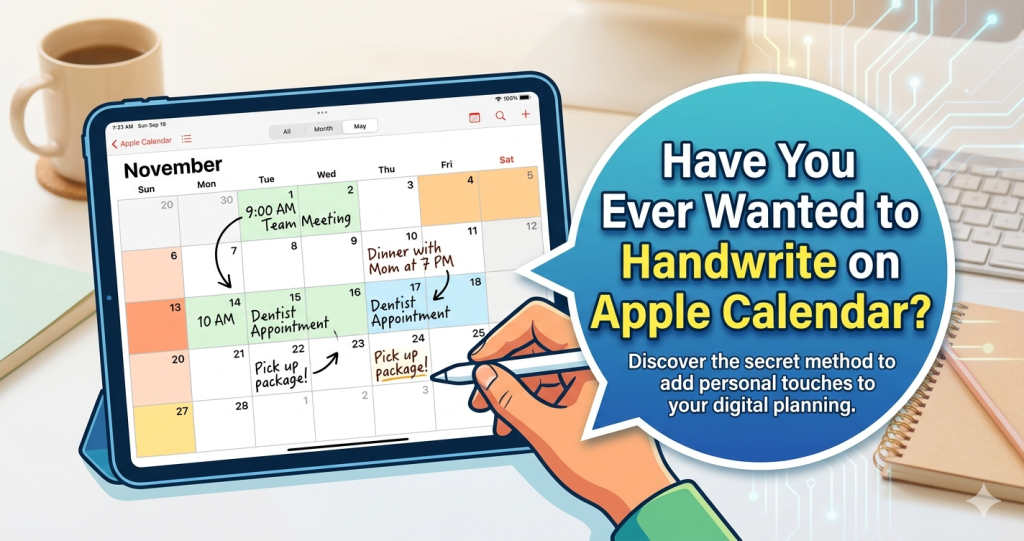
Have You Ever Wanted to Handwrite on Apple Calendar?
Apple Calendar is great at showing you when things happen. But what if you could pick up your Apple Pencil and actually write on it? You’re looking at your week in Apple Calendar. The color-coded blocks are all there — meetings, deadlines, the dentist appointment you keep rescheduling. It does exactly what a digital calendar should do: it shows you what’s coming. But something’s missing. You want to scribble a quick note next to Tuesday’s meeting. You want to circle…
-
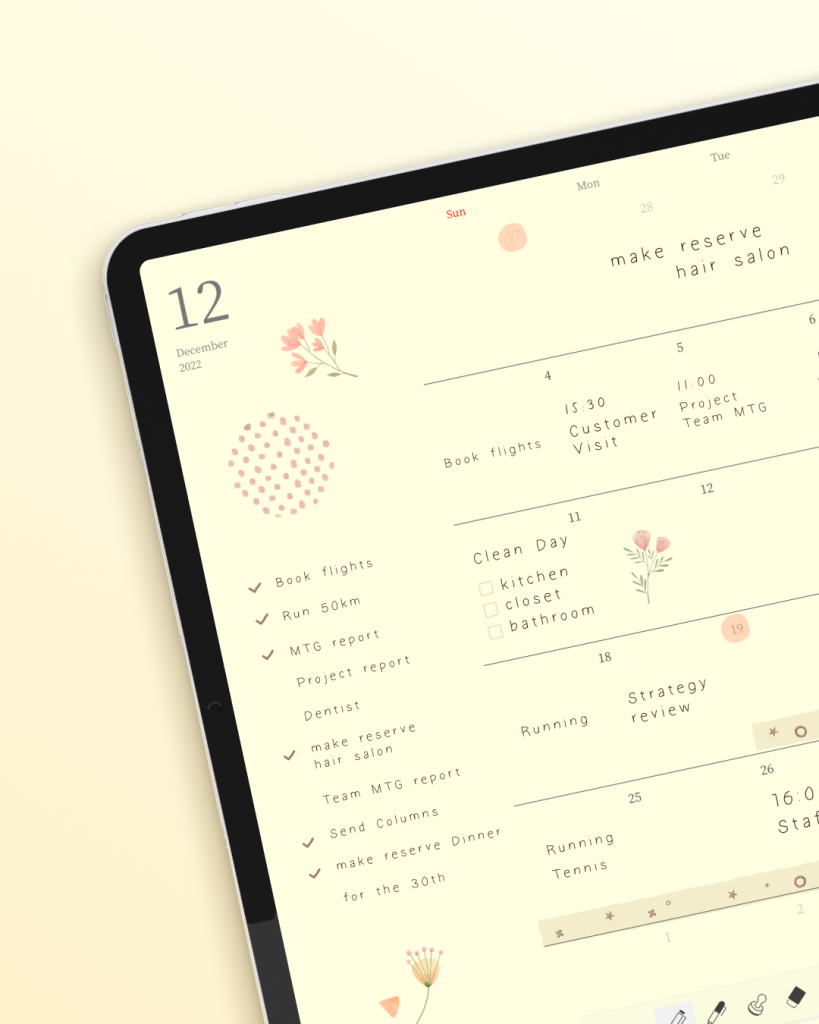
Why Using Planner for iPad Feels So Unexpectedly Warm
Some apps feel like tools. This one feels like a ritual. I didn’t expect to feel anything when I opened a planning app for the first time. Apps are supposed to be efficient. Functional. They organize your tasks, sync your calendar, and remind you to drink water. They’re not supposed to make you want to sit down with a cup of tea and spend twenty minutes just being with your schedule. And yet, that’s what happened with Planner for iPad.…
-
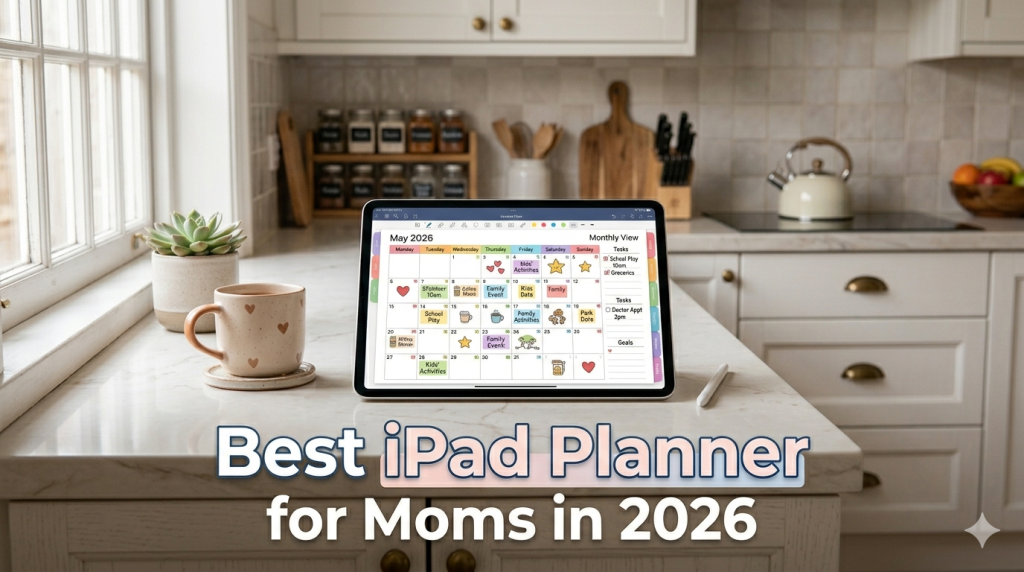
Best iPad Planner for Moms in 2026 (From Someone Who Listened to Real Family Schedules)
School drop-off. Doctor’s appointments. The grocery list. That thing you forgot to sign. Here’s how to pick an iPad planner that holds all of it — without becoming one more thing to manage. There’s a particular kind of mental load that doesn’t show up in any productivity book. It’s the invisible spreadsheet running in the back of your head at all times: what’s for dinner, who needs to be where, when the permission slip is due, which kid has soccer…
-

The Complete Guide to Digital Planning on iPad (2026) — Everything You Need to Know About Handwriting Your Plans with Planner for iPad
Your iPad and Apple Pencil can give you the tactile joy of a paper planner with the power of digital. But between choosing the right app, setting up calendar sync, picking a workflow, and figuring out what actually sticks — it’s easy to get lost before you even start. This page brings together every article on our blog into one place, organized by topic, so you can jump straight to what matters most to you. Bookmark this page. It’s your…