April 2026
-
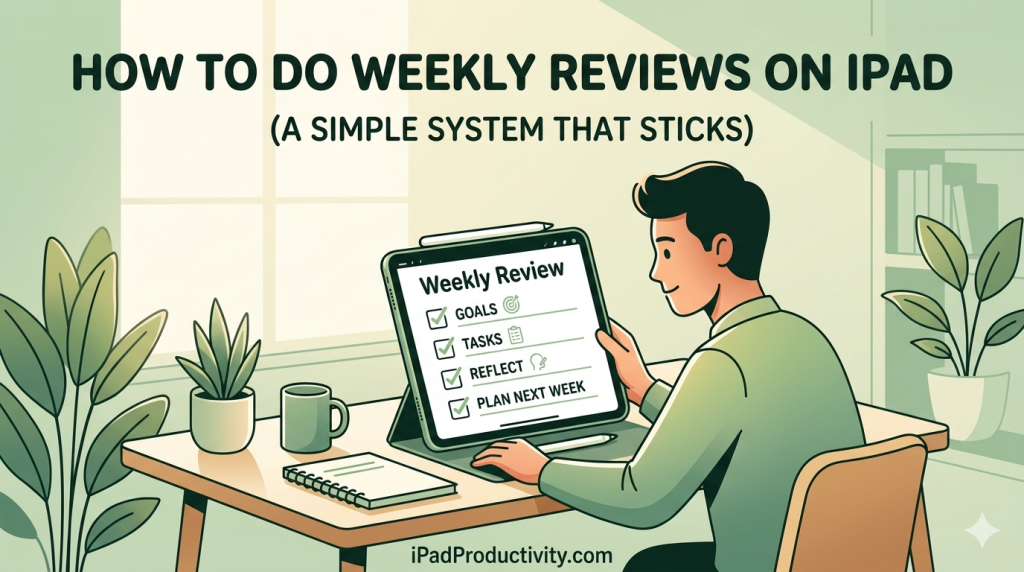
How to Do a Weekly Review on iPad (A Simple System That Actually Sticks)
Full disclosure: I make Planner for iPad. I’ll mention it where it’s relevant — but this article is about the weekly review habit itself, which you can build with almost any tool. The habit matters more than the app. There’s a productivity habit that separates people who feel vaguely in control of their week from people who feel genuinely in control of it. It’s not waking up at 5am. It’s not some new task manager. It’s a practice that’s been…
-
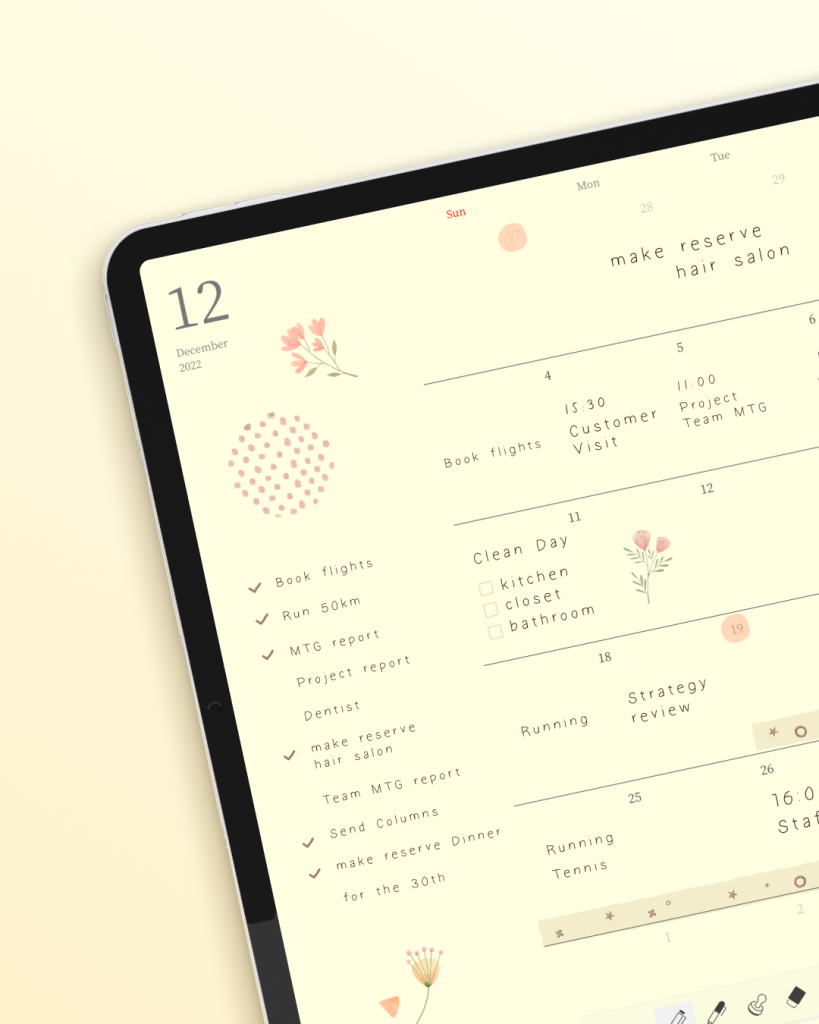
Why Using Planner for iPad Feels So Unexpectedly Warm
Some apps feel like tools. This one feels like a ritual. I didn’t expect to feel anything when I opened a planning app for the first time. Apps are supposed to be efficient. Functional. They organize your tasks, sync your calendar, and remind you to drink water. They’re not supposed to make you want to sit down with a cup of tea and spend twenty minutes just being with your schedule. And yet, that’s what happened with Planner for iPad.…
-
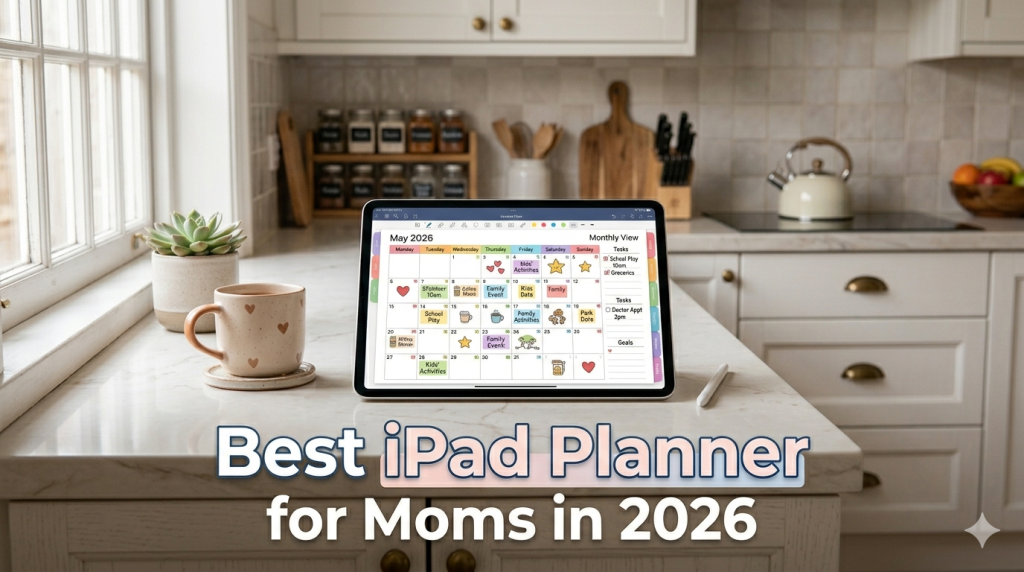
Best iPad Planner for Moms in 2026 (From Someone Who Listened to Real Family Schedules)
School drop-off. Doctor’s appointments. The grocery list. That thing you forgot to sign. Here’s how to pick an iPad planner that holds all of it — without becoming one more thing to manage. There’s a particular kind of mental load that doesn’t show up in any productivity book. It’s the invisible spreadsheet running in the back of your head at all times: what’s for dinner, who needs to be where, when the permission slip is due, which kid has soccer…
-
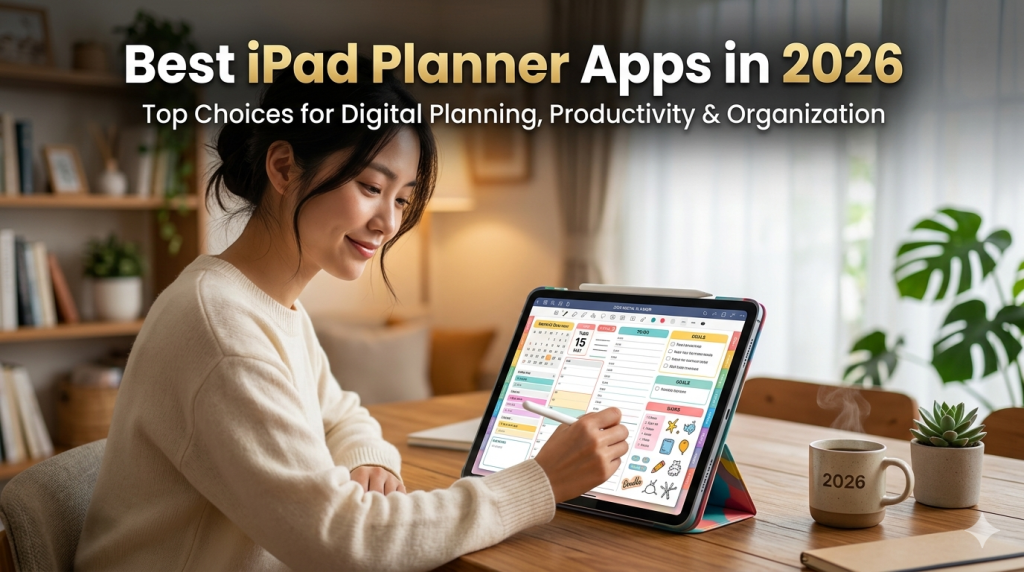
Best iPad Planner Apps in 2026 (An Honest Roundup from a Developer Who Built One)
I make Planner for iPad. That means I have opinions — but it also means I’ve spent years studying what makes a planning app actually work. Here’s the most honest roundup you’ll find. Every “best iPad planner apps” article you’ve read was written by someone who spent an afternoon downloading apps and taking screenshots. This one was written by someone who’s been building one since the Apple Pencil made handwriting on glass feel like handwriting on paper. Yes, I’m biased.…
-
Why Your iPad Planner Doesn’t Need AI (And Why That’s a Feature)
Every planner app in 2026 wants to think for you. But the whole point of planning is that you do the thinking yourself. Here’s why the smartest iPad planner might be the one that stays out of your way. Open the App Store right now and search for “planner.” Count how many results mention AI in the first screenshot. Half of them, minimum. Probably more. GoodNotes 7 has an AI Pass — $9.99 a month, on top of the app…
-
The Complete Guide to Digital Planning on iPad (2026) — Everything You Need to Know About Handwriting Your Plans with Planner for iPad
Your iPad and Apple Pencil can give you the tactile joy of a paper planner with the power of digital. But between choosing the right app, setting up calendar sync, picking a workflow, and figuring out what actually sticks — it’s easy to get lost before you even start. This page brings together every article on our blog into one place, organized by topic, so you can jump straight to what matters most to you. Bookmark this page. It’s your…
-
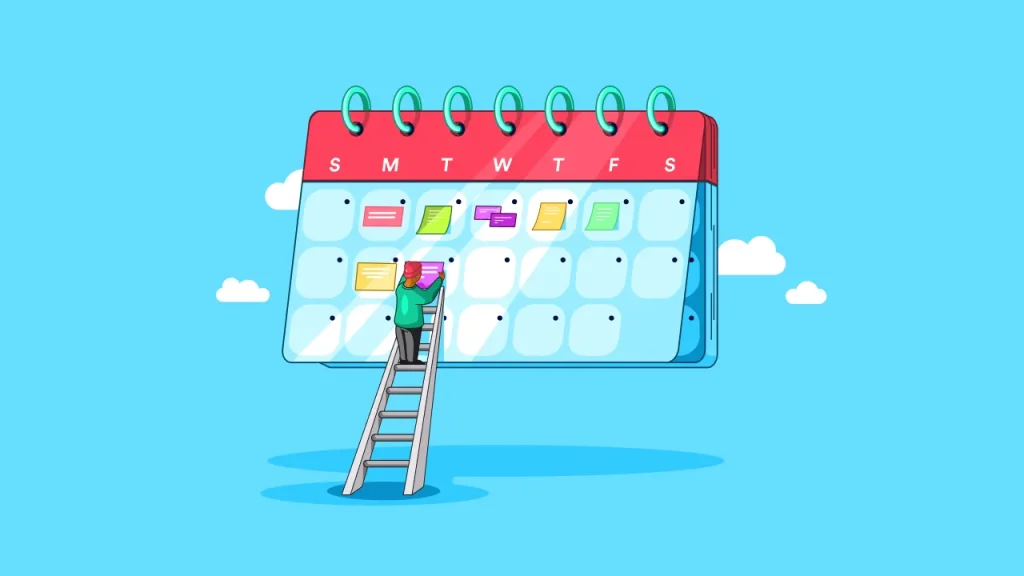
How to Do a Weekly Review on iPad (A Simple System That Actually Works)
You time block your days. You check off your to-dos. But without a weekly review, you’re running fast in whatever direction Monday pointed you. Here’s how to build a 20-minute habit on iPad that keeps the whole week honest. Most productivity advice focuses on the day. Plan your morning. Block your hours. Batch your email. And that’s fine — daily planning matters. But it’s not enough. Without stepping back to look at the full week, you end up in a…
-
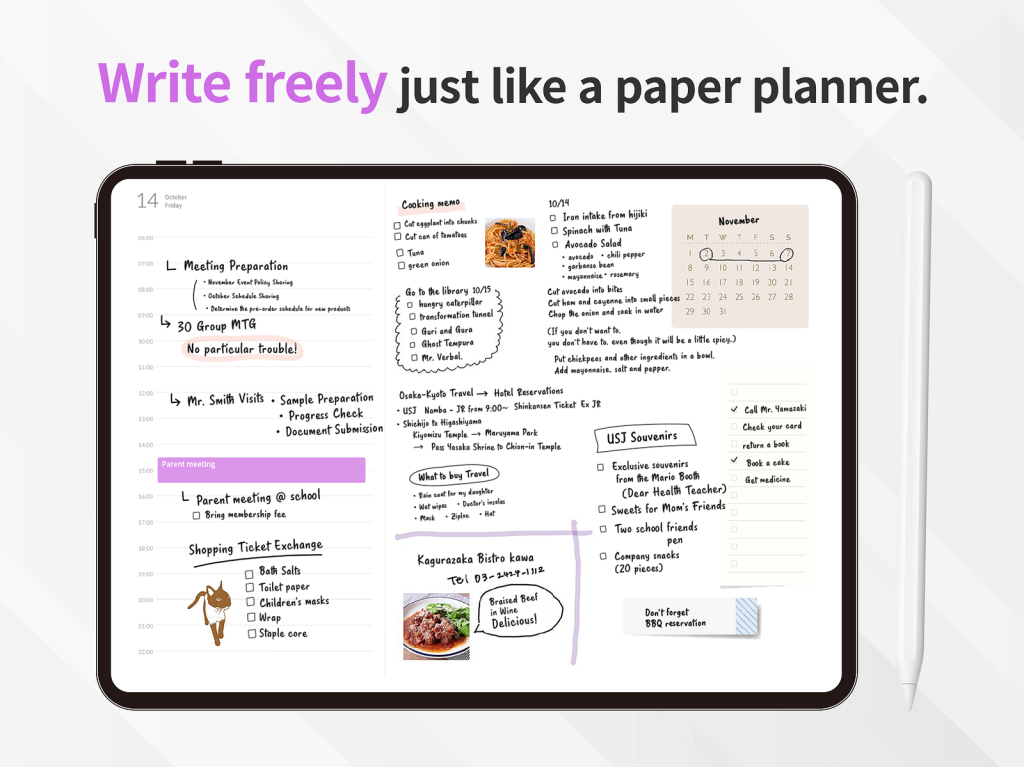
iPad Planner vs Paper Planner: An Honest 2026 Comparison
Paper has soul. iPad has search. Here’s how to figure out which one will actually keep you planning past February. Every January, the same debate flares up on Reddit, YouTube, and Instagram: should you plan on paper or on your iPad? And every January, the answers are the same recycled talking points. “Paper is better for memory!” “Digital is better for productivity!” “Hobonichi forever!” “Just use Notion!” None of it actually helps you decide. Because the real question isn’t which…
-
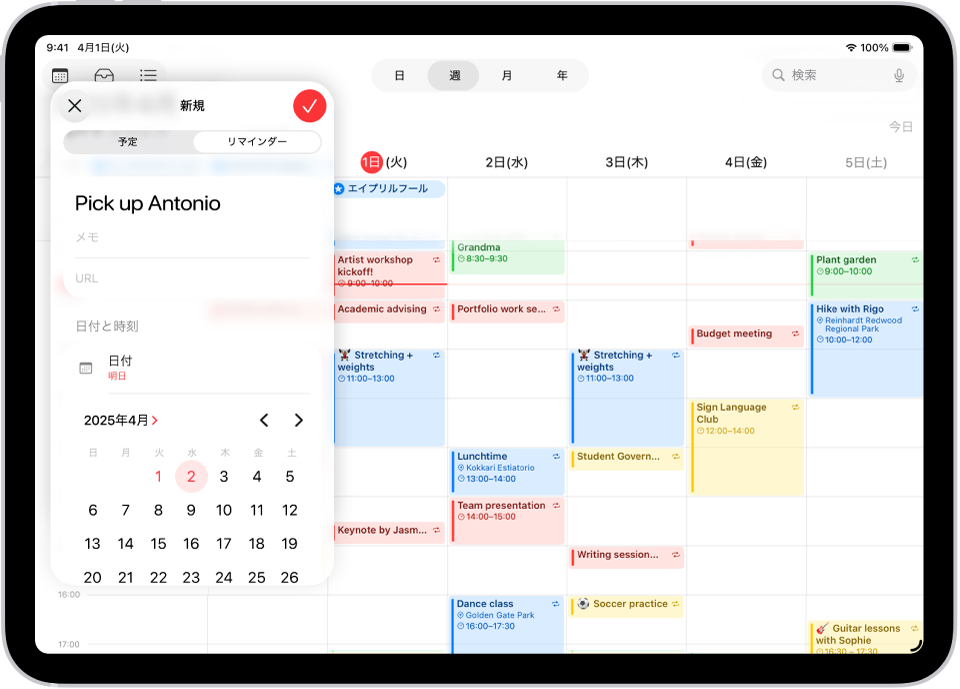
Apple Calendar on iPad: How to Actually Use It for Planning (Beyond Just Viewing Events)
Your calendar shows what’s scheduled. It doesn’t show what you’re going to do about it. Here’s how to bridge that gap on iPad — without leaving the Apple ecosystem. There’s a quiet problem with Apple Calendar that almost no one talks about. It’s beautiful. It syncs across every Apple device you own. It handles invites, reminders, time zones, recurring events, and shared family calendars without breaking a sweat. For most people, it’s the default — the calendar app you never…
-

Best iPad Planner for Teachers in 2026 (From Someone Who Actually Listened to Teachers)
Lesson plans, grading, parent meetings, staff meetings, your own life. Here’s how to pick an iPad planner that can hold all of it — without turning planning into another prep task. Teachers don’t need another productivity app. You need something that keeps up with a day that starts before the first bell and somehow still isn’t over at 9pm when you’re answering a parent email from the couch. If you’ve searched for “best iPad planner for teachers” recently, you’ve probably…
-
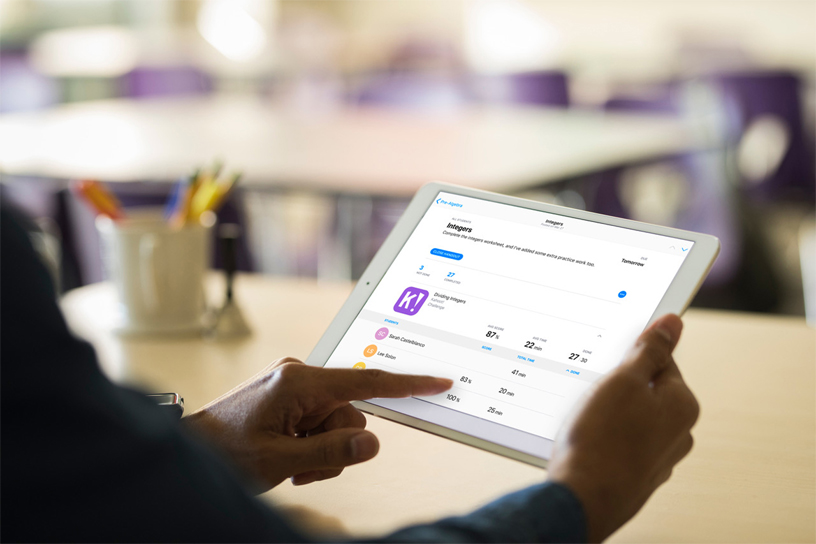
How to Use Your iPad as a Work Planner (And Why Professionals Are Making the Switch)
Your work calendar is packed. Your to-do list is everywhere. Your iPad can fix both — if you set it up the right way. Most productivity advice is written for students or side-project hobbyists. “Color-code your goals!” “Add washi tape to your weekly spread!” That’s fine if you’re decorating a bullet journal on a Sunday afternoon. But if you’re managing a real workload — back-to-back meetings, cross-functional projects, deadlines that move, people who need things from you — you need…
-
Notability vs Planner for iPad: One Takes Notes, the Other Plans Your Life
Notability is one of the best note-taking apps on iPad. But using it as your planner is like using a voice recorder as your calendar — it captures beautifully, but it doesn’t organize what comes next. If someone asked you to name the most popular iPad apps among students and professionals, Notability would make the list. And for good reason. It’s a genuinely great note-taking app — smooth handwriting, audio recording synced to your writing, solid PDF annotation. But somewhere…