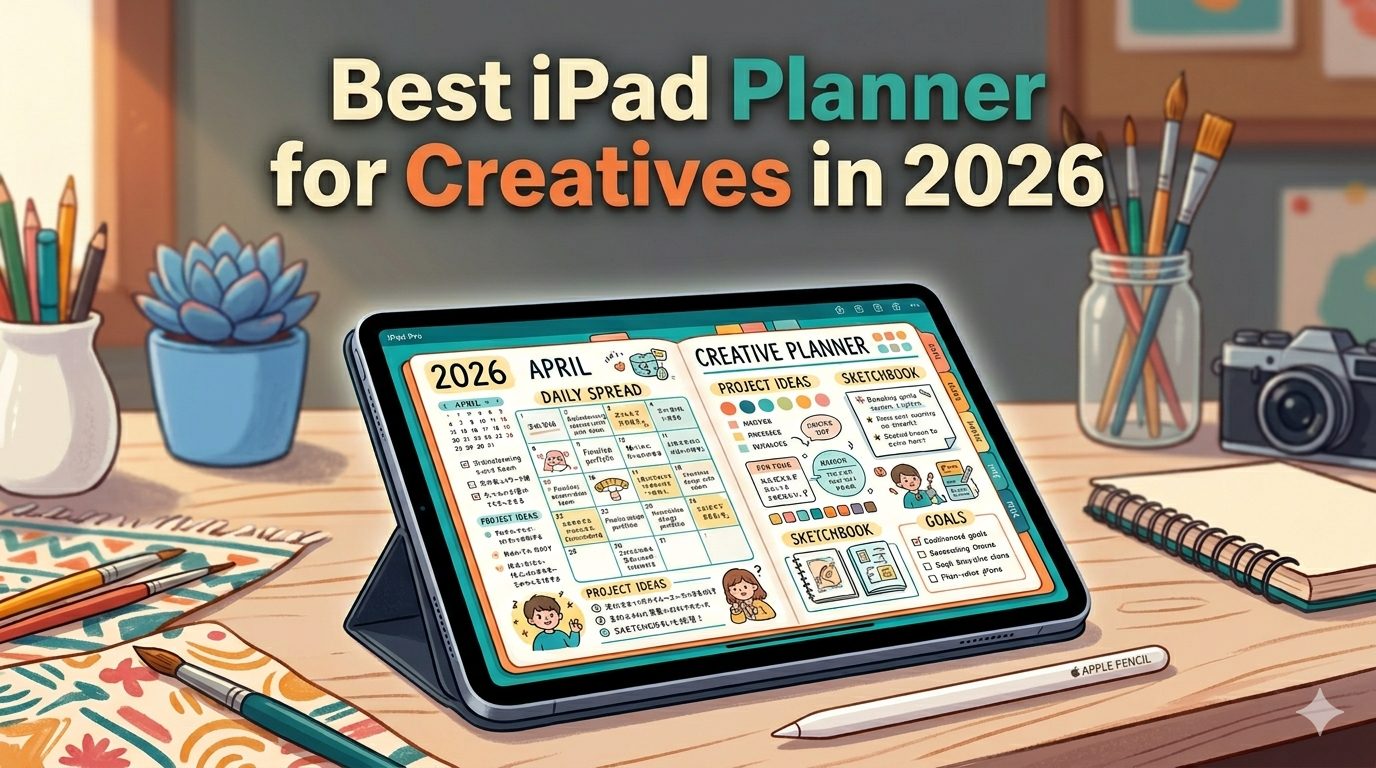
Designers, illustrators, writers, photographers, filmmakers — your work doesn’t fit neatly into a to-do list. Here’s how to pick an iPad planner that respects how creatives actually think.
Most “best iPad planner” articles are written for people who plan in checkboxes. Wake up, drink water, finish report, send email. Done.
That’s not how creative work happens.
If you’re a designer, illustrator, writer, photographer, filmmaker, art director, or anyone whose output is supposed to be original, your week doesn’t break down cleanly into tasks. You have ideas you can’t schedule. You have client deadlines that collide with the part of your brain that needs to wander. You have shoots, edits, drafts, revisions — and somewhere in between, the actual thinking that makes the work good.
A planner built for productivity bros isn’t going to hold any of that.
Why most planner apps fail creative people
Open the App Store and look at the top planner apps. They’re built around a specific assumption: that the user is a knowledge worker with a clear input (tasks) and a clear output (checkmarks).
You see this in the design language. Tight grids. Tag systems. Priority flags. Calendar invites. Smart scheduling. Everything optimized for the question “what am I doing next?”
Creative work doesn’t ask that question very often.
The questions creatives actually ask are different:
- What am I avoiding, and is the avoidance trying to tell me something?
- Which deadline is real and which one is just on the calendar?
- When was the last time I had a long, uninterrupted afternoon to work on the thing that matters?
- What did I show up for this week that I’m proud of?
- What’s the shape of this month — heavy or light, expansive or grinding?
You can’t answer those with a checkbox. You answer them by looking at your week, your month, your year, and feeling whether the rhythm is right. That requires a planner that lets you see — not just track.
What creatives actually need from a planner
Before we get to specific apps, let’s name what you’re actually looking for. If you’re a creative, the right planner usually has some combination of these:
A surface that lets you write, sketch, and annotate freely. Not “type a note.” Write. Cross out. Draw an arrow from one day to another. Doodle in the margin while you think. The Apple Pencil is the closest thing the iPad has to a creative tool, and a planner that ignores it is wasting the device.
A sense of the bigger picture. A week view, a month view, sometimes a year view — because creative projects don’t fit inside a single day. You need to zoom out and see when the photo shoot, the edit, the delivery, and the client review actually land relative to each other.
Room for ideas that aren’t tasks. Half of what fills a creative’s planner isn’t “do X by Friday.” It’s “what if the campaign opened with a quote instead of a logo?” or “the second act needs to land harder.” Lists kill those thoughts. Open space lets them survive.
Calendar integration without becoming a calendar. You need to see the meetings, the shoots, the deadlines that have hard times attached. But you don’t want your planner to be your meetings. The visible structure of the calendar is the scaffolding, not the building.
Stays out of your way. This one is invisible until you’ve used a planner that violates it. The best planning tool for a creative is one that doesn’t try to be clever. No AI suggestions about how to “optimize your week.” No nudges. No streaks. Just the surface, the structure, and the silence to think.
With those criteria, here’s an honest look at the main options creatives are choosing between in 2026.
GoodNotes 7 — the powerful blank canvas
GoodNotes is the most popular handwriting app on iPad, and for good reason. The pen feel is excellent. The flexibility is enormous. You can import any PDF planner template you find on Etsy, hyperlink your way through it, and end up with a fully custom planning system.
For a certain kind of creative — the one who genuinely enjoys building their own setup — GoodNotes is hard to beat. You can design a planner that looks exactly the way you want it, with covers, tabs, stickers, the whole thing.
The cost is the setup. You’re not just planning your week — you’re maintaining a planner. Every year, you re-import a new dated template. Every month, you check that the hyperlinks still work. Every time the template creator releases a new version, you decide whether to migrate.
If you love that, GoodNotes is the right tool. If you want to plan, not maintain a planner, it isn’t.
There’s also no real calendar integration. The planner template knows nothing about your actual schedule. If a meeting moves in your work calendar, your handwritten plan doesn’t know.
Notability — the studio notebook
Notability has gotten quietly better as a creative tool. The handwriting is smooth, the audio recording sync is unique, and the recent updates have made it more capable as a long-form workspace.
But Notability is a notebook, not a planner. There’s no week view. No calendar. No structure for time. If you treat it as a planner, you’re really treating it as “a digital notebook in which I sometimes write the date at the top.”
For some creatives — especially writers, researchers, or anyone whose process is mostly about thinking on the page — that’s enough. The structure of time isn’t the bottleneck. The thinking is.
But if you have shoots, deliverables, client cycles, or any kind of external structure pressing on you, Notability alone won’t hold it.
Notion — the gallery wall that grows
Notion is the app creatives often want to love. The aesthetic is beautiful. The flexibility is endless. Every other freelance designer on Twitter has a Notion setup that looks like a small magazine.
Notion is excellent for one specific creative job: building a content system. A blog calendar. A client database. A portfolio CMS. A reference library of inspiration. It’s a database with great typography, and for that, it’s unmatched.
Notion is a poor planner.
You can’t write on it with the Apple Pencil. You can’t sketch in it. You can’t sit down on a Sunday afternoon, open a week view, and draw arrows between days while you think about your month. Everything in Notion is typed, structured, and tagged — which is the opposite of how creative thinking works.
If you already love Notion, by all means use it as your project hub. But for the planning surface — the place you actually sit with your week — most creatives need something else.
Apple Calendar — the structural baseline
Don’t underestimate Apple Calendar. It’s free, it’s already on your iPad, and it handles the part of your work that has hard times: client meetings, shoots, delivery dates, recurring sessions.
The problem is that Apple Calendar is read-only as a planning surface. You see what’s scheduled. You can’t write on it. You can’t draw a circle around the week and label it “production sprint.” You can’t write “the brief is the wrong shape” in the margin next to Tuesday.
For creatives, Apple Calendar is the floor — the layer of fixed commitments — but it’s not the planner. It’s what your planner should sit on top of.
Procreate — wait, no
People sometimes ask whether Procreate works as a planner. It doesn’t. Procreate is the best illustration app on iPad, full stop, but it has no time structure, no calendar, and no concept of “this week.” Use Procreate for the work. Use a planner for the rhythm of the work.
Planner for iPad — built for the Apple Pencil first
Now I’m going to talk about the app I make. You can take this with the appropriate skepticism — but I built Planner for iPad specifically to solve the problem creatives keep describing to me, which is roughly: “I want a planner that feels like an actual planner, not a productivity app.”
Here’s what that means in practice:
Apple Pencil first. Every page is a writing surface. You open the day, you pick up the pencil, you write. You can scribble, cross out, doodle, draw arrows from one day to another. The handwriting is the point, not a feature.
Apple Calendar sync (read-only display). Your existing calendar shows up inside the planner, so you can see your shoots and meetings without switching apps. The planner doesn’t write back to your calendar — it doesn’t need to. It’s a place to think around your schedule, not replace it.
Stamps and stickers. Not as decoration — as visual shorthand. A camera stamp for a shoot day. A film reel for an edit day. A coffee cup for a thinking day. Your week becomes legible at a glance.
Templates without setup. Daily, weekly, monthly views are already there. You don’t import a PDF. You don’t maintain a system. You open the app and you plan.
No AI. No suggestions, no nudges, no “let me optimize your week.” Creative thinking happens in silence. The app respects that.
What it isn’t. It’s iPad-only — there’s no iPhone app, no Mac app, no web version. It doesn’t have OCR, so your handwriting stays as handwriting (which most creatives prefer, but say so honestly). It doesn’t write to your calendar. If you need cross-platform sync or live calendar editing, this isn’t the tool.
If you’re a creative who wants to sit down with your iPad, your Apple Pencil, and your week — and have the act of planning feel like part of your craft instead of admin — this is what I built it for.
The honest recommendation
For most creatives in 2026, here’s how I’d actually think about it:
If you love building your own systems and have time for setup, GoodNotes with a good third-party template is genuinely great. You’ll spend hours on the planner before you spend hours in it, but if that’s enjoyable for you, do it.
If your work is mostly long-form thinking with light external structure, Notability as a digital notebook plus Apple Calendar for the fixed stuff might be enough.
If you run a content business and need a database more than a planner, Notion for the project side and something else for the actual planning surface.
If you want to open an app, pick up the Apple Pencil, and just plan your week the way you’d plan it on paper — with handwriting, calendar visibility, and zero setup — try Planner for iPad. It’s free to download, and you can decide in five minutes whether it fits how you think.
What “best” actually means for creatives
The best planner for a creative isn’t the most powerful one. It’s the one that lets you keep the part of your brain that does the work intact.
Creative thinking is fragile. It doesn’t survive being interrupted by notifications, broken by AI suggestions, or flattened into a checklist. The whole point of having a planner — for a creative — is to hold the structure of time loosely enough that the work can still breathe inside it.
Pick the tool that does that. Ignore the rest.