Goodnotes
-
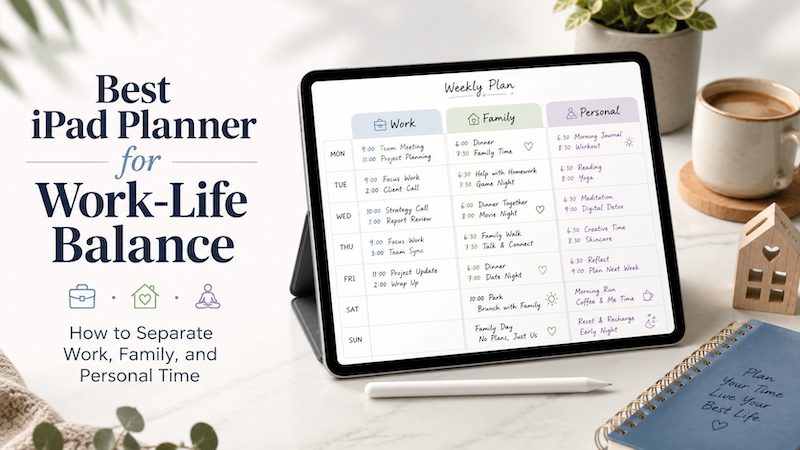
Best iPad Planner for Work-Life Balance: How to Separate Work, Family, and Personal Time
Work-life balance is not just about doing less. For many people, the real problem is that work, family, and personal plans are scattered across too many places. Work meetings live in one calendar. Family events are sent through messages or school emails. Personal goals are written in a notebook, saved in a notes app, or simply kept in your head. The result is a day that looks organized in theory, but feels chaotic in real life. An iPad planner can…
-
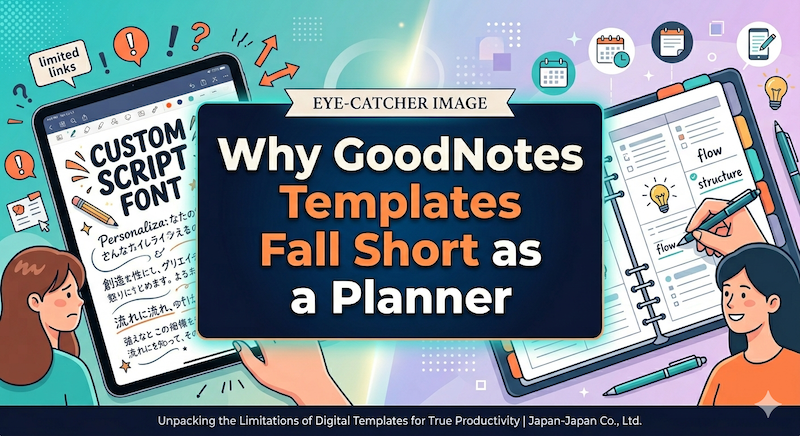
Why GoodNotes Templates Fall Short as a Planner
GoodNotes is a great note-taking app. A PDF planner inside GoodNotes is something else — a workaround that asks you to do work the software should be doing. Here’s where the template approach quietly breaks down, and why it matters more than the Etsy previews suggest. Full disclosure before we begin: I’m Takeya. I make Planner for iPad, so I have an obvious stake in this comparison. I’m going to try to be fair anyway, because the honest version of…
-
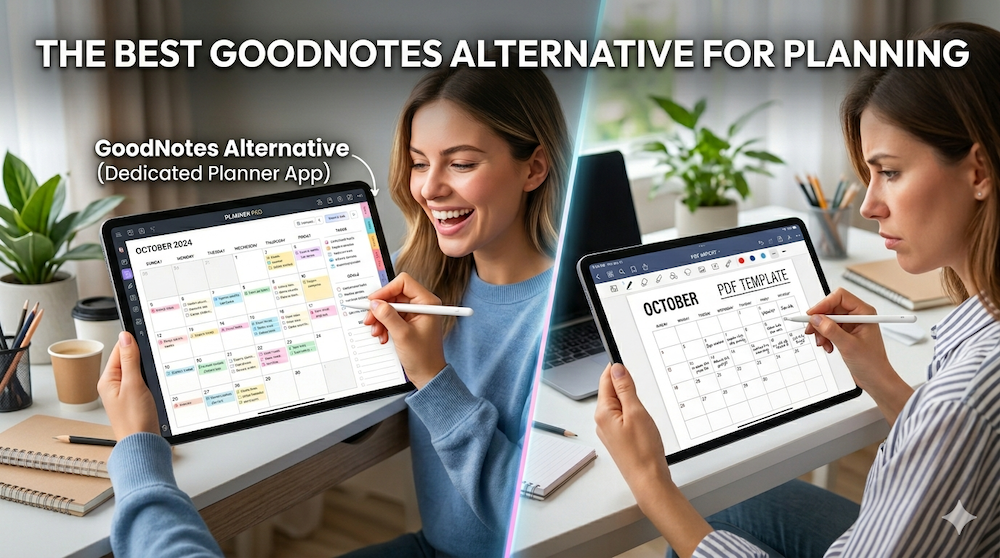
The Best GoodNotes Alternative for Planning: Why a Dedicated Planner App Beats Note-Taking + PDF Templates
Last updated: April 2026 If you’ve ever searched for “GoodNotes alternative for planning,” you’ve probably already tried the GoodNotes + PDF planner template combination — and discovered that it doesn’t quite work the way you hoped. Maybe your hyperlinks broke after a year. Maybe importing a new template every December feels like a tax on your productivity. Maybe you finally realized you’ve been paying for stickers and sticker packs and yet another planner PDF, only to scroll through twelve months…
-
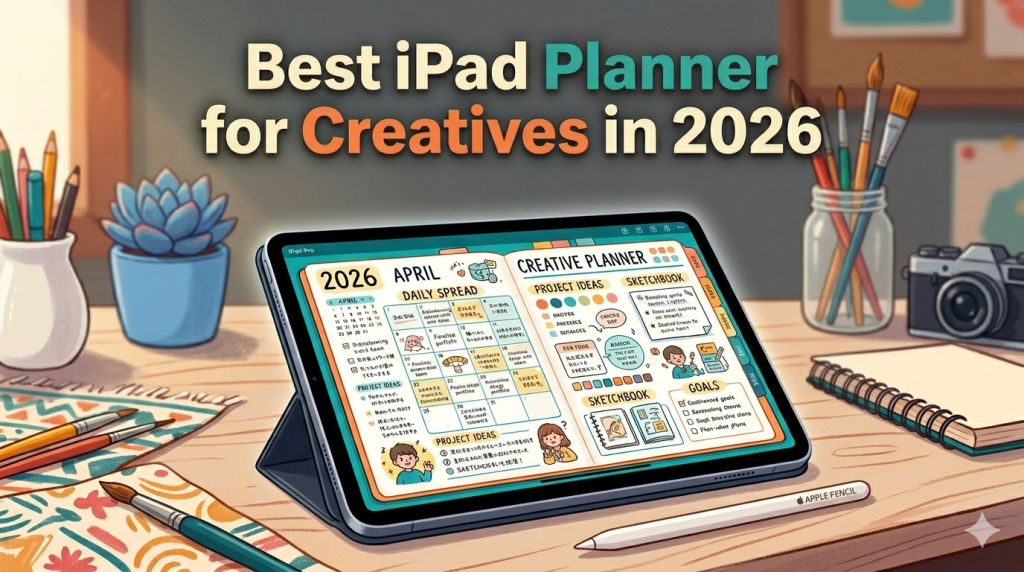
Best iPad Planner for Creatives in 2026 (From a Developer Who Builds for the Apple Pencil)
Designers, illustrators, writers, photographers, filmmakers — your work doesn’t fit neatly into a to-do list. Here’s how to pick an iPad planner that respects how creatives actually think. Most “best iPad planner” articles are written for people who plan in checkboxes. Wake up, drink water, finish report, send email. Done. That’s not how creative work happens. If you’re a designer, illustrator, writer, photographer, filmmaker, art director, or anyone whose output is supposed to be original, your week doesn’t break down…
-
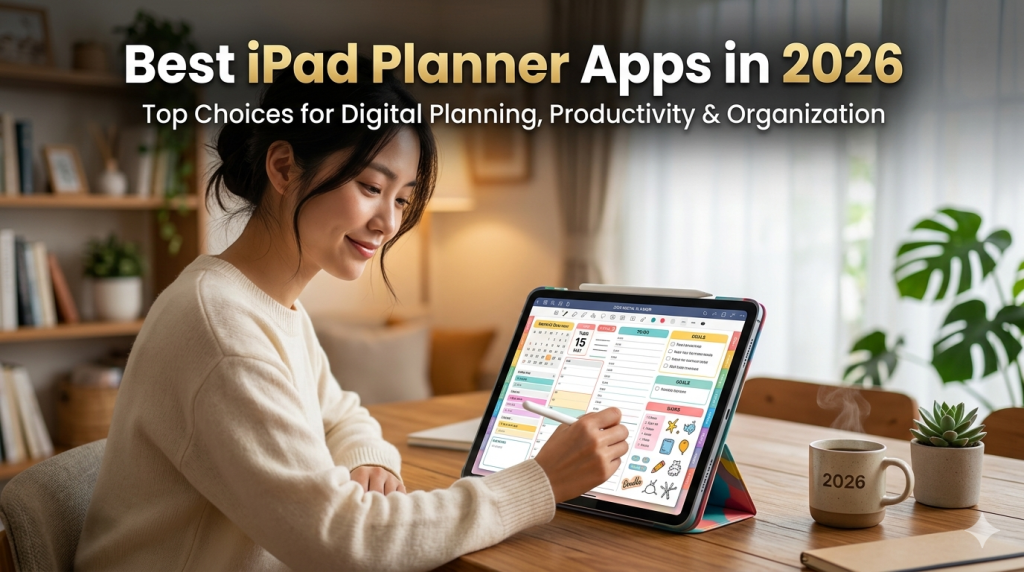
Best iPad Planner Apps in 2026 (An Honest Roundup from a Developer Who Built One)
I make Planner for iPad. That means I have opinions — but it also means I’ve spent years studying what makes a planning app actually work. Here’s the most honest roundup you’ll find. Every “best iPad planner apps” article you’ve read was written by someone who spent an afternoon downloading apps and taking screenshots. This one was written by someone who’s been building one since the Apple Pencil made handwriting on glass feel like handwriting on paper. Yes, I’m biased.…
-
GoodNotes vs Planner for iPad: Which App Actually Helps You Plan Your Life?
If you’re searching for the best iPad planning app, you’ve probably come across GoodNotes. It’s one of the most popular note-taking apps on the App Store, used by millions of students and professionals. But here’s the thing — GoodNotes is a note-taking app. It wasn’t built to be a planner. Planner for iPad, on the other hand, was designed from day one as a dedicated digital planner — complete with native calendar sync, Apple Pencil support, and a planning experience…
-
Has GoodNotes Lost Its Way? The Cost of Becoming an Everything App
When a beloved note-taking app tries to do everything, it risks doing nothing well. There was a time when opening GoodNotes felt like cracking open a fresh notebook. You’d pick up your Apple Pencil, and you’d write. No wizards, no AI prompts hovering at the edge of your vision, no subscription tiers to worry about. Just digital ink on digital paper. That version of GoodNotes — clean, focused, and quietly brilliant — is getting harder to find beneath the growing…
-
5 Ways to Go Digital with Your Planner — And Which One Actually Sticks
Digital planning is no longer a niche hobby. Between hybrid schedules, side projects, and the sheer volume of things modern life asks us to keep track of, millions of people are looking for something more flexible than a paper planner — but more personal than a standard calendar app. The problem? There are too many ways to do it, and each comes with real tradeoffs. This article breaks down the five most common approaches to digital planning in 2026, compares…
-
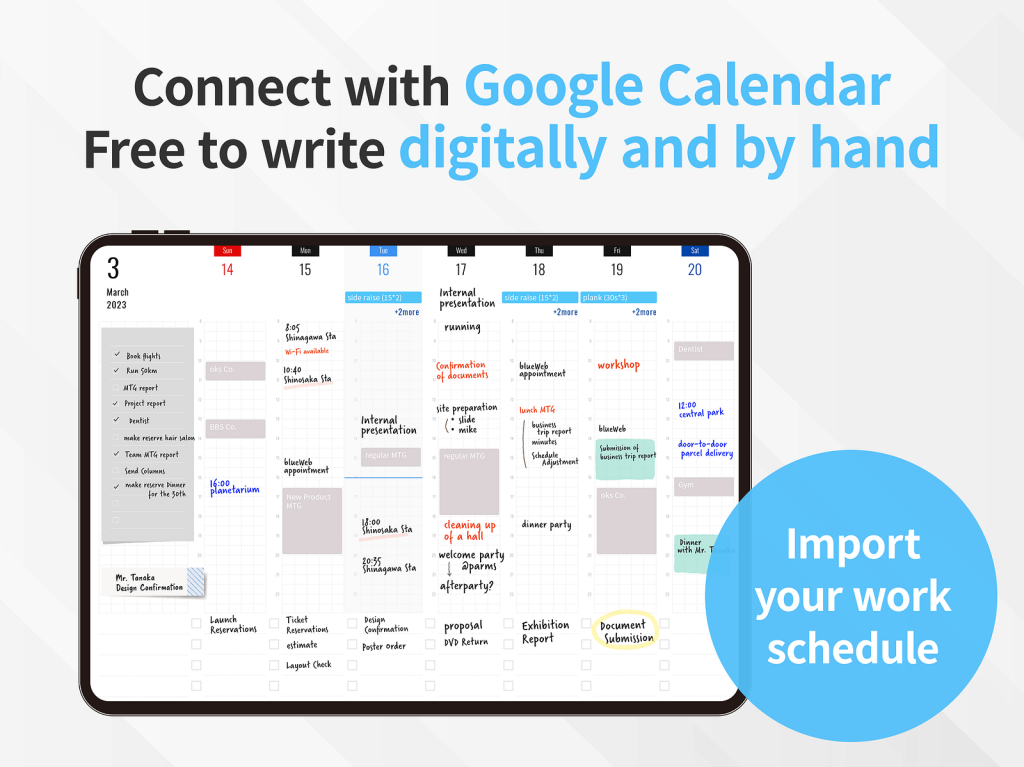
PDF Digital Planners vs. Planner for iPad: Which One Actually Works?
Digital planning has exploded in popularity. Open any iPad productivity community and you’ll find hundreds of people customizing their PDF planners in GoodNotes or Notability, decorating pages with stickers, and sharing their elaborate setups. It looks beautiful. But here’s the question nobody seems to ask: Is all that setup actually helping you get things done? As someone who’s spent years thinking about how people plan on iPad, I want to break down what’s really going on with PDF digital planners…