You’ve tried the apps. Probably more than you’d like to admit. Here’s why most of them failed — and what an iPad planner actually needs to do for an ADHD brain.
If you have ADHD and you’re reading this, there’s a very specific kind of fatigue you already know.
It’s the fatigue of having tried — really tried — to use Notion, Todoist, TickTick, GoodNotes with a 47-page PDF planner, that one ADHD-specific app a YouTuber swore by, the bullet journal you bought in January and abandoned in February, and the giant whiteboard you put up in your kitchen and stopped looking at after week two.
You’ve spent money. You’ve spent hours setting things up. You’ve watched the tutorial videos. And somewhere around day four or day eleven or week three, the system collapsed, and you blamed yourself.
I want to start by saying: the system collapsed because the system was wrong, not because you were.
I’m Takeya. I make Planner for iPad. I’m not a psychologist, and this isn’t a medical article — but I’ve spent years thinking about why digital planners fail, and ADHD failure modes are some of the clearest and most consistent. The same patterns show up over and over, and once you see them, you can choose tools that work with the way your brain actually behaves.
This article is about what to look for in an iPad planner if your brain doesn’t run on tidy linear schedules — and why the planner that helps you most might be the one that asks the least of you.
Why Most Planning Apps Fail ADHD Brains
Most productivity apps are designed for a brain that doesn’t exist. They assume you’ll plan once and execute on schedule. They assume your energy is roughly consistent across the week. They assume that if you set up the system correctly, the system will do the work.
ADHD doesn’t operate that way. Attention fluctuates. Energy fluctuates. Motivation arrives unpredictably and leaves on its own schedule. What worked yesterday might be impossible today, and there’s often no warning.
When a planning system assumes consistency you don’t have, it doesn’t just fail to help — it actively makes things worse. Every empty checkbox becomes evidence of failure. Every skipped day starts the all-or-nothing spiral: I missed two days, the system is broken, I’ll start over Monday. And then Monday, of course, you start a new system entirely.
There are a few specific traps I’ve watched ADHD users fall into over and over.
The setup trap. You spend three hours configuring tags, projects, custom views, and color codes. You feel productive. You haven’t planned anything. You’ve built a museum exhibit about how organized you could theoretically be. By the time you actually need to do work, the planner is so elaborate that opening it feels like another task.
The decoration trap. PDF planners marketed to ADHD users are often gorgeous — stickers, washi tape, hand-lettered fonts. They look amazing on Instagram. They’re also exhausting to maintain. Every blank page becomes a small art project before you can plan, which means most days, you don’t plan.
The over-structure trap. Hourly schedules from 6am to 10pm. Habit trackers with thirty rows. Daily, weekly, monthly, quarterly, annual review pages. Every section is another decision. Every decision is another opportunity to feel behind. Decision fatigue hits before the day has even started.
The AI trap. Newer planning apps want to think for you — auto-categorize your tasks, suggest priorities, generate your schedule. This sounds helpful, but for ADHD brains, externalizing the thinking is often exactly the wrong move. The act of writing things down, deciding what matters, and looking at the week with your own eyes is the part that actually helps. If an algorithm does it for you, you skip the only step that was working.
The sync-too-much trap. Notifications from five apps. Reminders that go off when you’re already in the middle of something. The planner that was supposed to reduce noise becomes another source of it.
If any of these sound familiar, you’re not bad at planning. You’ve been using tools designed for someone whose brain works differently than yours.
What Actually Helps an ADHD Brain Plan
There’s a smaller list of things that genuinely seem to help — across many different ADHD users, with many different lives.
Less structure, not more. A blank page that you fill in three lines is more useful than a structured template you fill in completely once and abandon forever. The planner should be permissive enough to survive a bad day and still be there for you on a good one.
Handwriting over typing. This isn’t an aesthetic preference. Writing by hand engages motor memory and visual memory in ways that typing doesn’t. For an ADHD brain that needs help encoding things, handwriting on iPad with Apple Pencil offers a real cognitive difference — without the friction of carrying a paper notebook.
Visual layout you can scan in two seconds. ADHD brains process visual information differently than dense text. Being able to see the whole week at a glance — without scrolling, without tapping into individual days — matters more than it might sound. A weekly spread you can look at and instantly know Wednesday is the heavy day is a planning superpower.
Forgiveness for missed days. This is the single most important feature, and almost no planner markets it. Can you skip three days and come back without feeling like you broke something? If the answer is no, you’ll quit the app the first time real life happens.
Loose time blocking, not 15-minute precision. Time blocking is genuinely helpful for ADHD — but only if the blocks are loose. Morning: deep work. Afternoon: meetings and admin. Not 9:15-9:45: write intro paragraph. The latter shatters the moment something runs over by ten minutes.
One place, not five. Calendar in one app, tasks in another, notes in a third, journal in a fourth — every app you have to open is another opportunity for your brain to wander somewhere else. The fewer places you have to look, the better.
A satisfying close to the loop. Crossing something off matters. So does the small ritual of looking at what you actually did at the end of the day, even if it wasn’t what you planned. This is one of the few productivity ideas that ADHD brains tend to over-respond to — in a good way.
Why an iPad Planner Specifically
There’s a real argument for paper, and I don’t dismiss it. A paper planner sits open on your desk. It doesn’t have notifications. It doesn’t lead you down a YouTube rabbit hole when you pick it up. For some ADHD users, paper is genuinely the answer.
But paper has its own ADHD failure modes. You forget where you put it. It gets buried. You can’t search it. If you lose it, you’ve lost everything. And the moment you’re not at home, you’re not planning.
The iPad sits in a useful middle ground. It’s tactile enough to feel like writing — Apple Pencil on glass, after years of refinement, is genuinely close to pen on paper. It’s portable. It backs up. It can pull in your existing calendar so you’re not rewriting the same dentist appointment in three places. And — this is the part that matters most for ADHD brains — it can be the only thing you open, instead of one of seven.
The trick is choosing an iPad planner that uses the iPad’s strengths without inheriting the over-structure problem most apps fall into.
What to Look For in an iPad Planner If You Have ADHD
A short, honest checklist:
- Apple Pencil handwriting that feels good. Not “supports Apple Pencil” — actually feels good. If the latency is off or the strokes feel rubbery, you’ll stop using it within a week.
- Calendar already integrated. You should not have to retype events that already exist in Apple Calendar or Google Calendar. If your planner can’t see what’s already in your calendar, it’s making your life harder, not easier.
- A weekly view you can take in at a glance. Daily-only planners trap you in today. ADHD brains often need to see the week to feel oriented. Without that, every day feels like it’s happening in isolation.
- Minimal setup. If onboarding takes more than ten minutes, you’re going to abandon it during the first stressful week. Look for tools that work the moment you open them.
- No mandatory templates, but good optional ones. A blank page that can become a structured weekly review when you have the energy — but doesn’t demand it.
- Optional stamps or stickers, not required ones. Decoration should be available when it’s fun, never required to use the app.
- No AI features that override your judgment. A planner that suggests, fine. A planner that decides for you, no.
- Forgiving design. Skipping days shouldn’t break anything. The app shouldn’t shame you with streaks you’ve broken or empty boxes from last Tuesday.
If a planner ticks most of these, it has a real chance of surviving past February.
How Planner for iPad Fits
I’m biased — I made Planner for iPad — so I’ll be direct about what it does and doesn’t do, and let you decide whether it fits your brain.
What it does:
- Apple Pencil handwriting is the central interaction. The whole app is built around the assumption that you’ll be writing, not typing. The latency is tuned to feel like ink, not like dragging a finger across glass.
- Apple Calendar and Google Calendar events appear in the planner automatically. You don’t rewrite them. They’re just there, on the day they belong to. (Worth knowing: this is read-only display — events from your calendar show up in the planner, but the planner doesn’t write events back to your calendar. Most people prefer this once they understand it; it means the planner is a layer on top of your calendar, not a competing system.)
- Stamps and stickers are there if you want them. They’re never required. You can plan a whole month using only handwriting, and the app won’t object.
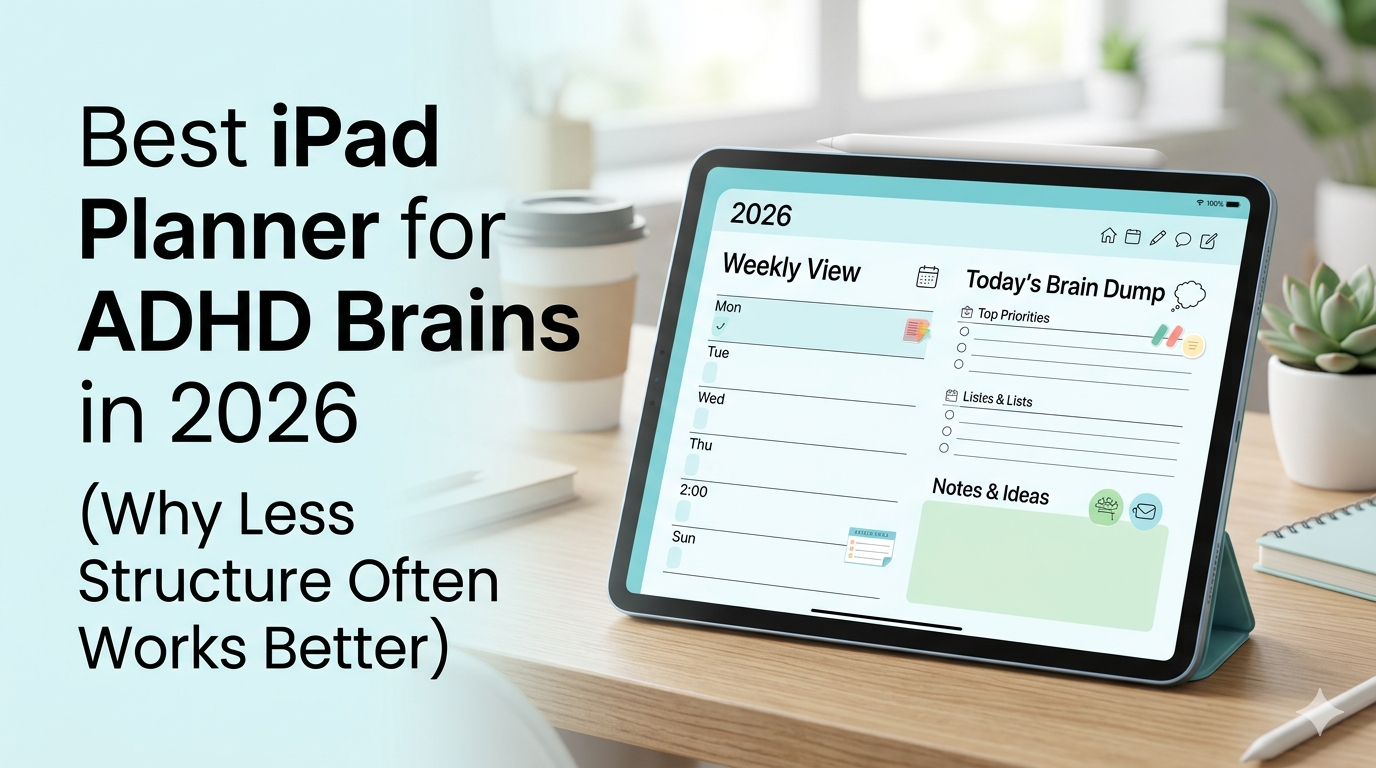
- Weekly and monthly views you can scan instantly. The week is the main unit, because for most ADHD brains, the week is the unit that actually matters.
- No AI deciding things for you. No auto-prioritization, no smart suggestions, no algorithmic schedule. The thinking is yours.
What it doesn’t do:
- It’s not a task manager with deep dependencies and project hierarchies. If you need Asana-level project management, this isn’t that.
- It doesn’t have a 200-page PDF template marketplace. The structure is built in, not assembled from third-party files.
- It doesn’t gamify your planning with streaks or achievements. (Some ADHD users love this; some find streaks actively harmful when they’re broken. We chose the latter assumption.)
For ADHD users specifically, the thing I hear back most often is some version of I open it, I write three things, I close it, and somehow that’s enough. That’s the design goal. Not productivity theater. Not a system. A surface you can write on, with your week visible, that doesn’t demand more of you than you have on any given day.
[App Store link: https://apps.apple.com/us/app/planner-for-ipad/id1246635949]
The Real Test
Here’s the only test that actually matters: can you keep using it on a bad day?
Not on the day you bought it, not on the day you set it up, not on the Sunday you reset everything with great intentions. On the Wednesday when you slept badly, your meds feel off, three things went wrong before noon, and you have eleven minutes between obligations.
If your planner is something you can open on that day, write two lines in, and close — and not feel worse for having opened it — it’s working.
If it’s something you avoid because opening it means confronting all the things you didn’t do, it’s not working, no matter how beautiful it is.
This is the criterion most ADHD-targeted planners fail. They’re built for the version of you that has time, energy, and motivation in abundance. The version of you that needs a planner most is the one that has none of those things.
A good iPad planner — for ADHD or anyone else — is one that’s still useful when you’re at your worst.
That’s the bar. Almost everything else is decoration.
Planner for iPad is an iPadOS app I make as an indie developer. It’s a handwriting-first planner with Apple Pencil support, calendar sync (read-only), and templates that don’t require setup. If any of this sounds like the planner you wish existed, you can try it on the App Store.