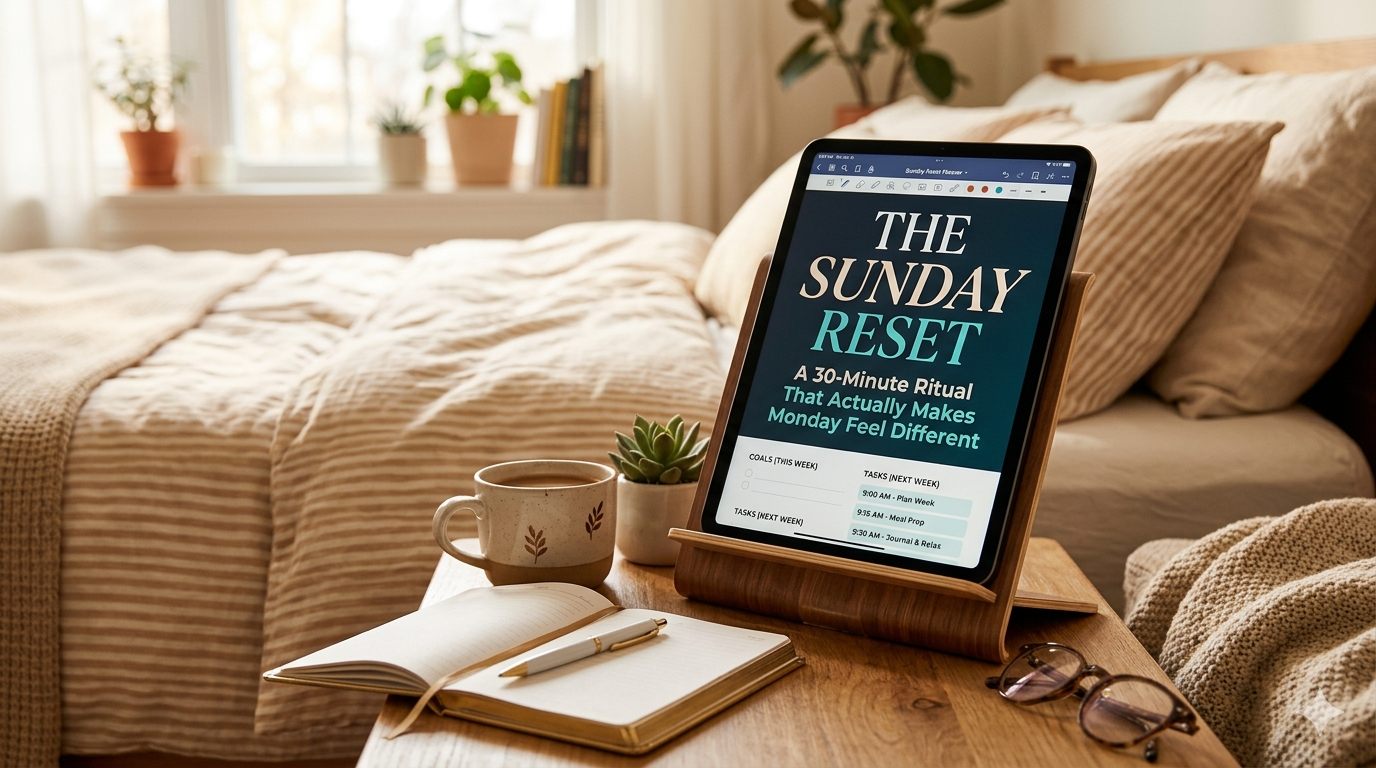
There’s a reason #sundayreset has billions of views on TikTok. It’s not about productivity. It’s about the relief of starting a week not already behind.
There’s a specific kind of Sunday night anxiety that shows up around 8pm. The weekend is ending. Monday is coming. And somewhere underneath the dread, there’s a quieter feeling — a nagging sense that you haven’t prepared for the week, even though you’re not entirely sure what preparing would look like.
If that feeling is familiar, you already understand why the Sunday reset became a movement.
A Sunday reset isn’t a productivity system. It isn’t GTD. It isn’t a weekly review in the David Allen sense — that’s a different ritual, focused on processing tasks and closing loops from the week that just ended. A Sunday reset is something softer and more domestic. It’s about walking into Monday with clean sheets, a tidy space, a full fridge, and a plan that was made in a calm moment rather than during a panicked commute.
And increasingly, the planning part of that ritual is happening on an iPad — often in a dedicated planner app like Planner for iPad, where handwritten weekly pages sit alongside your Apple Calendar events.
This article is about why — and how to build a Sunday reset routine that takes about 30 minutes on your iPad and genuinely changes the texture of Monday morning.
What a Sunday Reset Actually Is
The Sunday reset goes by different names across the internet. “Sunday scaries cure.” “Soft life Sunday.” “Reset day.” But the structure is consistent:
- A physical reset — cleaning, laundry, tidying, meal prep, skincare, whatever makes your body and your space feel cared for.
- A mental reset — putting down the phone, stepping away from work thoughts, creating space between the week that was and the week to come.
- A planning reset — looking at the week ahead and deciding, in advance, how you want to meet it.
The planning part is where most people struggle. Cleaning the kitchen is obvious. Doing laundry is obvious. But how do you plan a week in a way that actually helps, instead of just generating a long list that makes Monday feel worse?
This is where the iPad earns its place in the ritual.
Why the iPad Is Good at This Specifically
You might wonder why this can’t just be done on paper, or in a notes app, or in whatever calendar you already use.
It can. The Sunday reset is a habit, not a product category. But there’s a reason so many people in the reset community have landed on iPad as their planning tool of choice:
It’s slower than typing, faster than paper. Writing by hand with Apple Pencil keeps you in a thinking mode — not a data-entry mode. But you can still tap a date and jump there instantly. You can scroll through the whole week in one gesture. You get the reflective quality of paper without the friction of flipping pages or managing inserts.
Your calendar is already there. If you use Apple Calendar or Google Calendar, your actual commitments — work, appointments, social plans — are already mapped into the week. You don’t have to copy them over by hand before you can start planning around them. (In Planner for iPad specifically, your calendar events display right on the planner pages, so what you’re already committed to is visible while you decide what else the week needs.)
It survives lifestyle changes. A bullet journal is beautiful until you move apartments and it’s buried in a box. An iPad is always charged, always with you, and always synced. The continuity matters when you’re trying to build a habit across months, not weeks.
It doesn’t look like work. This is more important than it sounds. A laptop on your kitchen counter feels like an email about to arrive. An iPad in a leather sleeve feels like a book. For a ritual that’s supposed to feel restorative, the tool matters emotionally, not just functionally.
The 30-Minute Sunday Reset on iPad
Here’s the framework. It’s designed to be short enough that you’ll actually do it, and structured enough that it doesn’t turn into scrolling.
You’ll need your iPad, your Apple Pencil, a planner app you actually like opening (more on that in a minute), and roughly 30 minutes — ideally with a cup of tea and something quiet playing.
Phase 1: Close the Week (5 minutes)
Open your planner to the week that just ended.
Don’t analyze. Don’t problem-solve. Just look.
What actually happened? Which plans stuck, which ones didn’t? What are you carrying into next week that’s unfinished?
Write down, by hand, the two or three things from last week that are rolling over. Not everything — just what actually matters. The rest can be let go.
The point of this phase isn’t review. It’s permission to move on. A week doesn’t feel closed until you’ve looked at it. Once you have, Monday stops feeling like a continuation of the chaos of Friday.
Phase 2: Look at What’s Already There (5 minutes)
Flip forward to the upcoming week.
Look at what’s already on your calendar. Meetings. Appointments. Dinners. The dentist you scheduled three months ago and forgot about. The birthday you said you’d go to.
You’re not adding anything yet. You’re just taking inventory. Seeing the shape of the week before you try to fill it.
This is the phase most people skip, and it’s the one that changes everything. When you plan a week without first looking at what’s already in it, you inevitably overcommit. When you see the shape first, you plan into the gaps realistically.
Phase 3: Pick Three (10 minutes)
Now decide, by hand: what are the three things that would make this week feel well-spent?
Not thirty. Not ten. Three.
These aren’t tasks. They’re outcomes. “Finish the deck for the Thursday meeting.” “Get back to the gym twice.” “Have an actual conversation with my partner that isn’t about logistics.” Whatever it is for you.
Write them at the top of your week view in the planner. Circle them. Make them look important, because they are. Everything else you do this week is support for these three things.
If you use Planner for iPad, you can handwrite these right at the top of your weekly page, with your calendar commitments visible underneath. The top of the page becomes your lighthouse — visible every time you open your planner during the week.
Phase 4: Map the Supporting Cast (5 minutes)
Now, and only now, do you add the smaller things.
Groceries. Errands. The email you need to send. The call you need to return. The workout schedule. The meal plan, if you do one.
Write them into the specific days they belong on. Not a big undifferentiated list — specific days. This forces you to be realistic about when things will actually happen.
The Sunday reset community has a useful rule here: if you can’t assign it to a specific day, it’s not happening this week. Either move it to next week or admit it’s not a priority. Both are fine. A vague task list is the enemy of a calm Monday.
Phase 5: One Soft Thing (5 minutes)
This is the part most planning advice skips. Add one thing to your week that’s just for you.
Not productive. Not on the to-do list. Just pleasant.
A two-hour window on Wednesday with nothing scheduled. A Thursday night where you said no to the thing you didn’t really want to go to. A Saturday morning slow breakfast. A walk on Tuesday during lunch. Whatever the thing is that makes a week feel livable instead of merely survivable.
Write it in. Protect it like it’s a meeting with an important client. Because in the economy of your attention, it is.
What This Looks Like at the End
When you close your planner at the end of those 30 minutes, your week ahead should contain:
- Last week’s loose ends, consolidated into a few carry-over items
- Your existing calendar commitments, already visible
- Three big outcomes circled at the top
- Smaller tasks assigned to specific days
- One soft thing, protected
It’s not a complete map of everything you’ll do. It’s a spine. The rest of the week will add ribs and organs, but the spine holds it up.
And the difference when you wake up Monday is real. Not magical — you still have the same meetings and the same laundry and the same traffic. But you’ve already thought about this week once, calmly, on a Sunday evening with tea. You’re not meeting it cold.
How This Fits Into the Broader Sunday Reset
The planning phase is one piece of a larger ritual. People who have built Sunday resets they actually keep tend to sequence it something like this:
Morning: Clean the space. Laundry. Change the sheets. The physical environment reset. You can’t plan a calm week from a chaotic apartment — the two feel linked in a way that’s more than aesthetic.
Afternoon: Errands, groceries, meal prep if you do it. The logistical reset. Setting up the conditions for the week to run smoothly without having to think about them.
Early evening: A personal reset. Shower, skincare, something warm to eat, lighting adjusted. The transition from “productive mode” to “restorative mode.”
Late evening: The iPad planning session. This is the very last thing before bed or close to it, once everything else is done. You’re not planning while the apartment is a mess or while you’re still thinking about laundry. You’re planning from a state of quiet.
The planning session lands differently when it comes at the end of the ritual. You’re not squeezing it in between chores. You’re closing the day with it.
The Mistake That Kills the Ritual
The most common reason Sunday resets fall apart isn’t laziness or lack of discipline. It’s that people try to do too much.
They watch an aesthetic TikTok of someone’s full 8-hour Sunday reset and try to replicate it. They set up elaborate notion templates. They buy new planner inserts. They aim for perfection on the first Sunday and exhaust themselves by noon.
Here’s the honest version: a Sunday reset is a habit, not a performance. The goal is to do it every week, not to do it perfectly once.
Start with 30 minutes of iPad planning. Nothing else. Just that. Do that for a month. Once it’s automatic, add one more element — maybe changing the sheets, maybe meal prep, maybe a proper skincare routine. Build the ritual one layer at a time.
Eventually you’ll have your own version. It won’t look like anyone else’s, and that’s the point. The Sunday reset people who keep it going for years are the ones who built it slowly and made it theirs.
Why This Works When Other Planning Systems Fail
Productivity systems tend to fail for a specific reason: they treat planning as a skill to be mastered rather than a rhythm to be maintained.
The Sunday reset works because it doesn’t ask you to be a better planner. It asks you to plan once a week, at a specific time, in a specific way, for a specific length of time. Then it stops.
You don’t have to think about planning during the week. You don’t have to optimize. You don’t have to catch up. You just follow the spine you laid down on Sunday.
That’s the part that makes Monday feel different. Not the planning itself, but the quiet confidence that you’ve already thought about this. The decisions have been made. You just have to do the things.
Starting This Sunday
You don’t need a perfect system. You don’t need a new app. You don’t need to clean your whole apartment before you can do this.
You need:
- Your iPad
- Your Apple Pencil
- A planner app you’ll actually open
- 30 minutes, this Sunday evening
Open the planner. Look at the week that’s ending. Pick three things for the week that’s coming. Map the rest around them. Add one soft thing for yourself.
That’s it. That’s the whole ritual.
Do it this week. Do it next week. By the fourth or fifth Sunday, you’ll notice something: Mondays have started to feel less like an ambush and more like a continuation. Not because Monday has changed, but because Sunday has.
Planner for iPad is a native iPad planner app with Apple Calendar integration, Apple Pencil handwriting, stamps and stickers, and daily/weekly/monthly views — designed for people who want their planning to feel like a ritual, not a task. Download it free on the App Store.