Apple Pencil
-
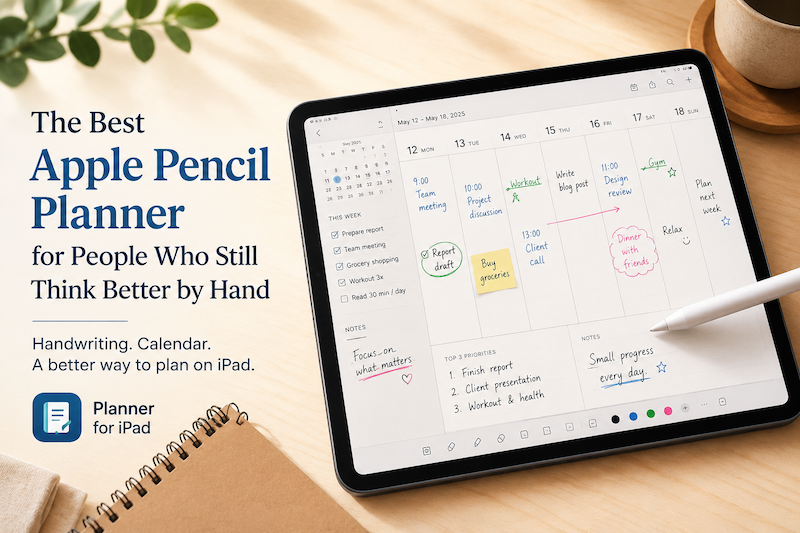
The Best Apple Pencil Planner for People Who Still Think Better by Hand
Digital planning has become complicated. There are calendar apps, task managers, note-taking apps, project management tools, habit trackers, dashboards, widgets, reminders, automations, and endless productivity systems that promise to organize your life. But sometimes, the best planning tool is still the simplest one: A page.A pen.A few honest notes about what matters today. That is why Apple Pencil planning feels so different from typing into another productivity app. With the right iPad planner, Apple Pencil can turn your iPad into…
-
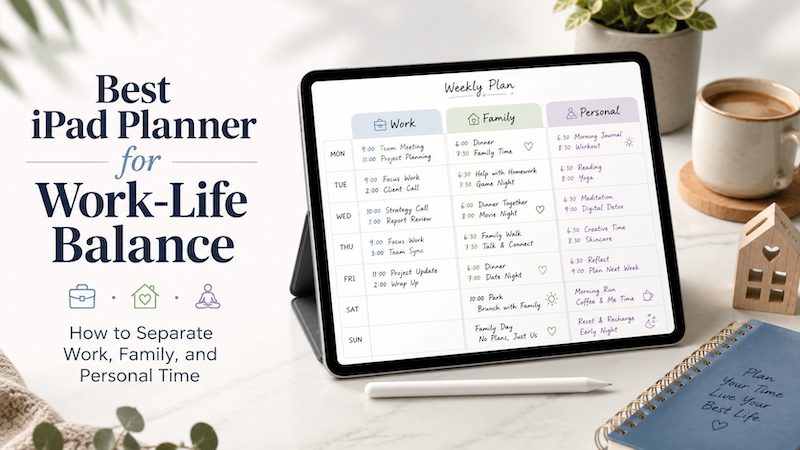
Best iPad Planner for Work-Life Balance: How to Separate Work, Family, and Personal Time
Work-life balance is not just about doing less. For many people, the real problem is that work, family, and personal plans are scattered across too many places. Work meetings live in one calendar. Family events are sent through messages or school emails. Personal goals are written in a notebook, saved in a notes app, or simply kept in your head. The result is a day that looks organized in theory, but feels chaotic in real life. An iPad planner can…
-
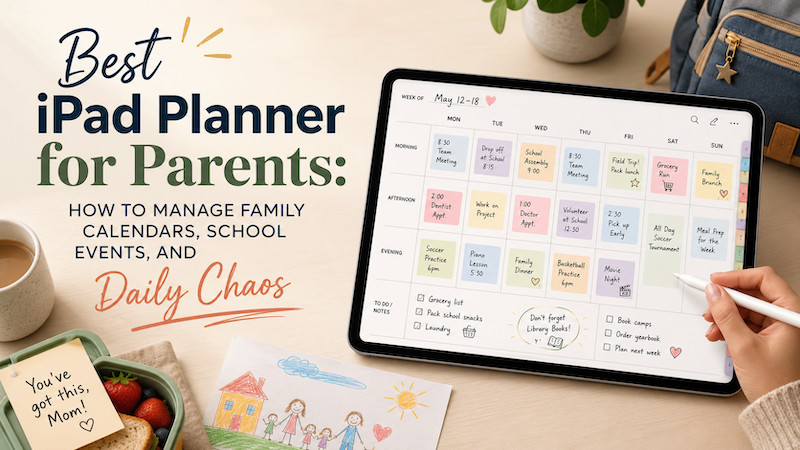
Best iPad Planner for Parents: How to Manage Family Calendars, School Events, and Daily Chaos
Family life rarely fits neatly into a simple to-do list. There are school events, doctor appointments, work meetings, meal plans, sports practices, birthdays, permission slips, errands, and those tiny “don’t forget” notes that somehow decide whether the week goes smoothly or completely falls apart. For parents, planning is not just about being productive. It is about keeping a household moving. That is why the best iPad planner for parents needs to do more than show a calendar. It needs to…
-
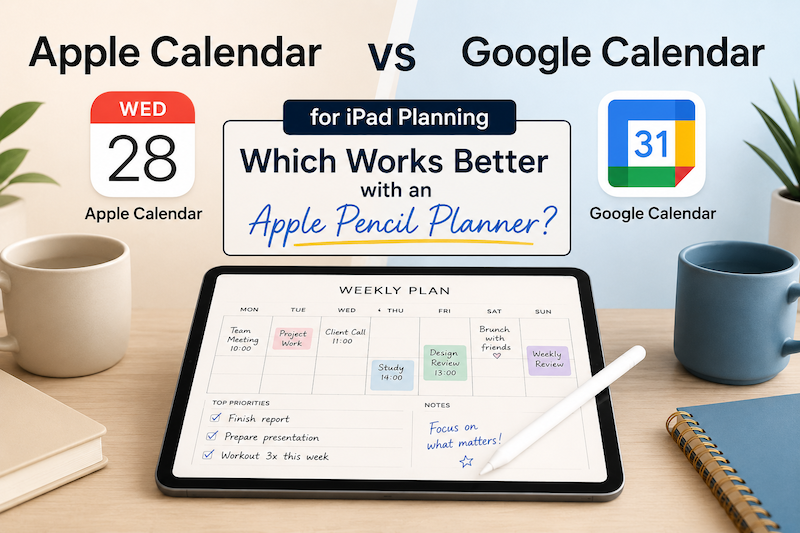
Apple Calendar vs Google Calendar for iPad Planning: Which Works Better with an Apple Pencil Planner?
Choosing between Apple Calendar and Google Calendar is not just a question of which app looks better. If you use your iPad as a planner, the real question is: Which calendar works better with the way you actually plan your day? For many people, the calendar is where appointments live. But an iPad planner is where the day becomes visible, flexible, and personal. Especially if you use Apple Pencil, your planner is not only a place to check your schedule.…
-
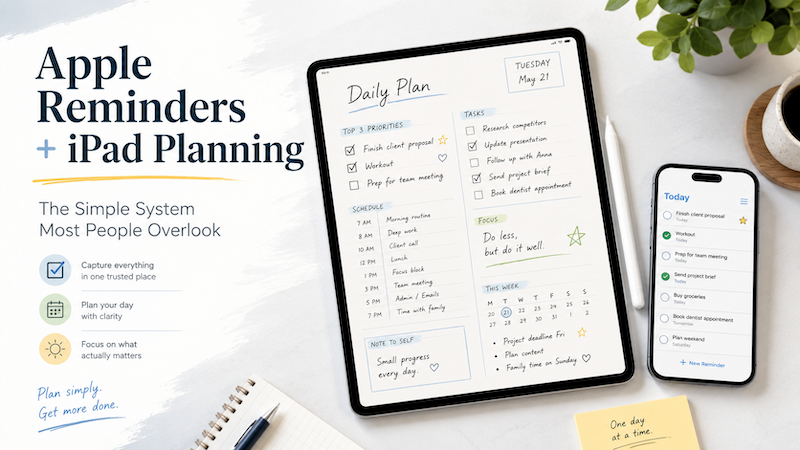
Apple Reminders and iPad Planning: The Simple System Most People Overlook
Apple Reminders is one of the most underrated productivity tools on the iPad. It is simple, fast, already installed, and works naturally across iPhone, iPad, Mac, Apple Watch, and Siri. You can capture a task the moment it appears in your head. You can set dates, repeat tasks, organize lists, and get notifications. And yet, for many people, Apple Reminders alone is not enough. The problem is not that Apple Reminders is bad. The problem is that a reminder is…
-
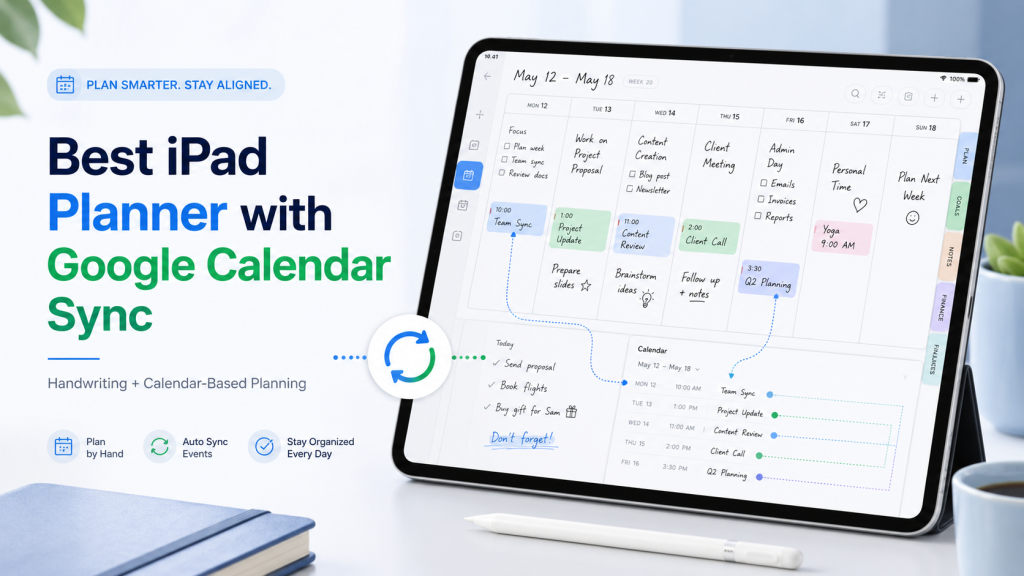
Best iPad Planner with Google Calendar Sync
Finding a good iPad planner is easy. Finding an iPad planner that works well with Google Calendar is much harder. There are hundreds of beautiful digital planners for iPad. Many of them look like paper planners. Some are sold as PDF templates for GoodNotes, Notability, or other note-taking apps. They can be great if all you want is a pretty place to write. But if you already use Google Calendar for meetings, classes, appointments, deadlines, or family schedules, a static…
-
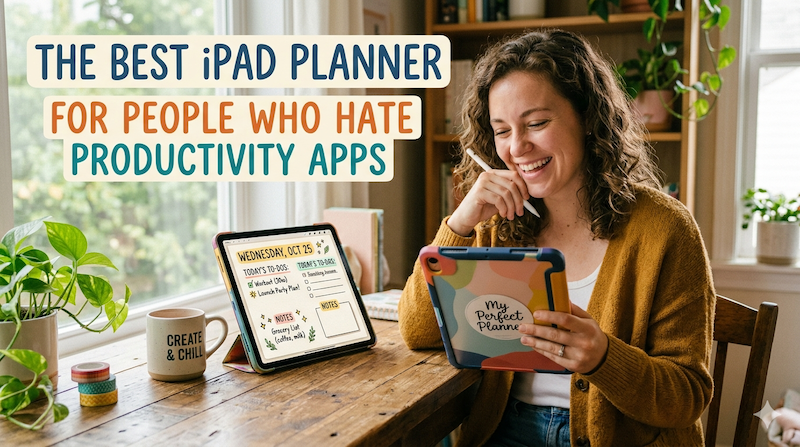
The Best iPad Planner for People Who Hate Productivity Apps
Productivity apps are supposed to make life easier. But somehow, many of them end up doing the opposite. You open one app to check your tasks. Another app for your calendar. Another one for notes. Another for habit tracking. Then there are tags, databases, dashboards, automations, templates, widgets, integrations, and weekly review systems that somehow require their own weekly review. At some point, you are no longer planning your day. You are maintaining a productivity machine. And honestly? Not everyone…
-
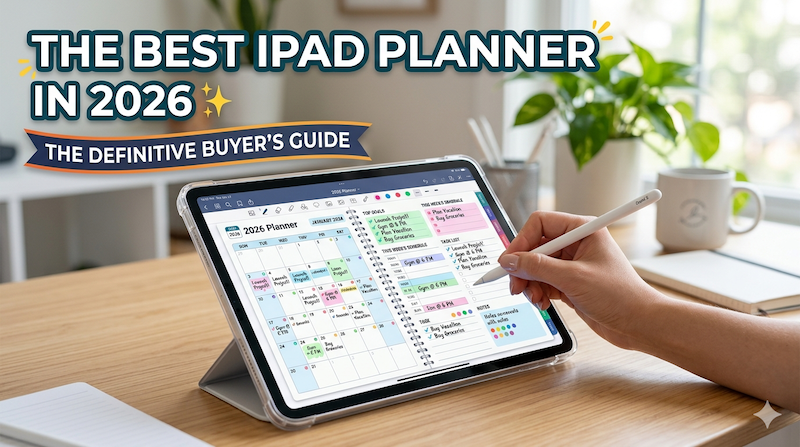
The Best iPad Planner in 2026: The Definitive Buyer’s Guide
The iPad planner market has quietly become one of the most crowded categories on the App Store. Search “planner” and you’ll get hundreds of results, half of them sponsored, most of them written by marketers who have never actually planned a week of their life on an iPad. This guide is different. I’m going to tell you, from the perspective of someone who has spent close to a decade building one of these apps, what actually matters when you’re choosing…
-
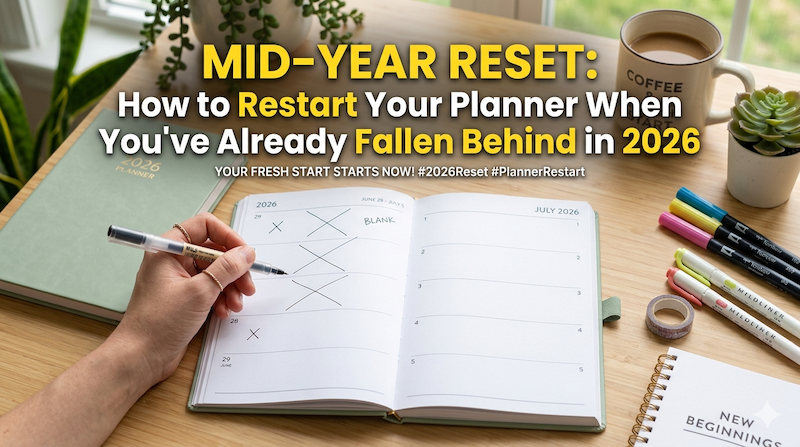
Mid-Year Reset: How to Restart Your Planner When You’ve Already Fallen Behind in 2026
It’s May. The planner you started in January has a few good weeks at the front, a slow fade in February, and a clean white silence after that. Here’s how to actually start again — without the guilt, the fresh-start fantasy, or the productivity sermon. There’s a specific kind of stillness inside a planner that’s been abandoned in February. You open it in May, hoping for some flicker of recognition, and what you find is a stranger’s handwriting. January’s goals…
-
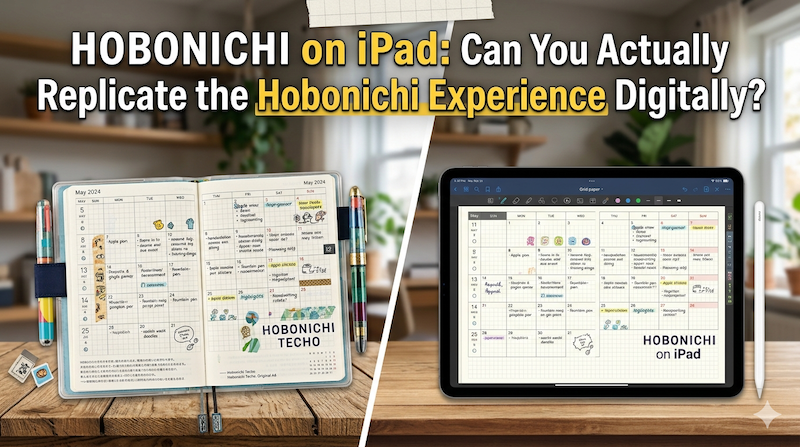
Hobonichi on iPad: Can You Actually Replicate the Hobonichi Experience Digitally?
Tomoe River paper. A page a day. The smell of new ink in October. The Hobonichi Techo isn’t just a planner — it’s a ritual. So can an iPad really do what it does? I’m a Japanese developer who makes a planning app, and I’ll tell you the honest answer. Every September, something quietly happens in Japan. Stationery sections of department stores rearrange themselves. Loft, Tokyu Hands, Maruzen — they all clear out a wall, and overnight it fills with…
-
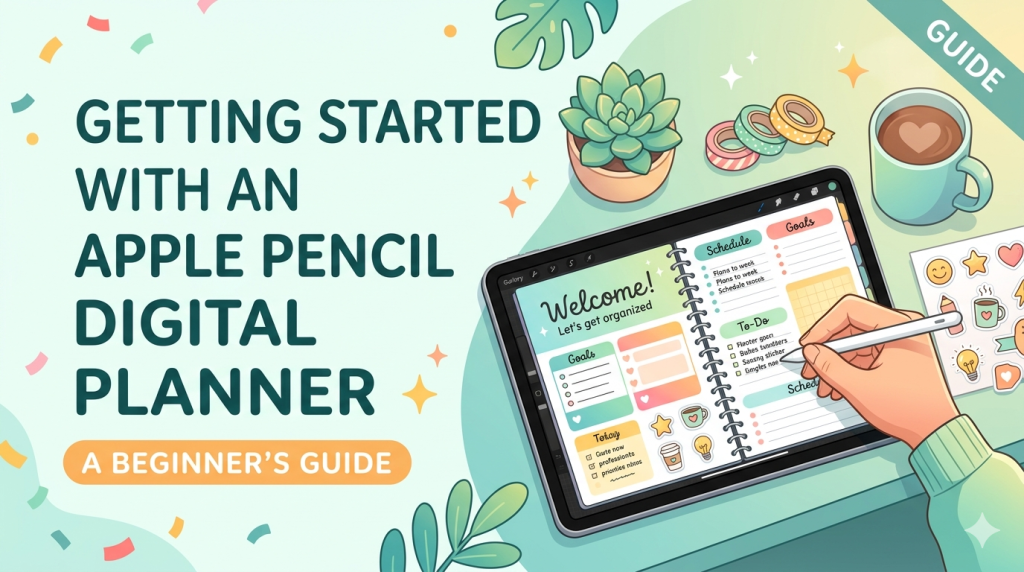
Getting Started with an Apple Pencil Digital Planner: A Beginner’s Guide
If you’ve been curious about ditching paper planners but love the feel of writing by hand, you’re in exactly the right place. The combination of an iPad and an Apple Pencil has become the closest thing we have to a paper notebook that never runs out of pages — and once you set it up properly, it’s hard to go back. I’m the developer of Planner for iPad, so I’ve spent years thinking about what makes handwritten digital planning actually…
-
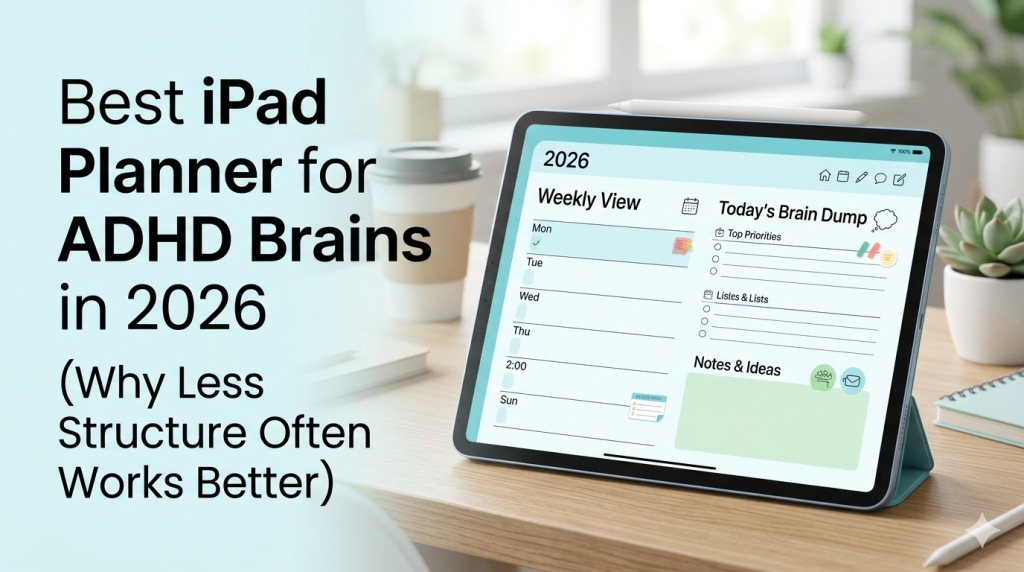
Best iPad Planner for ADHD Brains in 2026 (Why Less Structure Often Works Better)
You’ve tried the apps. Probably more than you’d like to admit. Here’s why most of them failed — and what an iPad planner actually needs to do for an ADHD brain. If you have ADHD and you’re reading this, there’s a very specific kind of fatigue you already know. It’s the fatigue of having tried — really tried — to use Notion, Todoist, TickTick, GoodNotes with a 47-page PDF planner, that one ADHD-specific app a YouTuber swore by, the bullet…