-
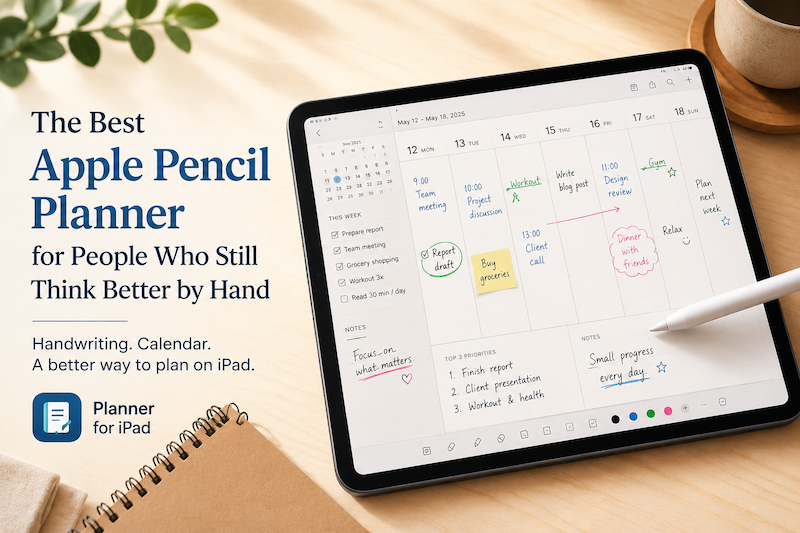
The Best Apple Pencil Planner for People Who Still Think Better by Hand
Digital planning has become complicated. There are calendar apps, task managers, note-taking apps, project management tools, habit trackers, dashboards, widgets, reminders, automations, and endless productivity systems that promise to organize your life. But sometimes, the best planning tool is still the simplest one: A page.A pen.A few honest notes about what matters today. That is why Apple Pencil planning feels so different from typing into another productivity app. With the right iPad planner, Apple Pencil can turn your iPad into…
-
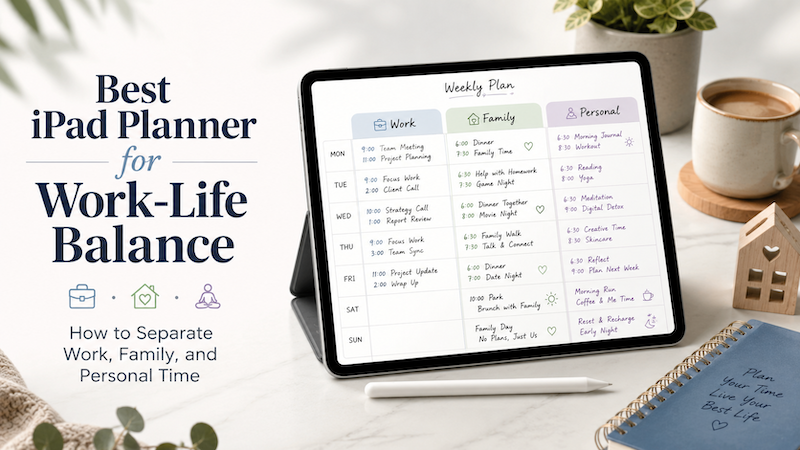
Best iPad Planner for Work-Life Balance: How to Separate Work, Family, and Personal Time
Work-life balance is not just about doing less. For many people, the real problem is that work, family, and personal plans are scattered across too many places. Work meetings live in one calendar. Family events are sent through messages or school emails. Personal goals are written in a notebook, saved in a notes app, or simply kept in your head. The result is a day that looks organized in theory, but feels chaotic in real life. An iPad planner can…
-
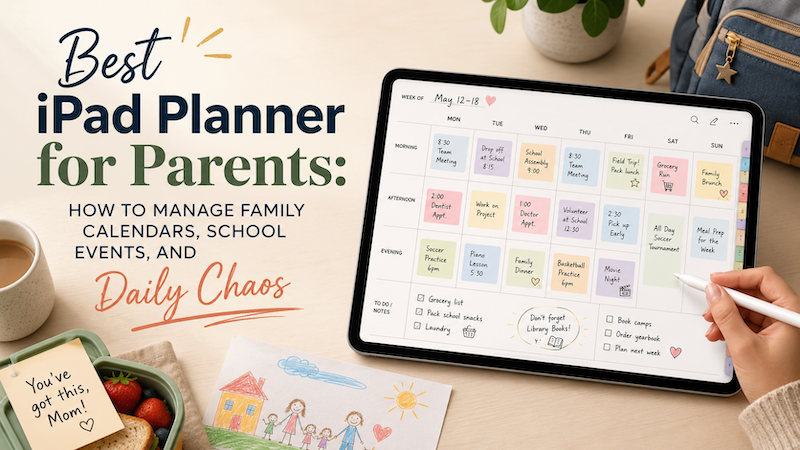
Best iPad Planner for Parents: How to Manage Family Calendars, School Events, and Daily Chaos
Family life rarely fits neatly into a simple to-do list. There are school events, doctor appointments, work meetings, meal plans, sports practices, birthdays, permission slips, errands, and those tiny “don’t forget” notes that somehow decide whether the week goes smoothly or completely falls apart. For parents, planning is not just about being productive. It is about keeping a household moving. That is why the best iPad planner for parents needs to do more than show a calendar. It needs to…
-
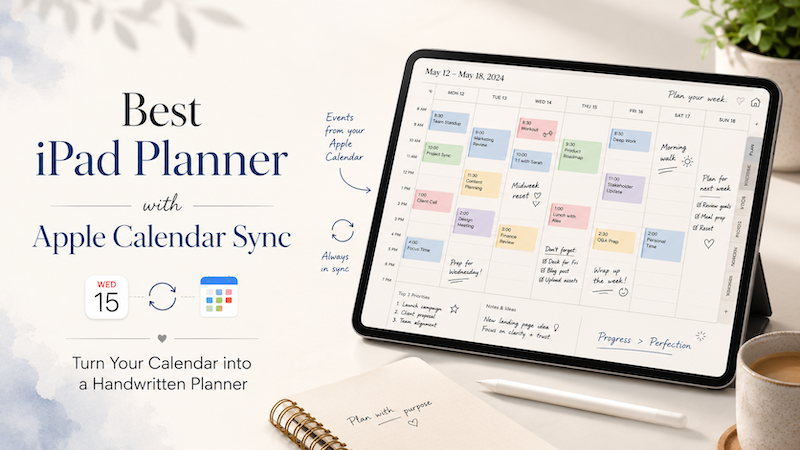
Best iPad Planner with Apple Calendar Sync: Turn Your Calendar into a Handwritten Planner
For many people, the calendar is where the day begins. Meetings, appointments, classes, deadlines, reminders — they all live inside a calendar app. But when it comes to actually planning the day, a calendar alone often feels too rigid. A calendar can tell you what is scheduled. But it does not always help you think through how you want to spend your time. That is why many iPad users still love handwritten planning. Writing with Apple Pencil feels more flexible,…
-
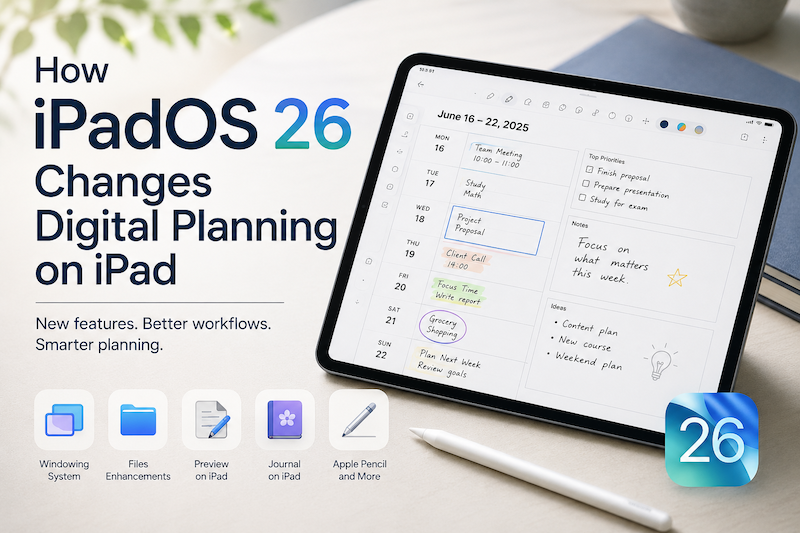
How iPadOS 26 Changes Digital Planning on iPad
iPadOS 26 makes the iPad feel more powerful, flexible, and closer to a complete workspace than ever before. With a new windowing system, improved file handling, Preview on iPad, better PDF workflows, Journal, and more Apple Pencil-friendly features, the iPad is no longer just a device for reading, watching, or light note-taking. It is becoming a serious place to work, think, organize, and plan. But there is one important thing to remember: More productivity features do not automatically make planning…
-
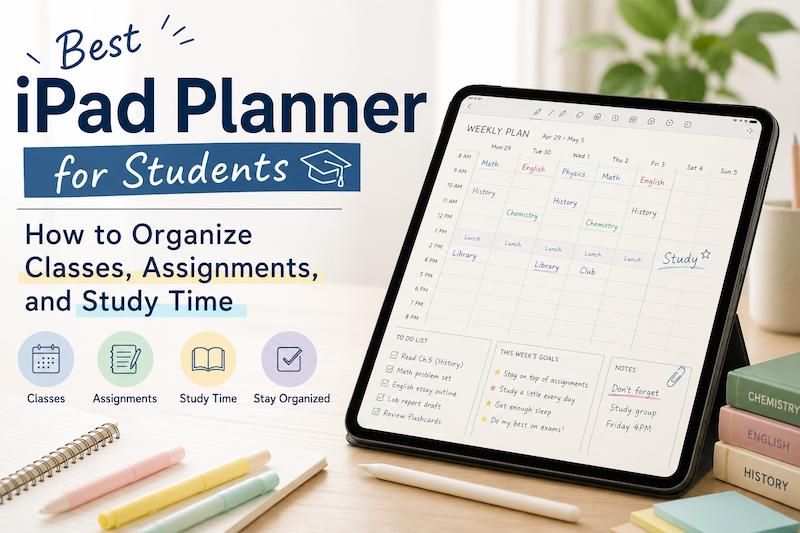
Best iPad Planner for Students: How to Organize Classes, Assignments, and Study Time
Student life can get messy fast. You have classes, assignments, exams, part-time work, club activities, personal plans, and small tasks that are easy to forget. A normal calendar app can help you remember when something happens, but it does not always help you think through your day. That is why many students still like using planners. A planner gives you space to write, organize, reflect, and adjust your schedule in a more flexible way. And when you use an iPad…
-
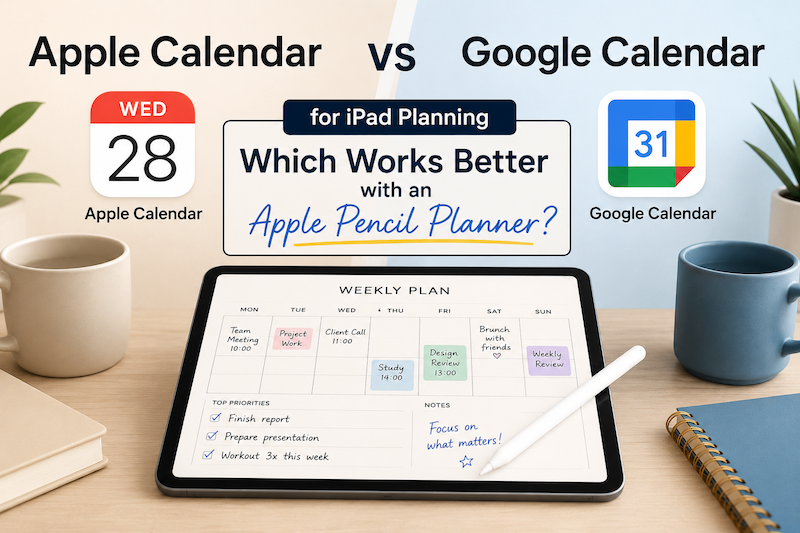
Apple Calendar vs Google Calendar for iPad Planning: Which Works Better with an Apple Pencil Planner?
Choosing between Apple Calendar and Google Calendar is not just a question of which app looks better. If you use your iPad as a planner, the real question is: Which calendar works better with the way you actually plan your day? For many people, the calendar is where appointments live. But an iPad planner is where the day becomes visible, flexible, and personal. Especially if you use Apple Pencil, your planner is not only a place to check your schedule.…
-
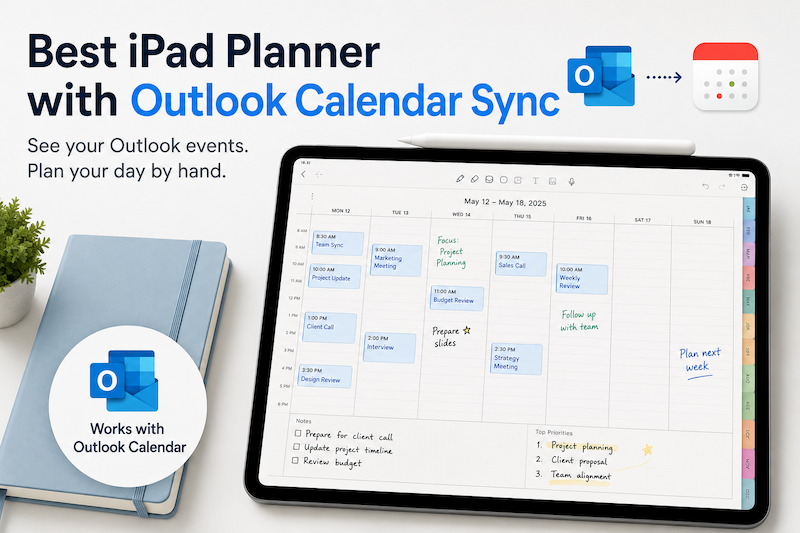
Best iPad Planner with Outlook Calendar Sync
If you use Outlook Calendar for work, school, or personal scheduling, you probably already have most of your important events in one place. Meetings, deadlines, classes, appointments, calls, reminders — Outlook is excellent for keeping track of structured events. But when it comes to planning your day visually, Outlook can feel a little too rigid. That is where an iPad planner can be useful. With the right iPad planner app, you can see your Outlook calendar events and use Apple…
-
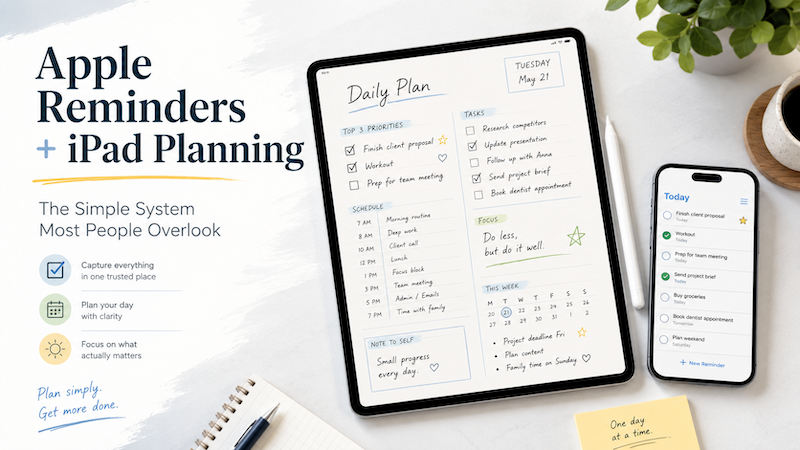
Apple Reminders and iPad Planning: The Simple System Most People Overlook
Apple Reminders is one of the most underrated productivity tools on the iPad. It is simple, fast, already installed, and works naturally across iPhone, iPad, Mac, Apple Watch, and Siri. You can capture a task the moment it appears in your head. You can set dates, repeat tasks, organize lists, and get notifications. And yet, for many people, Apple Reminders alone is not enough. The problem is not that Apple Reminders is bad. The problem is that a reminder is…
-
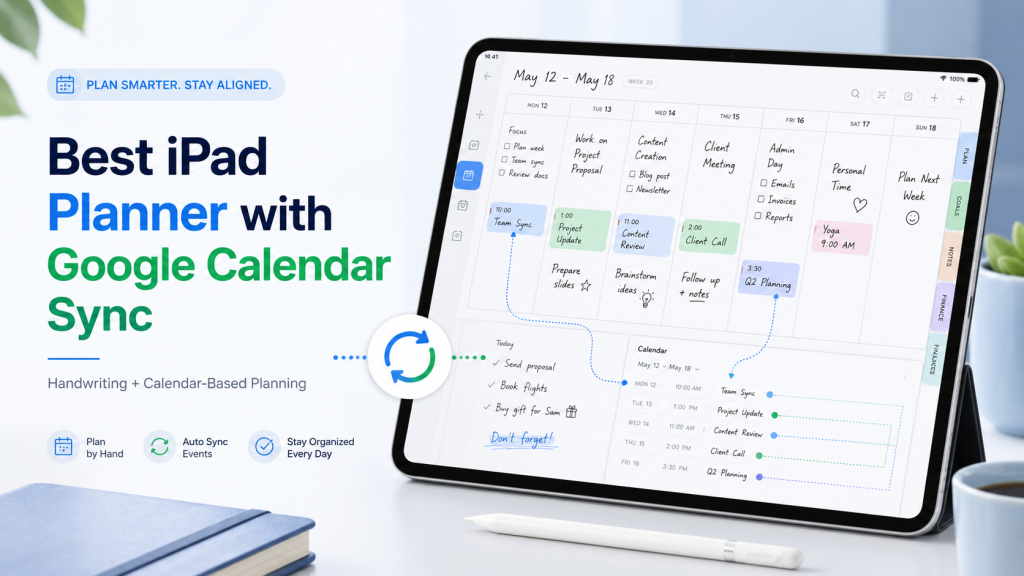
Best iPad Planner with Google Calendar Sync
Finding a good iPad planner is easy. Finding an iPad planner that works well with Google Calendar is much harder. There are hundreds of beautiful digital planners for iPad. Many of them look like paper planners. Some are sold as PDF templates for GoodNotes, Notability, or other note-taking apps. They can be great if all you want is a pretty place to write. But if you already use Google Calendar for meetings, classes, appointments, deadlines, or family schedules, a static…
-
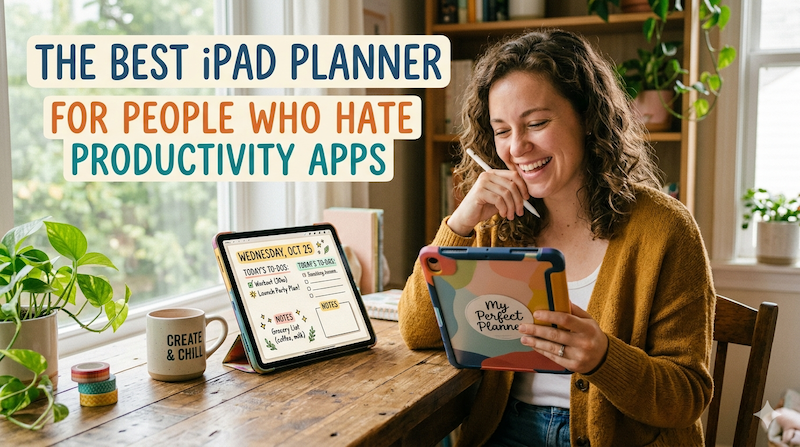
The Best iPad Planner for People Who Hate Productivity Apps
Productivity apps are supposed to make life easier. But somehow, many of them end up doing the opposite. You open one app to check your tasks. Another app for your calendar. Another one for notes. Another for habit tracking. Then there are tags, databases, dashboards, automations, templates, widgets, integrations, and weekly review systems that somehow require their own weekly review. At some point, you are no longer planning your day. You are maintaining a productivity machine. And honestly? Not everyone…
-
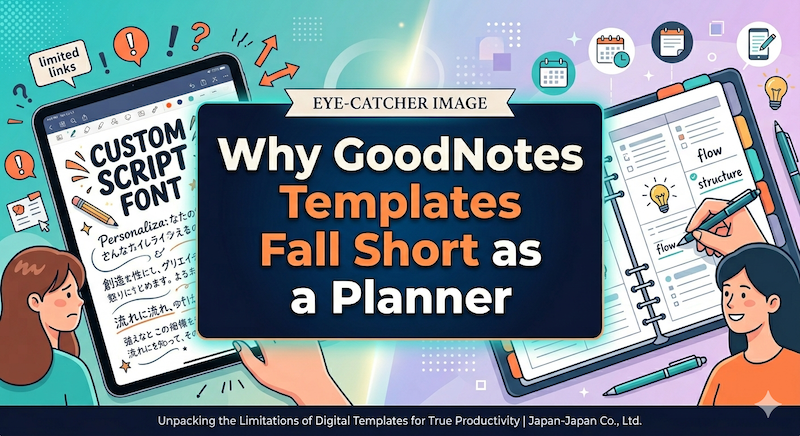
Why GoodNotes Templates Fall Short as a Planner
GoodNotes is a great note-taking app. A PDF planner inside GoodNotes is something else — a workaround that asks you to do work the software should be doing. Here’s where the template approach quietly breaks down, and why it matters more than the Etsy previews suggest. Full disclosure before we begin: I’m Takeya. I make Planner for iPad, so I have an obvious stake in this comparison. I’m going to try to be fair anyway, because the honest version of…