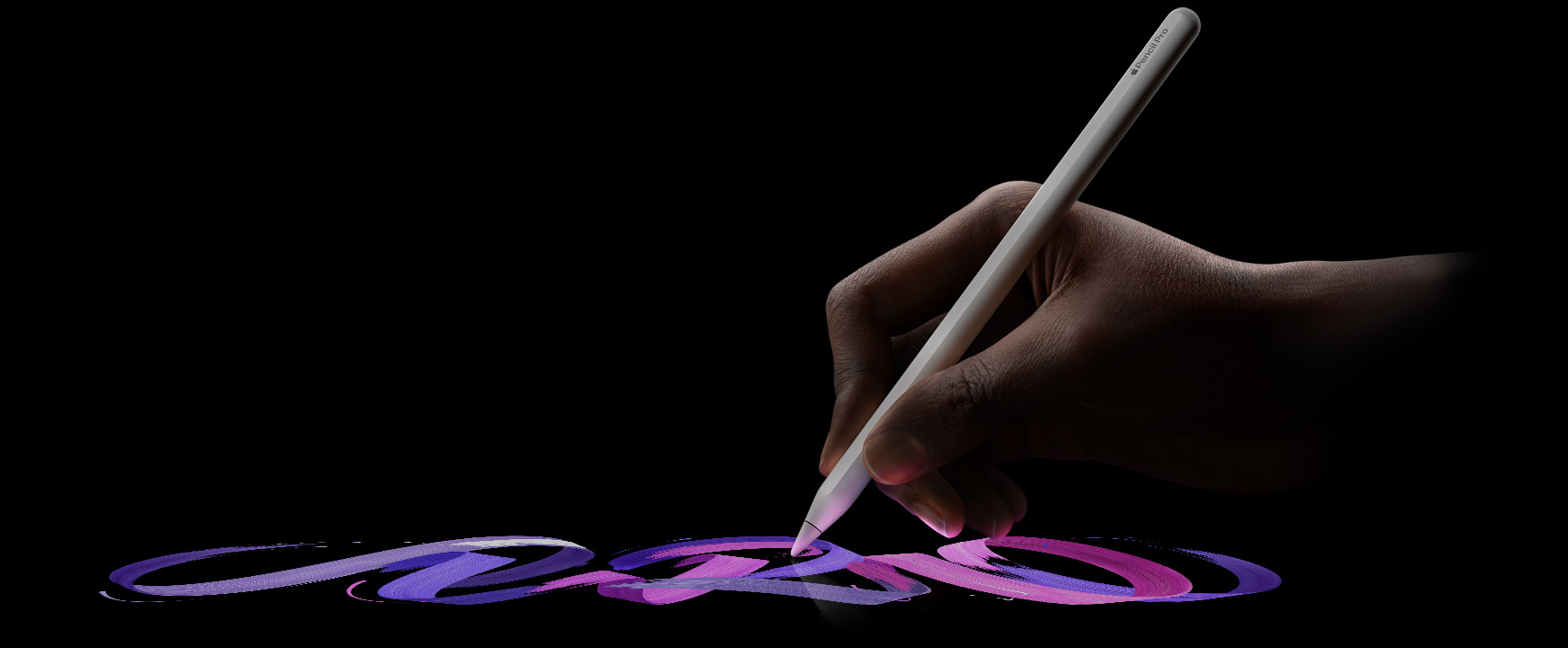
There’s a moment — maybe you’ve felt it — when a piece of technology stops feeling like technology. It just becomes an extension of you. For me, that moment came the first time I drew a line with the Apple Pencil on an iPad screen.
It wasn’t dramatic. I wasn’t sketching a masterpiece or annotating some important document. I was just writing. A word, then a sentence, then a whole page of messy, sprawling thoughts in my own handwriting. And something clicked.
That feeling is why Planner for iPad exists.
Before Apple Pencil: The Dark Ages of Styluses
If you’re old enough to remember using a stylus on a tablet before 2015, you probably remember the frustration more than anything else. Those early styluses — the ones with fat rubber tips, the ones that came with resistive-screen PDAs and early tablets — were exercises in disappointment.
You’d press the tip to the screen and wait. There was always a delay, sometimes subtle, sometimes unbearable. The line would appear a centimeter away from where you expected it. The pressure was either on or off — no nuance, no variation, just a flat, lifeless stroke. Your handwriting, which looked perfectly fine on paper, turned into something barely recognizable on screen. It felt like trying to sign your name wearing oven mitts.
And the worst part? The experience taught an entire generation that “writing on a screen” was inherently inferior. People tried it, hated it, and went back to paper or keyboards. The stylus became a joke — Steve Jobs himself famously dismissed it. The consensus was clear: touchscreens were for fingers, not pens.
So when Apple announced the Apple Pencil alongside the iPad Pro in 2015, the skepticism was understandable. Another stylus? Hadn’t we already decided those don’t work?
Then you picked it up. And within seconds, every memory of those clumsy rubber-tipped sticks evaporated. The latency was gone. The precision was startling — you could write in your natural, small handwriting and every stroke landed exactly where your hand put it. Pressure mattered again. Tilt mattered. The line thickened when you pressed harder and thinned when you lightened up, just like a real pen. It wasn’t an approximation of writing. It was writing.
That gap — between everything that came before and the Apple Pencil — wasn’t incremental. It was a leap across a canyon.
The Pen That Thinks With You
What makes the Apple Pencil special isn’t just the specs — the tilt sensitivity, the pressure detection, the imperceptible latency. Those things matter, but they’re not the thing. The thing is what happens in your head when you pick it up.
When you type on a keyboard, there’s a layer of translation between your thoughts and the screen. You think a word, your fingers find the keys, letters appear in a uniform font. It works. It’s efficient. But it’s not yours.
When you write with the Apple Pencil, your thoughts arrive on the screen the way they left your brain — imperfect, human, alive. Your letters slant the way they’ve always slanted. Your circles aren’t quite round. Your exclamation marks are a little too enthusiastic. And somehow, that imperfection makes everything feel more real.
I’ve watched people pick up an Apple Pencil for the first time. There’s always a pause — a brief moment of surprise — when they realize the gap between intention and result has nearly vanished. The glass doesn’t feel like glass anymore. The pixels don’t feel like pixels. It just feels like writing.
Why Handwriting Still Matters
We live in a world optimized for typing. Our calendars are digital grids. Our to-do lists are checkboxes in an app. Our notes are searchable, sortable, and completely forgettable.
There’s plenty of research suggesting that handwriting engages the brain differently than typing. When you write something by hand, you process it more deeply. You remember it better. You think about it more carefully, because the act of forming each letter forces you to slow down just enough to actually consider what you’re putting on the page.
This isn’t nostalgia — it’s neuroscience. And the Apple Pencil is the first digital tool that truly captures this advantage without asking you to give up the convenience of digital.
You get handwriting’s cognitive benefits and the ability to sync, search, undo, and carry your entire notebook in a device that weighs less than a magazine.
The Spark Behind Planner for iPad
When I first experienced the Apple Pencil, I was genuinely moved. Not in an abstract, “this is cool technology” way — in a visceral, “this changes what’s possible” way.
I started thinking about planning. Real planning — the kind people do in paper planners. The kind where you flip to today’s page, scribble a meeting time in the margin, draw an arrow connecting Tuesday’s deadline to Thursday’s follow-up, doodle a star next to the thing you absolutely cannot forget.
Paper planners have survived the digital revolution for a reason. They feel good to use. There’s a reason the paper planner market keeps growing even as everyone carries a supercomputer in their pocket. The physical act of writing your plans by hand creates a sense of ownership and commitment that tapping a screen simply doesn’t match.
But paper planners have real limitations. They don’t sync with your calendar. They can’t send you reminders. You can’t undo a mistake without whiteout. And if you lose one, months of planning vanish.
I wanted to build the thing that sits in that gap — a planner that feels as natural and personal as paper, but lives in the digital world where your calendar, your reminders, and your entire life already exist.
That’s Planner for iPad. You open it, you pick up your Apple Pencil, and you plan — the way your hand wants to, the way your brain works best. Your Apple Calendar is right there, synced and visible. Your handwriting is right there on top of it. No compromise.
What the Apple Pencil Taught Me About Tools
The best tools disappear. You don’t think about a good pen — you think with it. The Apple Pencil is one of the rare digital tools that achieves this.
And that’s the design principle I keep coming back to when working on Planner for iPad: get out of the way. Don’t make people learn a complicated interface. Don’t drown them in features. Give them a page, give them a pencil, and let their hand do what it’s done since they were five years old — write, draw, think.
The Apple Pencil didn’t just inspire me to build an app. It taught me what a good app should feel like: invisible, natural, and entirely yours.
Planner for iPad is a digital planner built for Apple Pencil, with Apple Calendar sync, handwriting, stickers, and templates. Available on the App Store.