planner
-
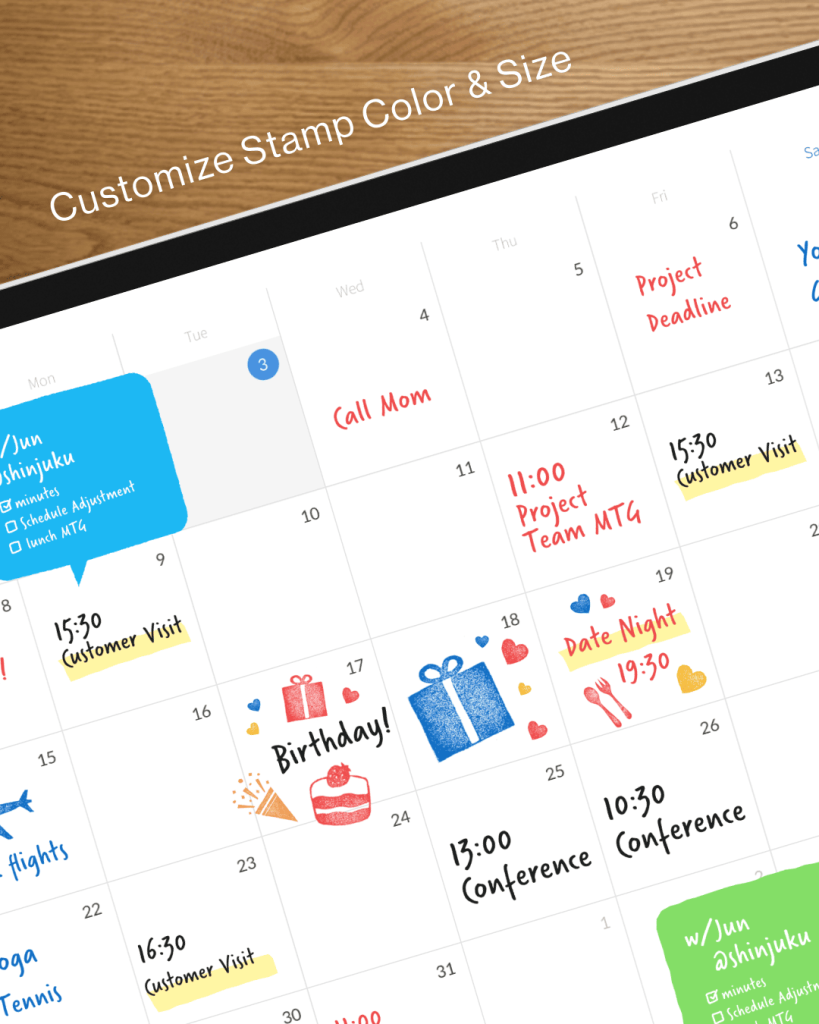
How to Start Digital Planning on iPad — A Beginner’s Guide (2026)
You just got an iPad. Or maybe you’ve had one for years but only used it to watch videos. Either way, here’s how to turn it into the planner you’ll actually open every day. There’s a moment that happens to almost everyone who tries digital planning on iPad for the first time. You pick up the Apple Pencil, write a to-do list on the screen, and something clicks. It feels like paper — but better, because you can undo mistakes,…
-
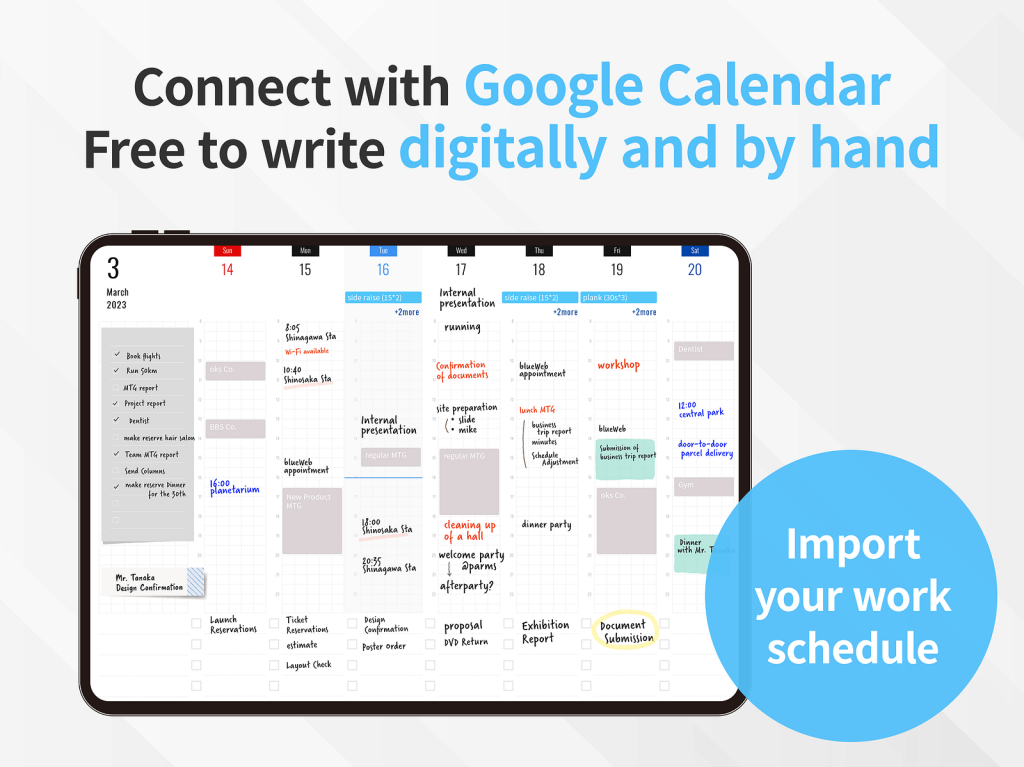
How to Sync Google Calendar with Your iPad Planner
You use Google Calendar for everything. Now here’s how to get those events into the planner you actually write in. Google Calendar is the default for millions of people — for work schedules, shared family calendars, and everything in between. But if you plan your day by hand on an iPad with Apple Pencil, you’ve probably hit the same wall: your calendar lives in one app, and your planner lives in another. The result is double-entry. You check Google Calendar,…
-
Best iPad Planner Apps with Calendar Sync (2026)
Your schedule changes constantly. Your planner should keep up. Here are the best iPad planner apps that sync with your calendar — so you never have to copy events by hand again. The biggest frustration with digital planning on iPad is the double-entry problem. You open your planner to map out the week, then switch to your calendar app to check what’s already scheduled, then switch back to write it all in. By the time you’re done, a new meeting…
-
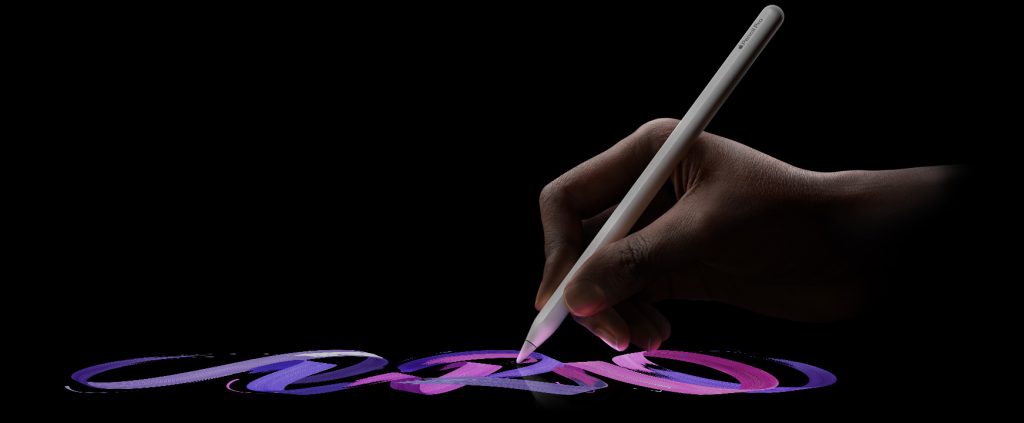
The Apple Pencil Changed How I Think About Planning — So I Built an App Around It
There’s a moment — maybe you’ve felt it — when a piece of technology stops feeling like technology. It just becomes an extension of you. For me, that moment came the first time I drew a line with the Apple Pencil on an iPad screen. It wasn’t dramatic. I wasn’t sketching a masterpiece or annotating some important document. I was just writing. A word, then a sentence, then a whole page of messy, sprawling thoughts in my own handwriting. And…
-
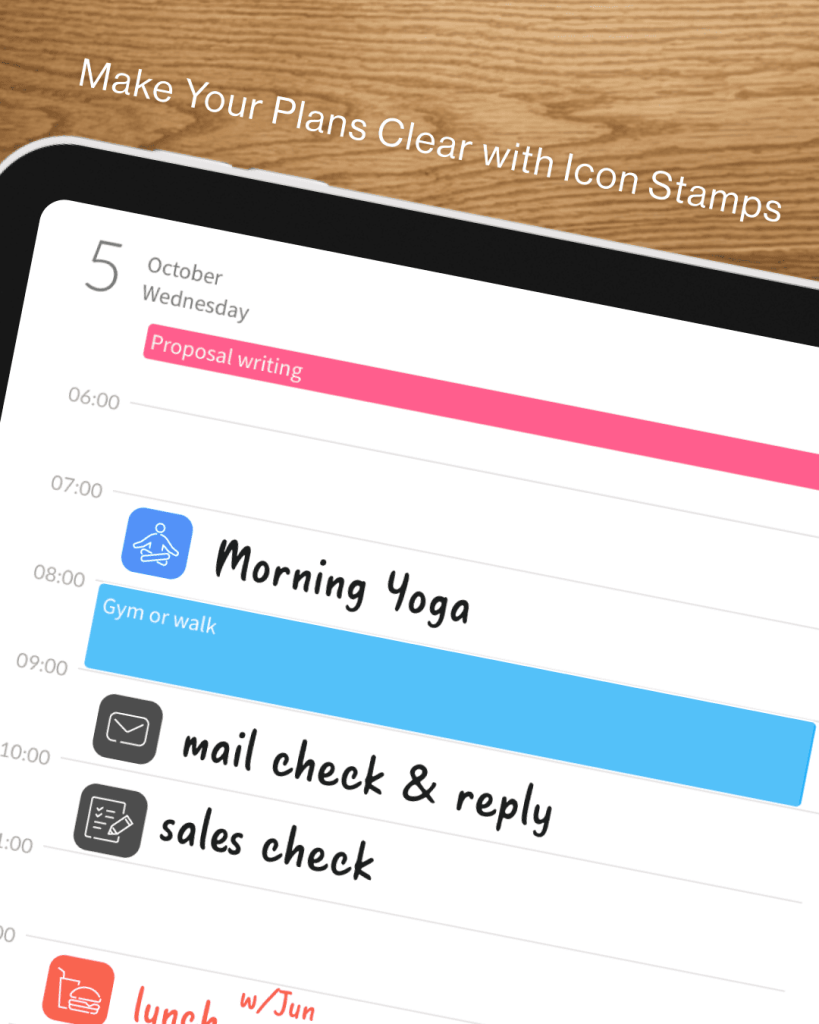
How Students Can Make the Most of Their iPad
Your iPad isn’t just a screen — it’s your entire campus toolkit. Here’s how to unlock its full potential. Most students buy an iPad thinking it’ll replace a few textbooks. Within a week, it becomes a Netflix machine. Sound familiar? The truth is, the iPad is one of the most powerful tools a student can own — if you know how to use it right. Whether you’re in high school, college, or grad school, here are the smartest ways to…
-

Why I Still Handwrite My Plans in a World of Digital Calendars
There’s a moment every Sunday evening when I open my planner and sketch out the week ahead. Not type. Not tap. Sketch. And in that ten-minute ritual, something happens that no calendar app has ever replicated: I actually think about my week before it starts. This isn’t nostalgia. It’s neuroscience, workflow design, and — if I’m being honest — self-defense against the attention economy. The Planning Trap Most of us confuse scheduling with planning. We drop events into Google Calendar,…
-
5 Ways to Go Digital with Your Planner — And Which One Actually Sticks
Digital planning is no longer a niche hobby. Between hybrid schedules, side projects, and the sheer volume of things modern life asks us to keep track of, millions of people are looking for something more flexible than a paper planner — but more personal than a standard calendar app. The problem? There are too many ways to do it, and each comes with real tradeoffs. This article breaks down the five most common approaches to digital planning in 2026, compares…
-
PDF Digital Planners vs. Planner for iPad: Which One Actually Works?
Digital planning has exploded in popularity. Open any iPad productivity community and you’ll find hundreds of people customizing their PDF planners in GoodNotes or Notability, decorating pages with stickers, and sharing their elaborate setups. It looks beautiful. But here’s the question nobody seems to ask: Is all that setup actually helping you get things done? As someone who’s spent years thinking about how people plan on iPad, I want to break down what’s really going on with PDF digital planners…
-
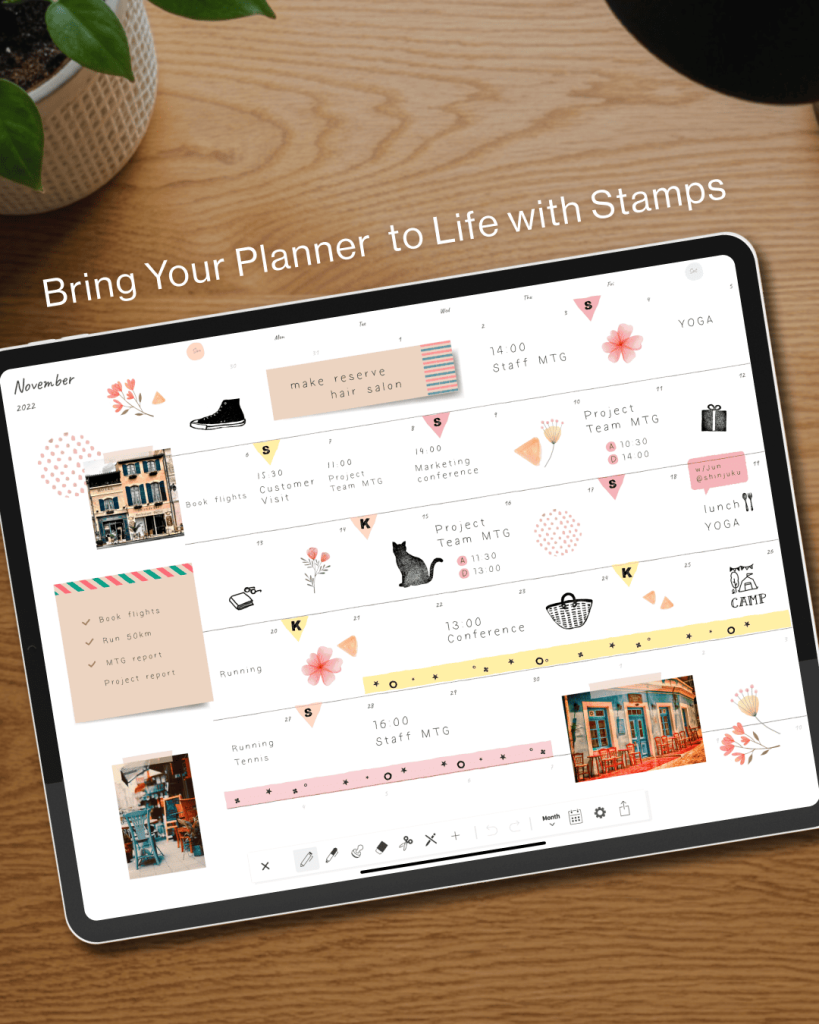
The Art of Planning: How Planner for iPad Brings Japan’s Techo Culture to the Digital World
There’s a quiet ritual that millions of people in Japan practice every day. They open a notebook — not a phone, not a laptop — and they write. They plan their week in careful handwriting, decorate margins with tiny stickers, and turn the simple act of scheduling into something almost meditative. This is techo culture, and it’s one of the most beautiful productivity traditions in the world.Planner for iPad was born from this tradition. What Is Techo Culture?Every autumn in…
-
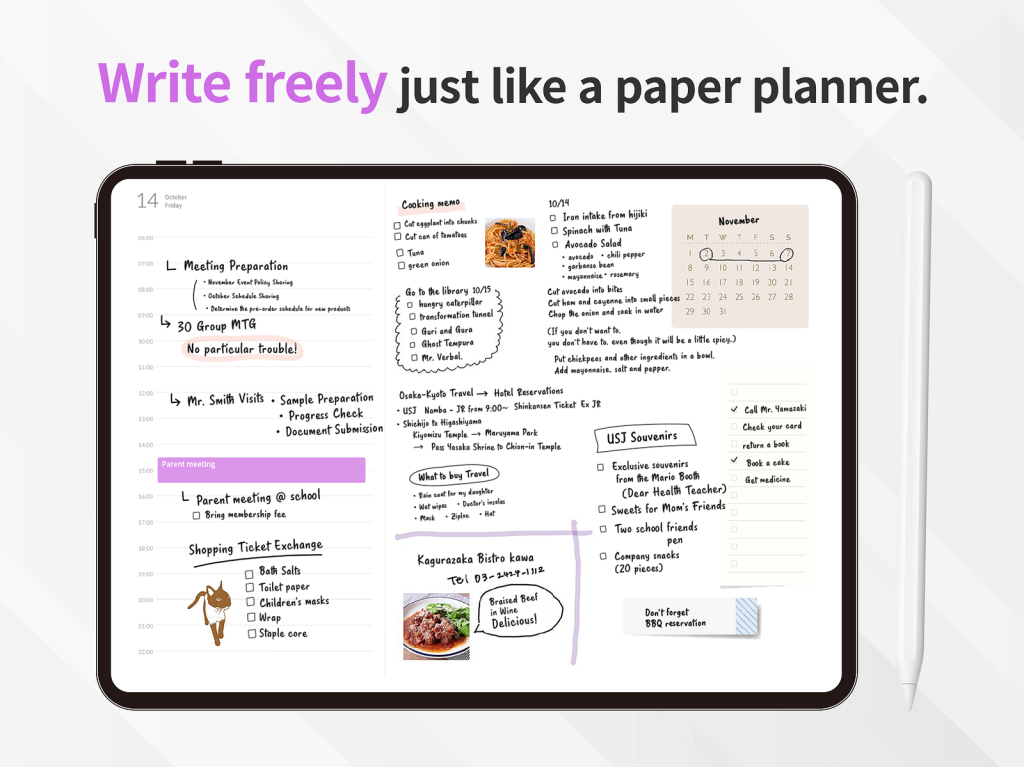
Meet Planner for iPad: The Digital Planner That Actually Talks to Your Calendar
If you’re reading this, chances are you already know the joy of planning by hand on an iPad. There’s something about putting Apple Pencil to screen — sketching out your week, scribbling goals in the margin, crossing things off with a satisfying stroke — that no keyboard-driven app can replicate. And you’ve probably tried the popular approach: download GoodNotes or Notability, buy a PDF planner template from Etsy, and start filling in the pages. It works. Sort of. But here’s…